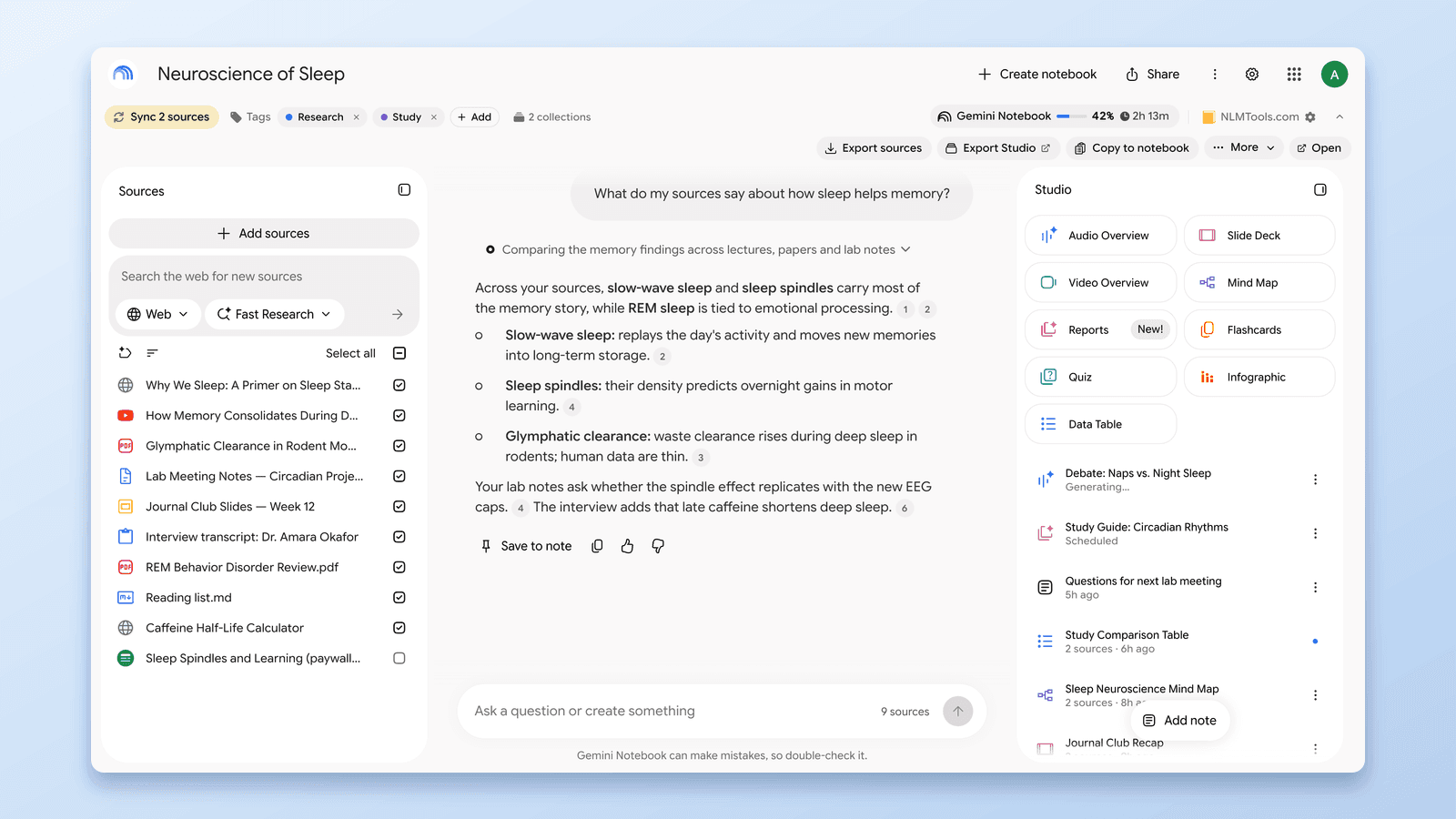
How to Group & Organize Notebooks in NotebookLM (Collections)
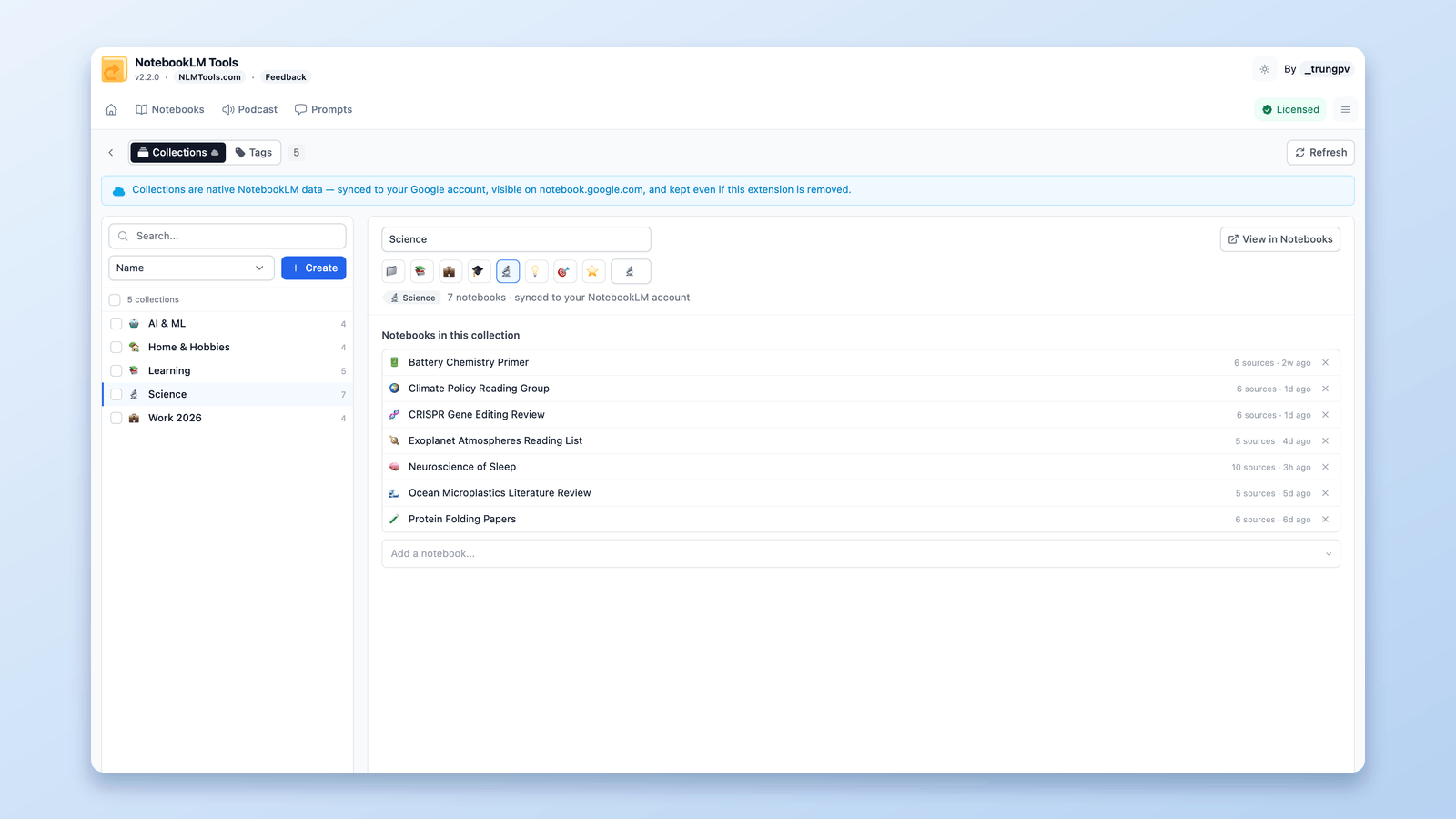
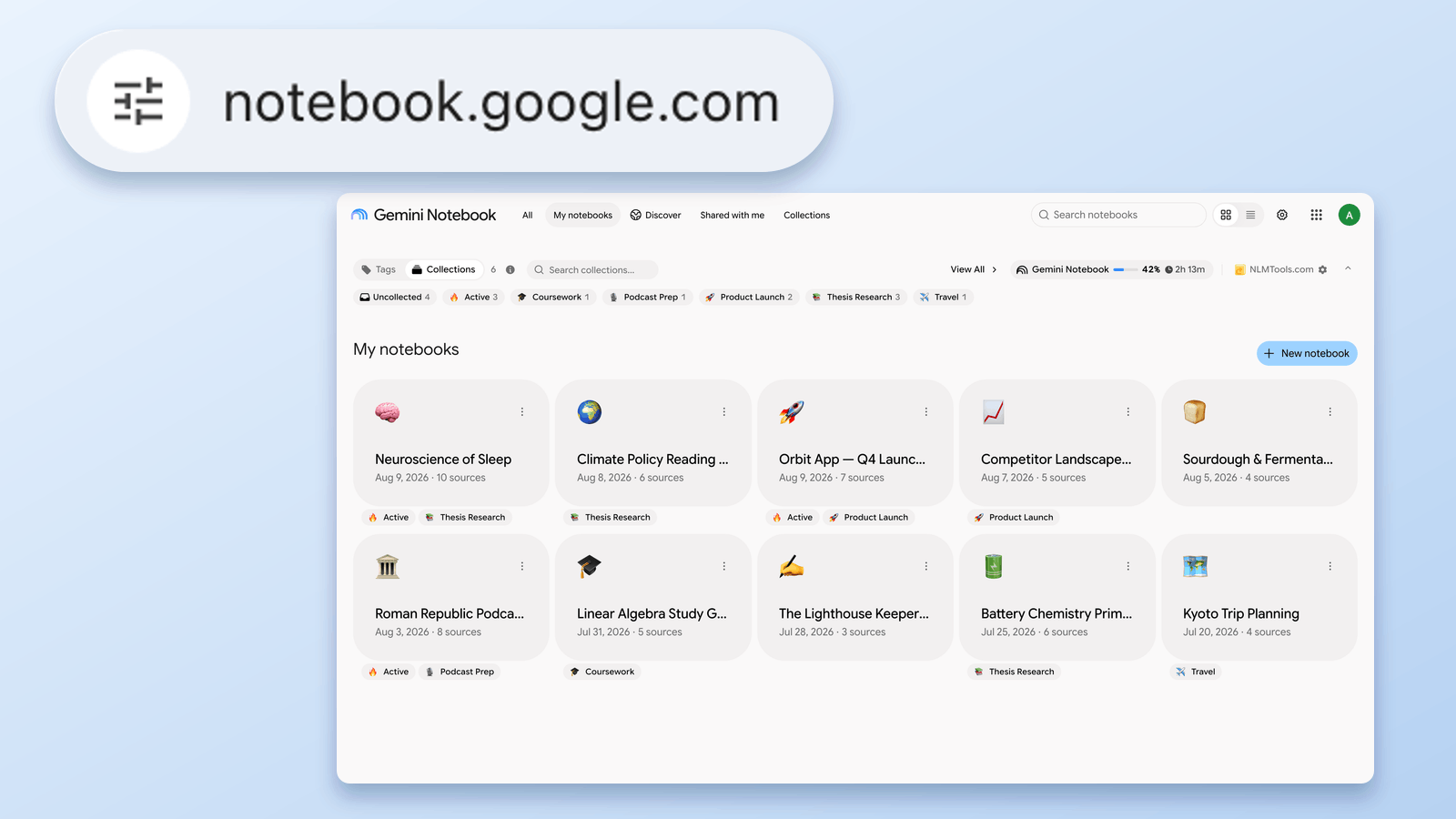
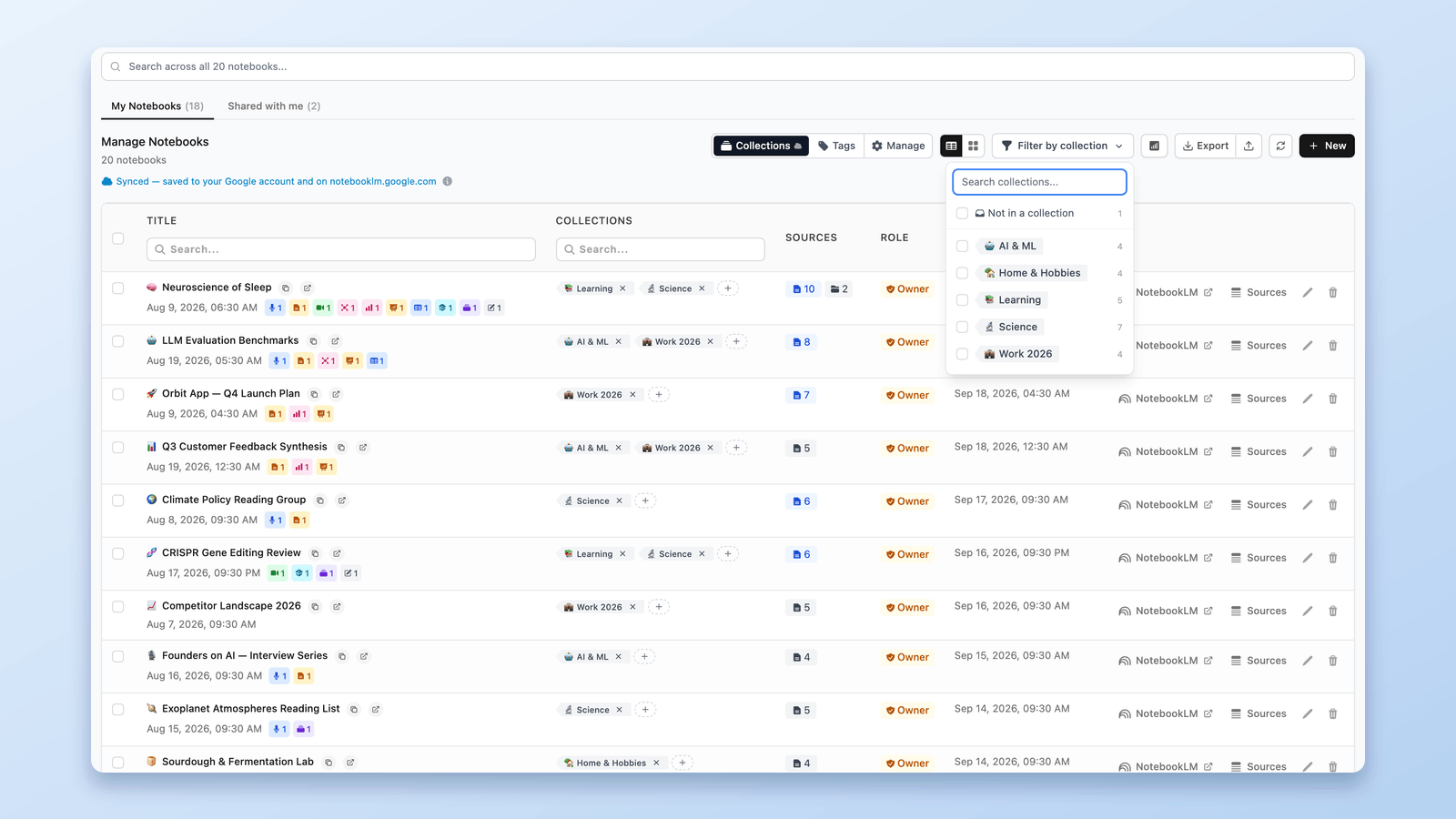
Yes, you can group notebooks in NotebookLM. Collections are native notebook folders synced to your Google account — create, bulk-assign, and filter in seconds.
Tips, tutorials, and updates for NotebookLM Tools users.
Practical guides to help you get the most out of NotebookLM (now called Gemini Notebook). From organizing notebooks with tags and folders to importing sources in bulk — learn workflows that save time every session.

Yes, you can group notebooks in NotebookLM. Collections are native notebook folders synced to your Google account — create, bulk-assign, and filter in seconds.

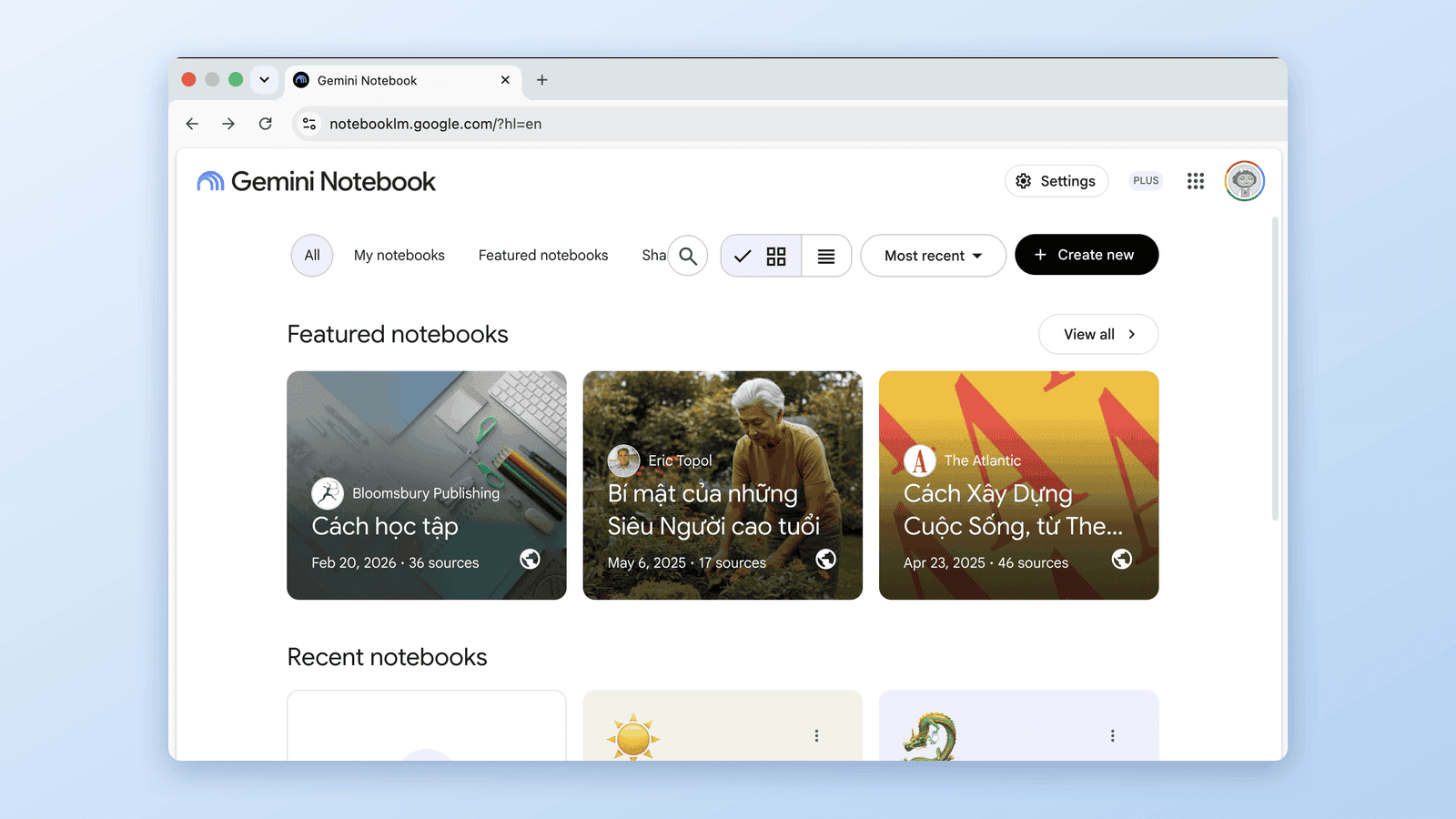
notebooklm.google.com now redirects to notebook.google.com. Is it legit, what changed, and what to update — verified August 1, 2026 against Google's own docs.

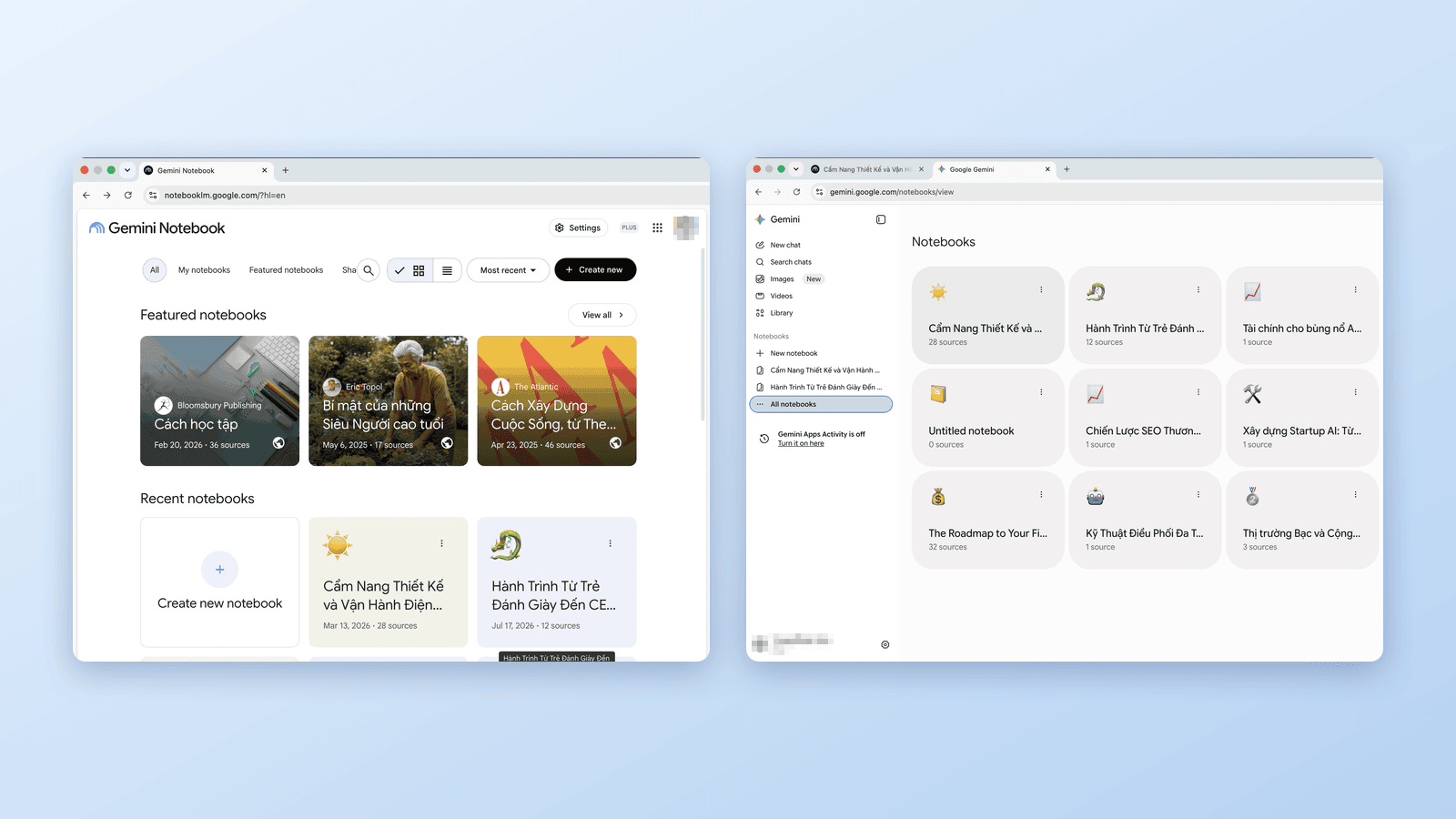
Google now has notebooks in three places: Gemini Notebook (ex-NotebookLM), the Gemini app, and soon Search. Which is which, how they sync, and which to use.
Source folders, saved prompts, dark mode, bulk import, and more. Free to use.
No signup. No account. Just install and go.
Already using it? View plans
Google renamed NotebookLM to Gemini Notebook on July 16, 2026. Same product, new code-execution powers — and, since late July, a second address at notebook.google.com. Here's exactly what changes for you.

Which NotebookLM Chrome extension should you install? The 9 biggest tools compared by real user counts — from 400k-user importers to all-in-one toolkits.

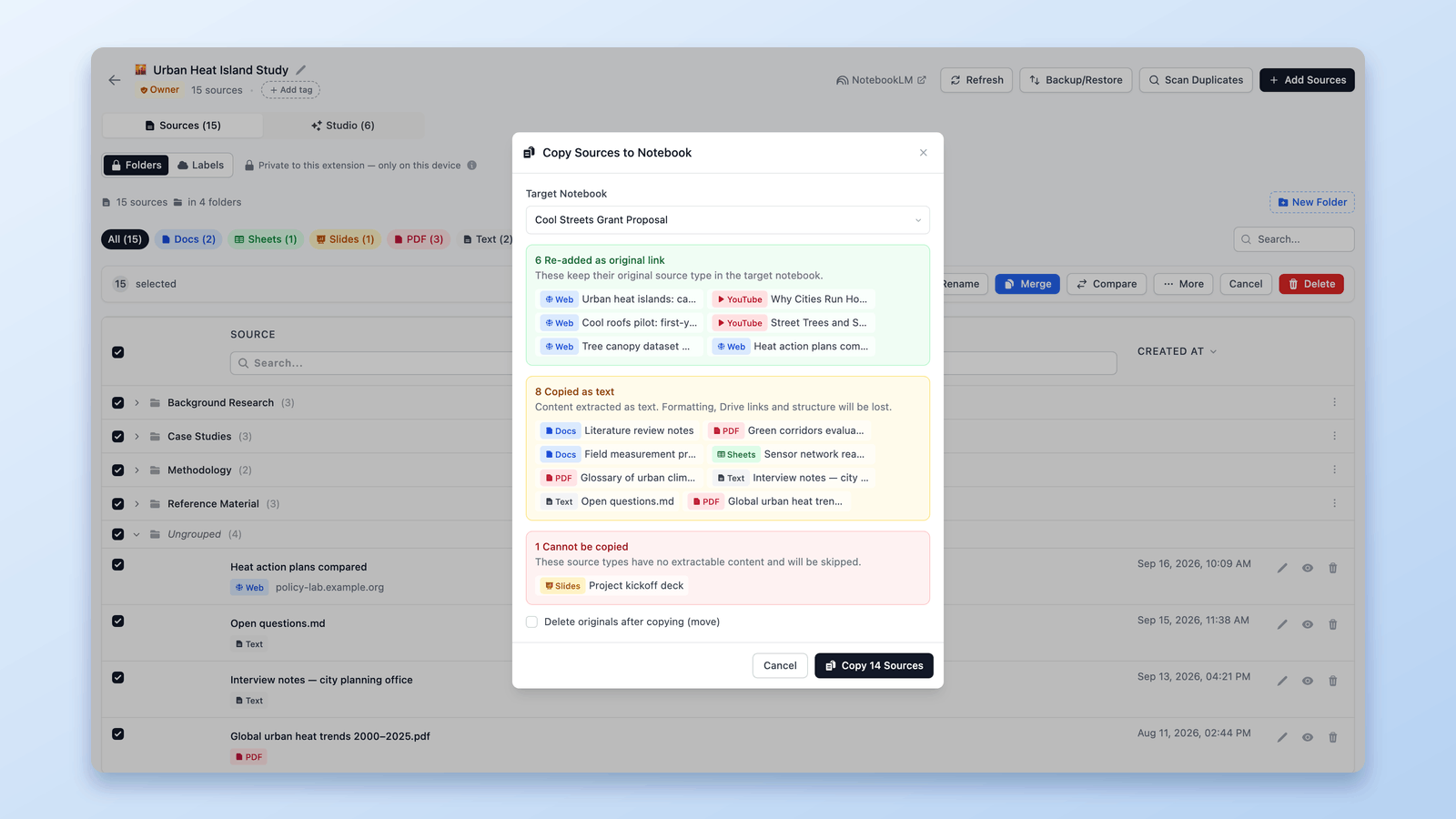
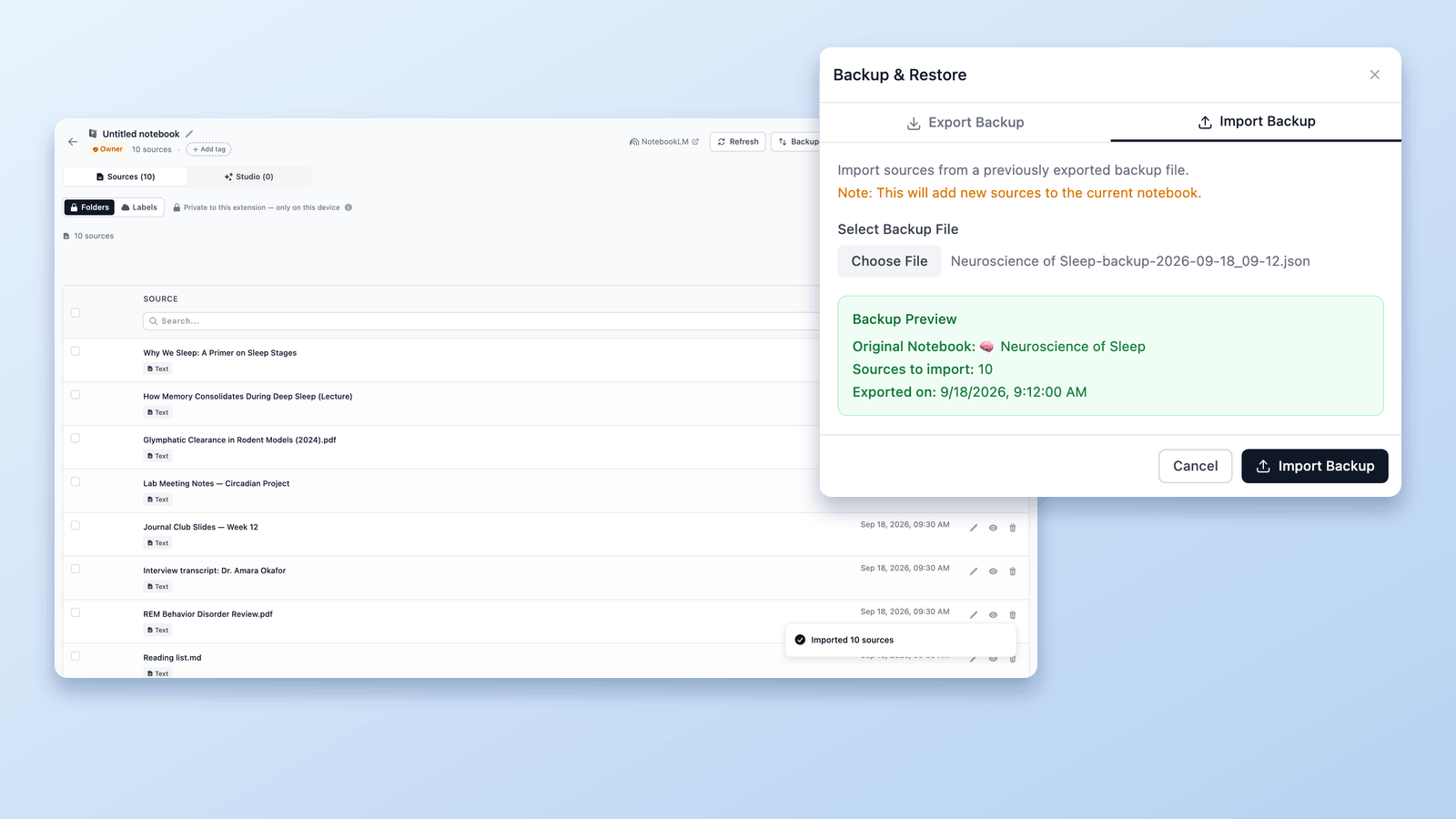
NotebookLM has no Duplicate button — but you can copy a notebook two ways: bulk-copy its sources into a new notebook, or export and re-import it with a free extension.

NotebookLM has no single 'Save as PDF' button. Here's how to get each part — slide decks, notes, reports, and sources — out of NotebookLM as a PDF, free.

The NotebookLM downloader guide: save Audio Overviews as MP3 — one at a time or all at once as ZIP — download Video Overviews as MP4, free, by link or in bulk.

NotebookLM auto-labels your sources at 5+. See how source labels work — and manage them in a table: make your own, bulk-tag, filter, and search.

Looking for a FolderLM alternative for NotebookLM? NotebookLM Tools covers folders plus saved prompts, cross-notebook search, and bulk import in a single extension.

Add the current browser tab to NotebookLM without copy-pasting the URL. Capture any webpage as a source using the NotebookLM Tools Chrome extension.

Yes, you can download sources from NotebookLM. Bulk-export every source — Drive docs, web pages, YouTube videos, uploads — to a backup file in one click, free.

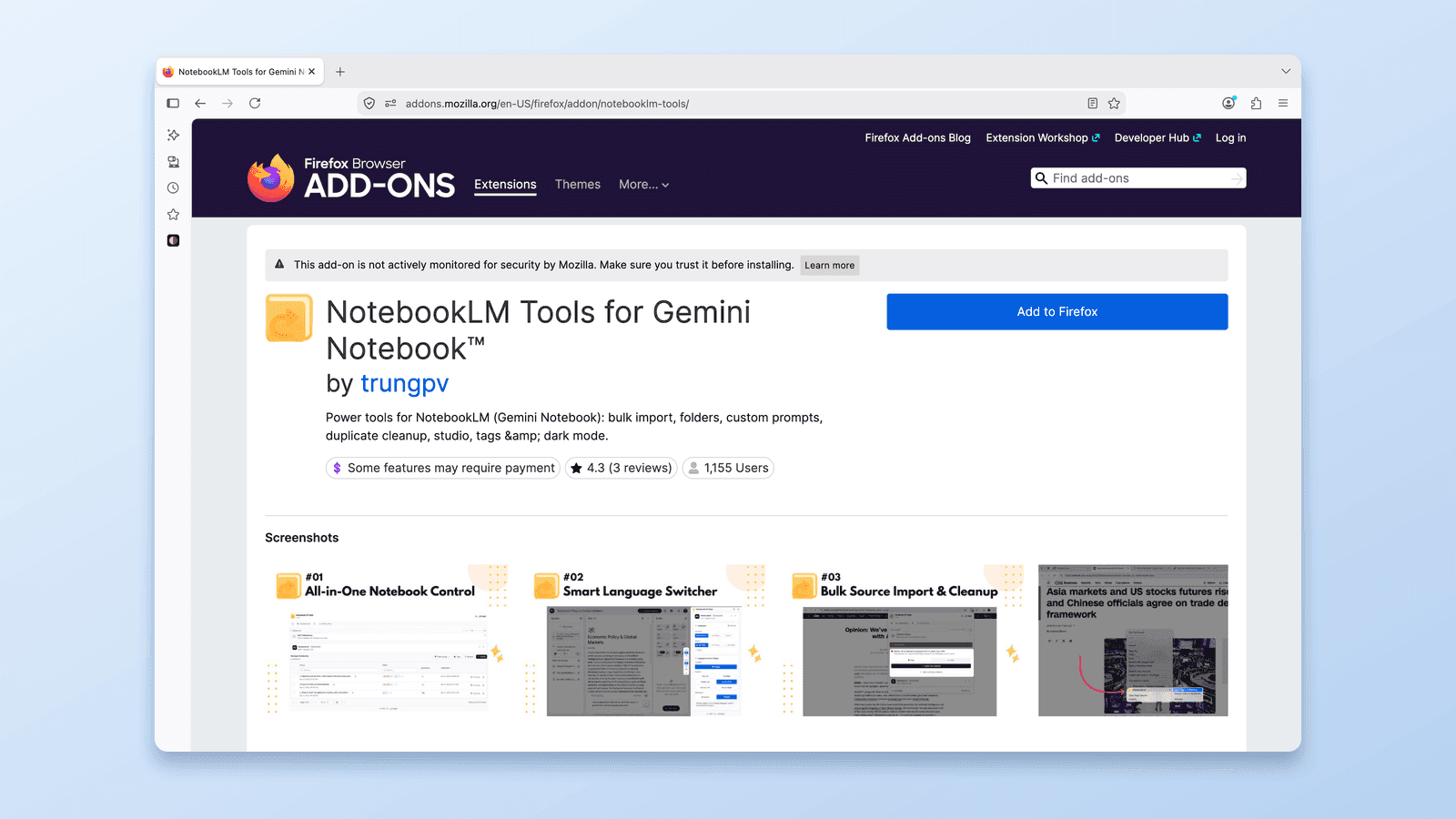
Install the NotebookLM Tools extension on Firefox from the official Mozilla Add-ons store. Same features as Chrome — source folders, bulk import, backup, and more.

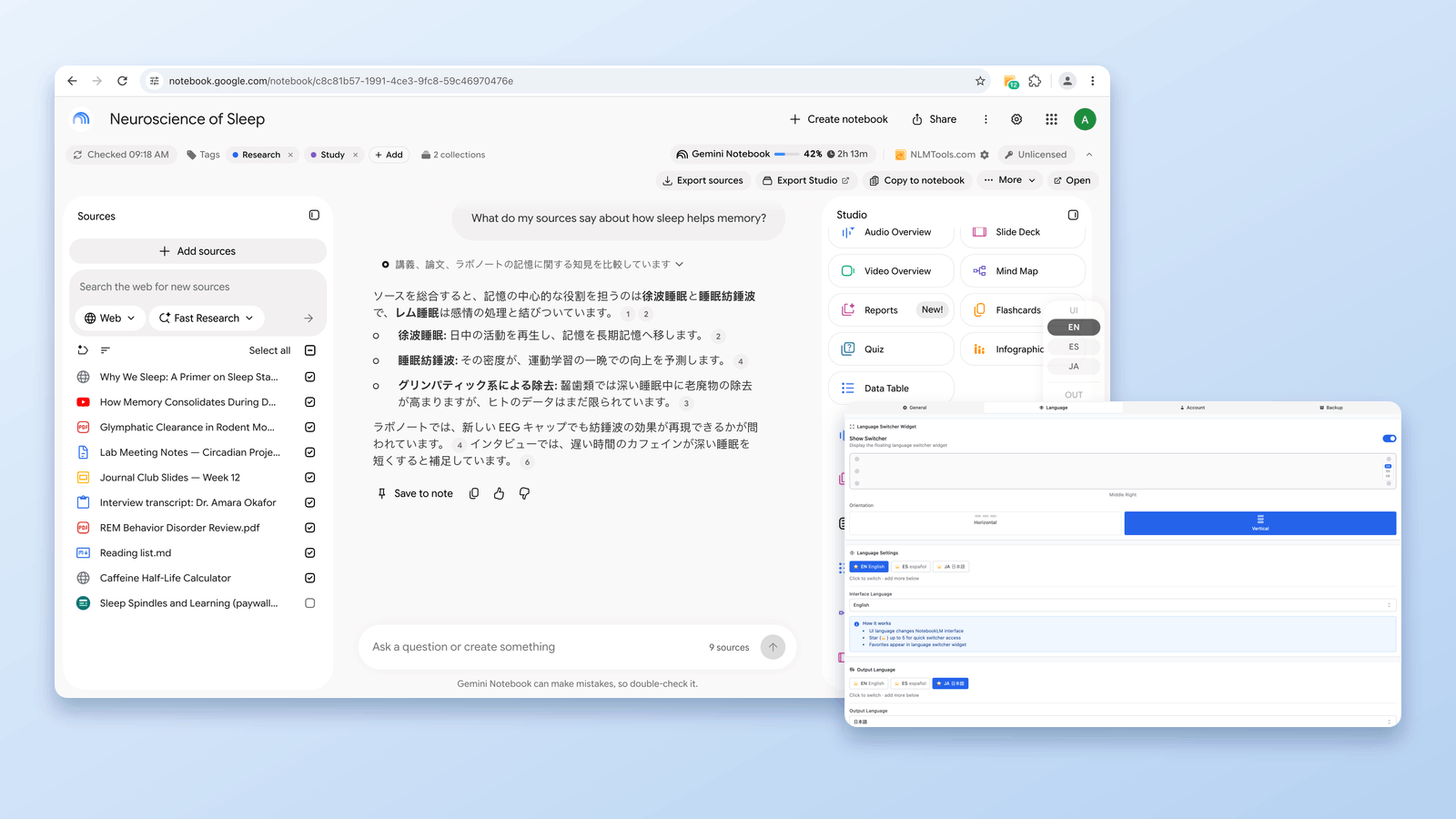
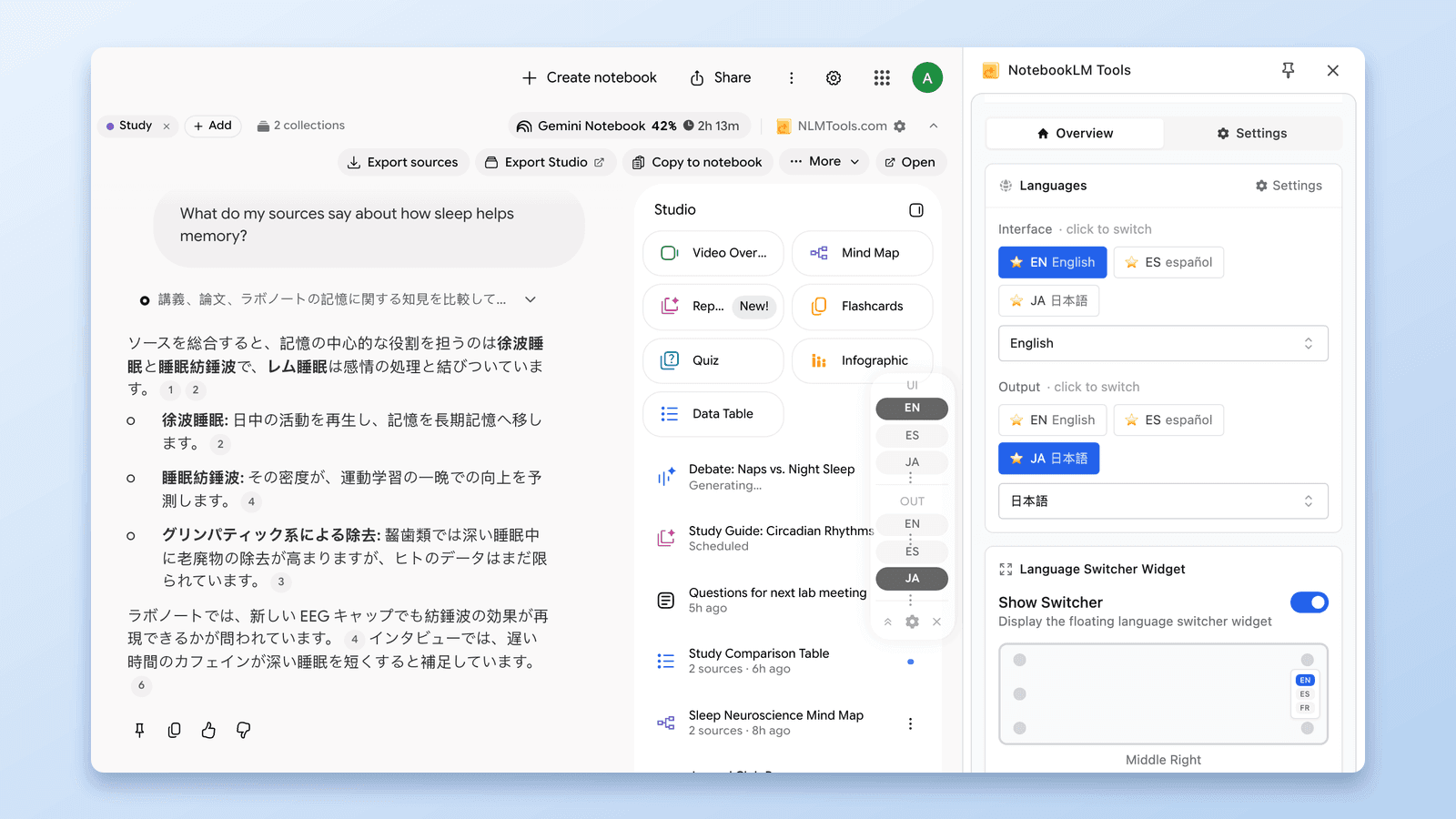
Change NotebookLM's output language across 80 options in one click — no account settings, no reload. The free NotebookLM Tools language switcher applies to your next response.

Not natively — but there's a workaround that works. Combine two or more NotebookLM notebooks by moving every source across in bulk with a free extension.

Accidentally deleted a NotebookLM notebook or source? Here's what's actually recoverable, what isn't, and how to set up backups so it never happens again.

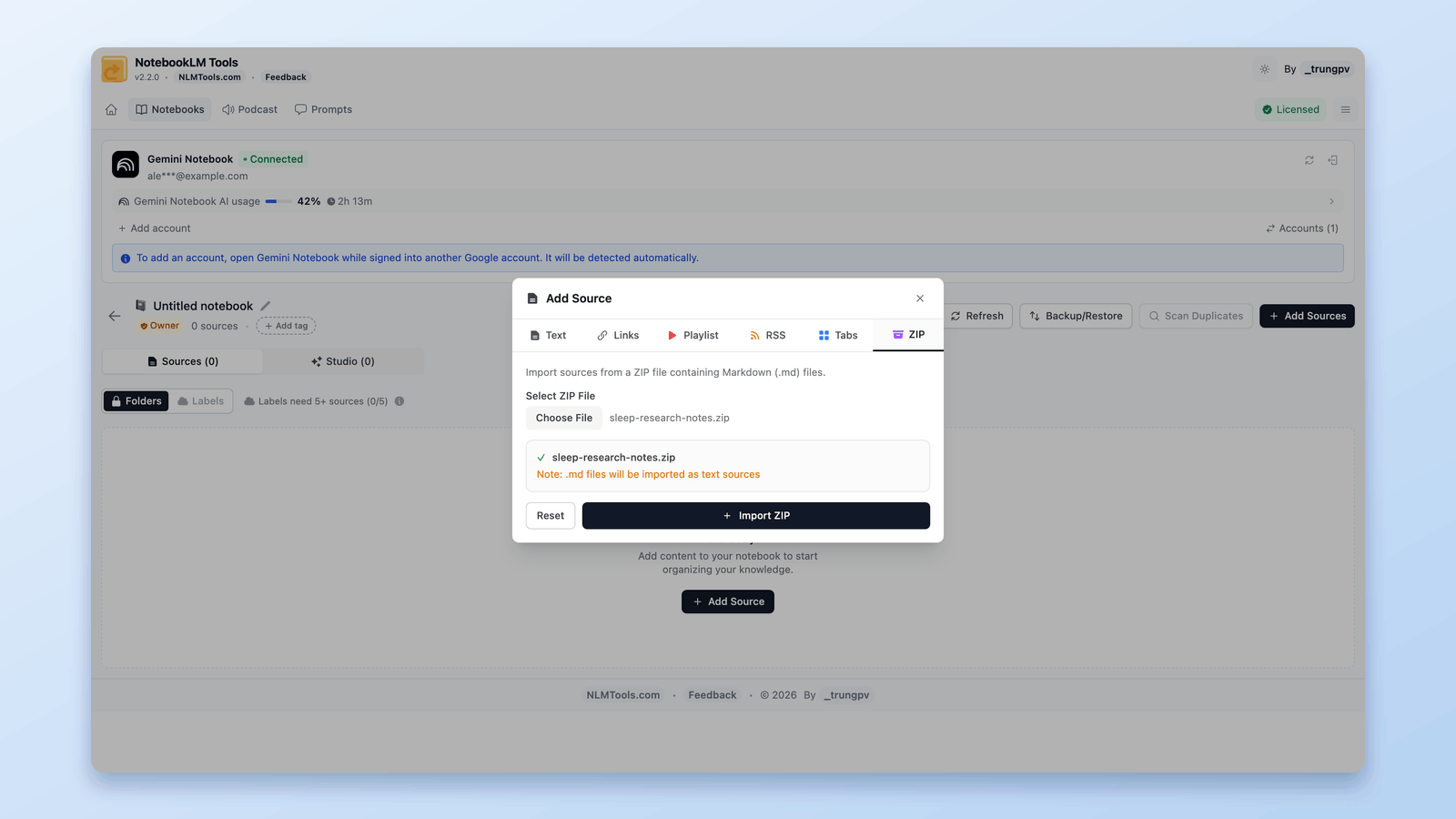
Yes — you can get a ZIP into NotebookLM. It won't read .zip natively, but a free Chrome extension extracts the archive in your browser and imports every Markdown file as a source.

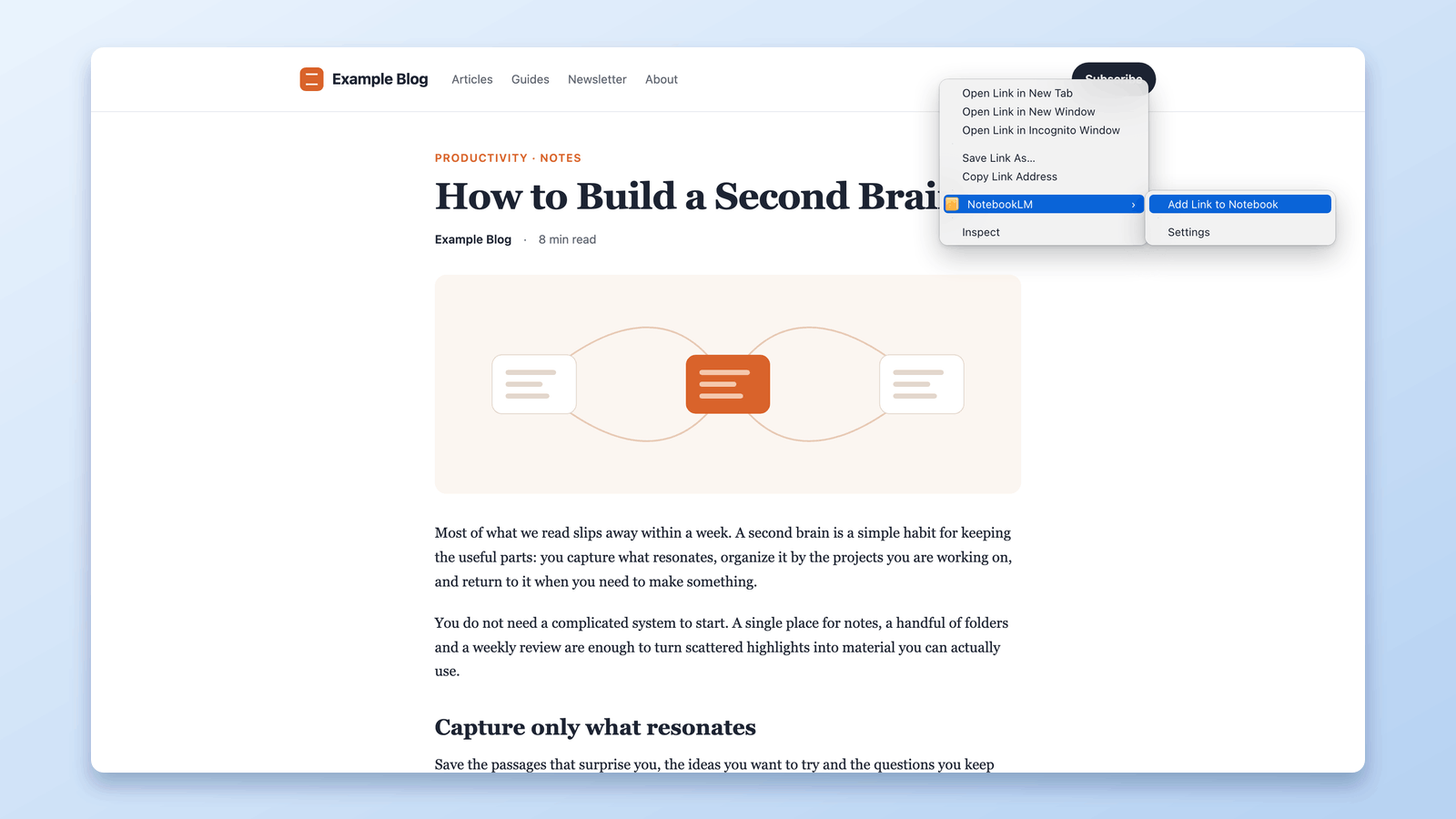
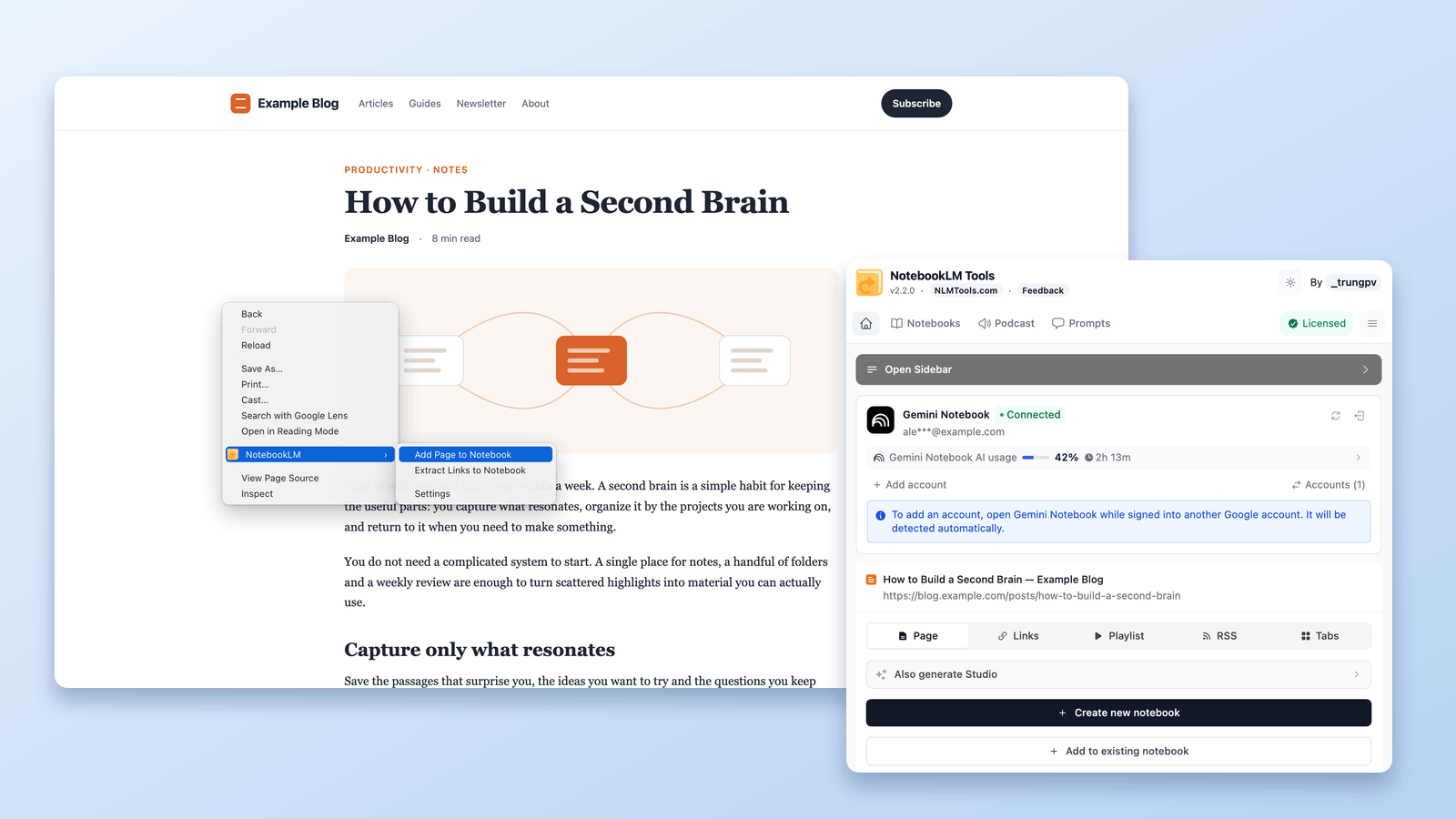
Import any web page into NotebookLM straight from a right-click. Seven context-menu actions capture pages, selections, and links as you browse — no copy-paste, no tab switching.

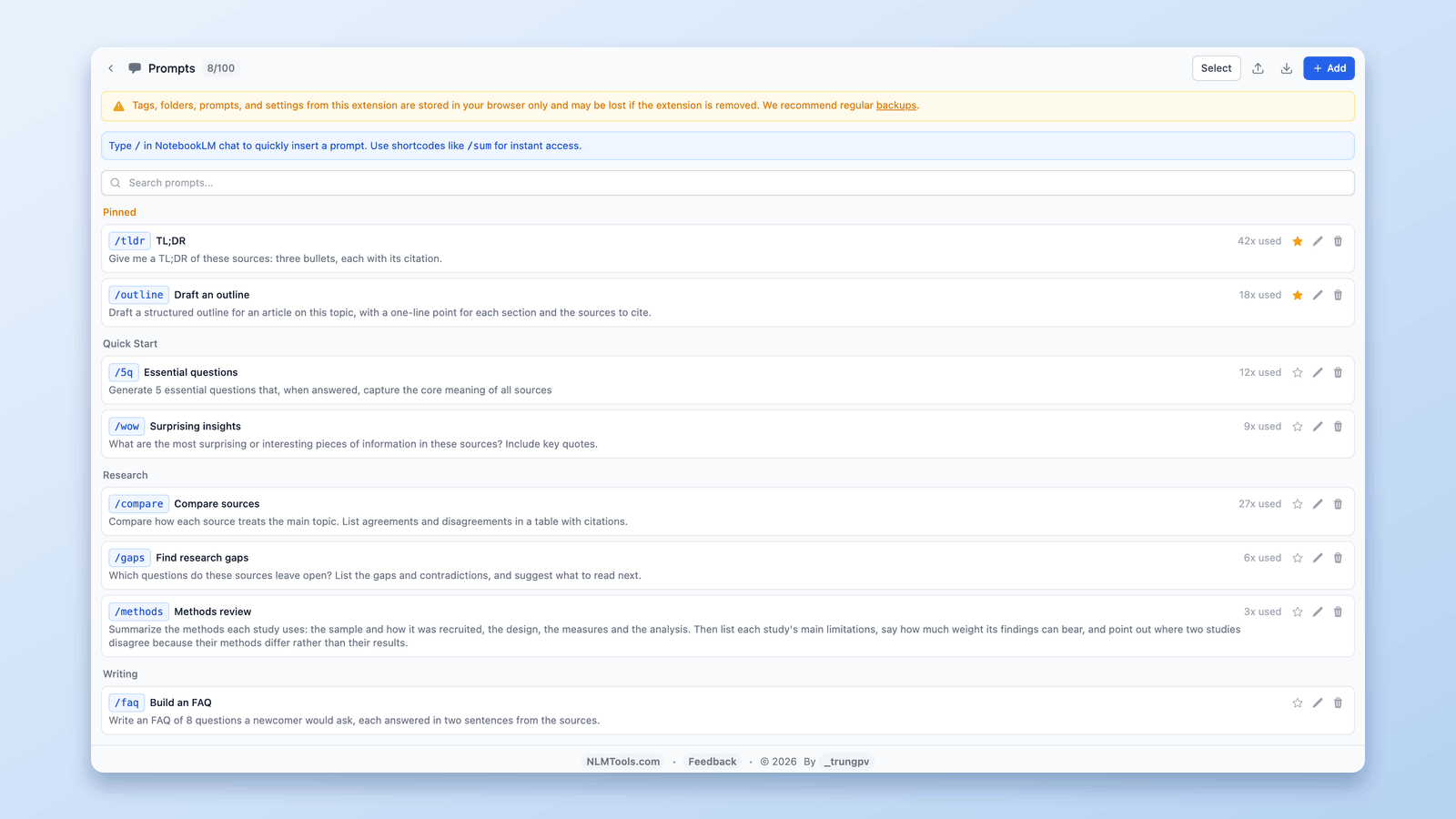
NotebookLM's custom instructions set one standing prompt per notebook. For a library of 100 reusable prompts with /slash commands, here's the free setup.

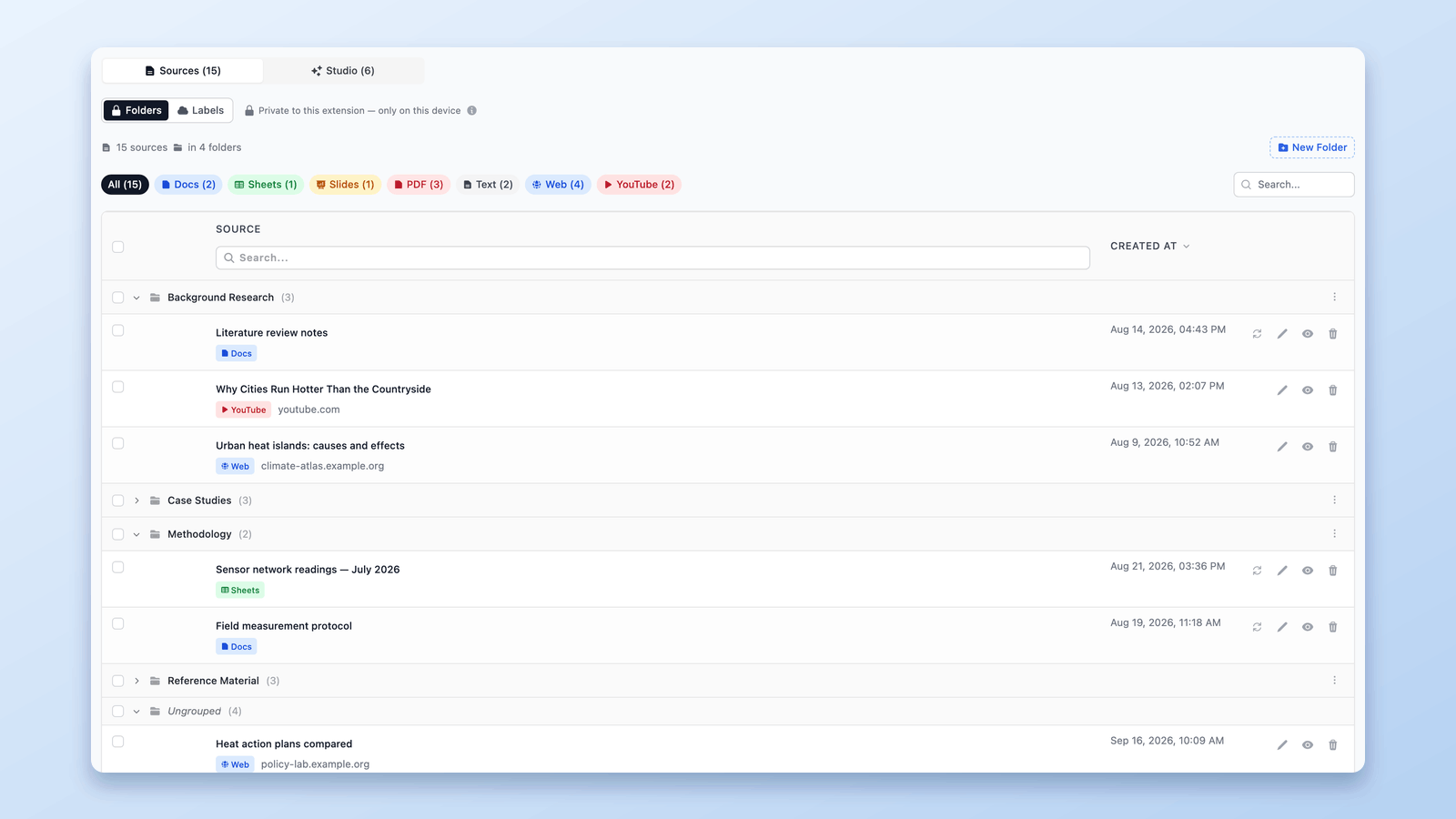
NotebookLM has no built-in folders, but you can add them in seconds. Create up to 50 drag-and-drop source folders per notebook with a free Chrome extension.

NotebookLM now auto-syncs Google Docs, Sheets & Slides. See what automatic Drive syncing misses — web pages, PDFs, uploads — and how to bulk-refresh those free.

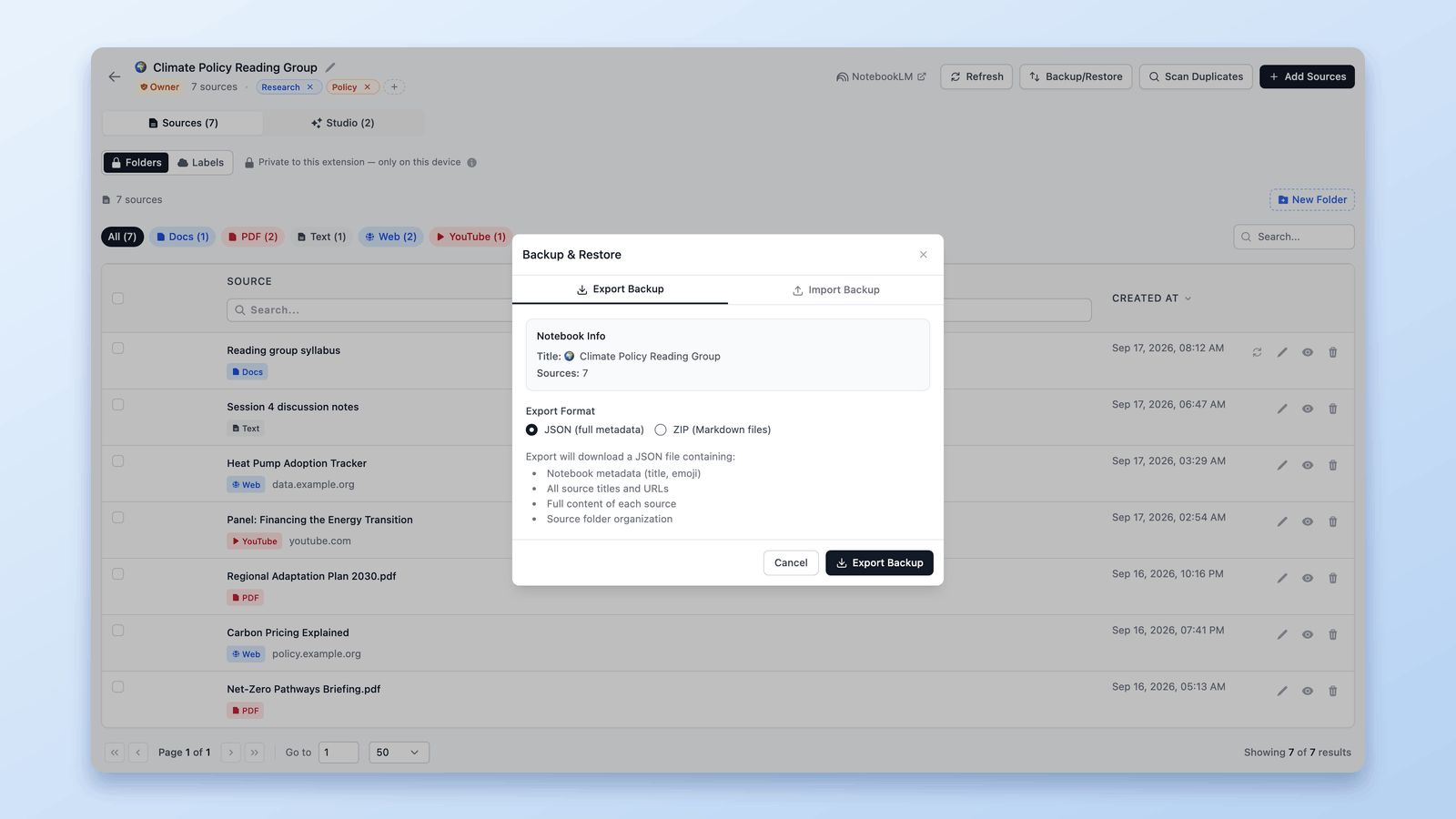
Learn how to backup and restore sources in NotebookLM for safe experimentation, faster iteration, and confident notebook management using NotebookLM Tools.

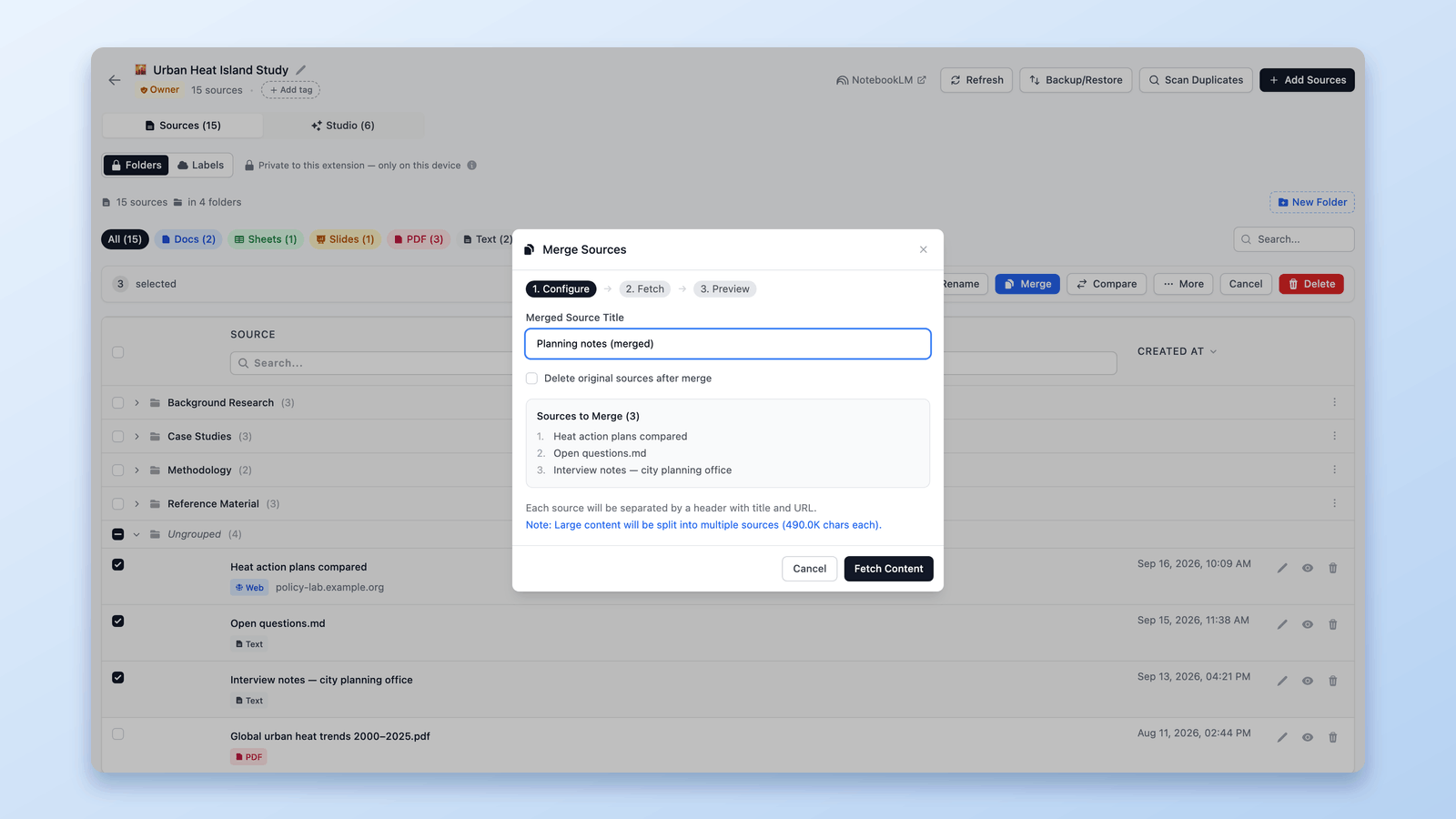
Merge related sources inside a NotebookLM notebook to cut duplication and give the AI cleaner context. Preview before you commit — free Chrome extension.

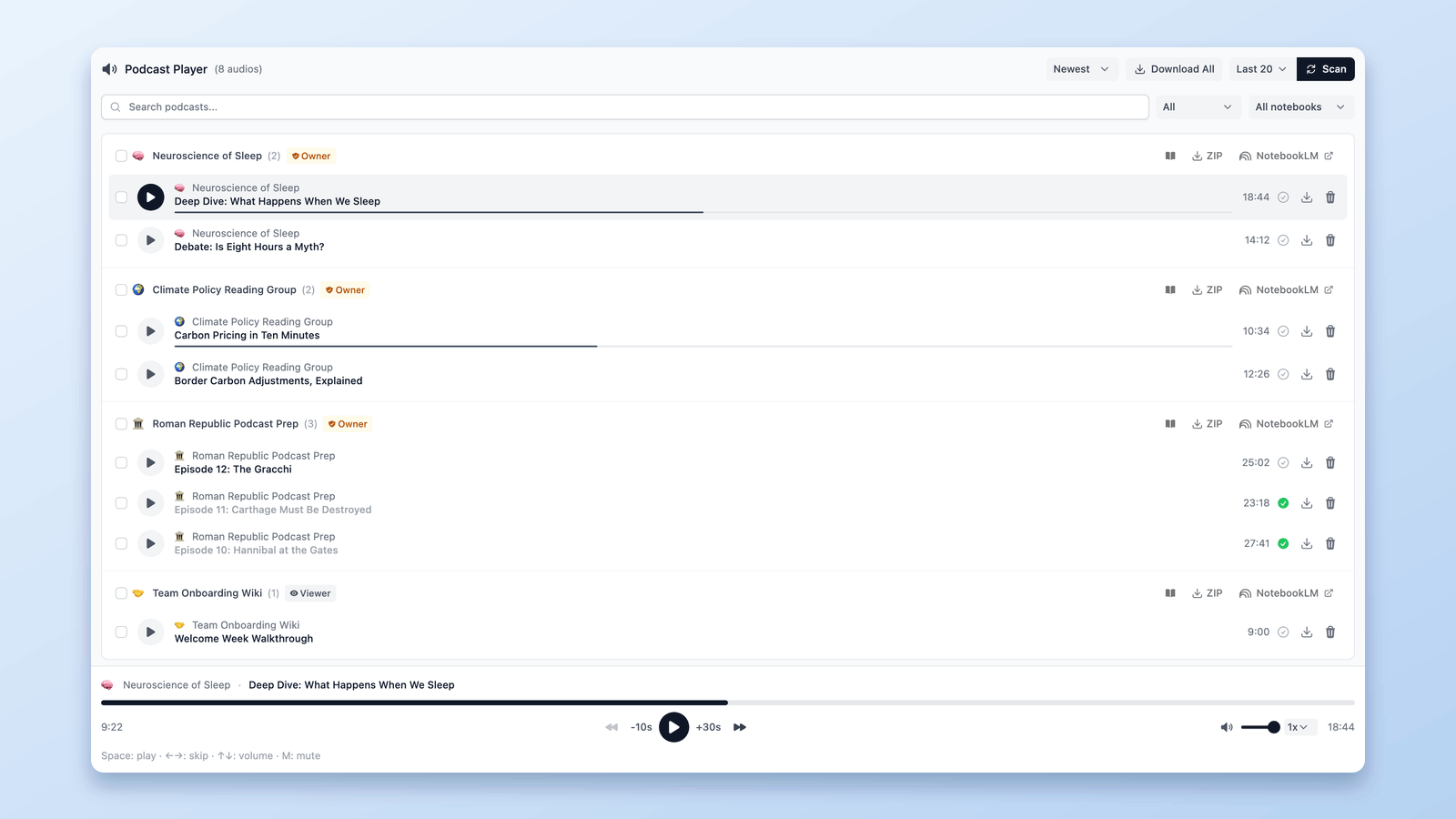
Turn scattered NotebookLM audio into a real podcast experience with a central dashboard, continuous playback, speed controls, and automatic sync.

Every way to import sources into NotebookLM — popup captures, right-click, RSS feeds, YouTube playlists, and bulk tab imports with the free NotebookLM Tools extension.
No articles match your search.
Trusted by 90,000+ NotebookLM users