





NLMTools.com

Supercharge your NotebookLM workflow

A Chrome extension that extends Google NotebookLM with powerful productivity features: bulk source adding, notebook tagging, language switching, and podcast management.

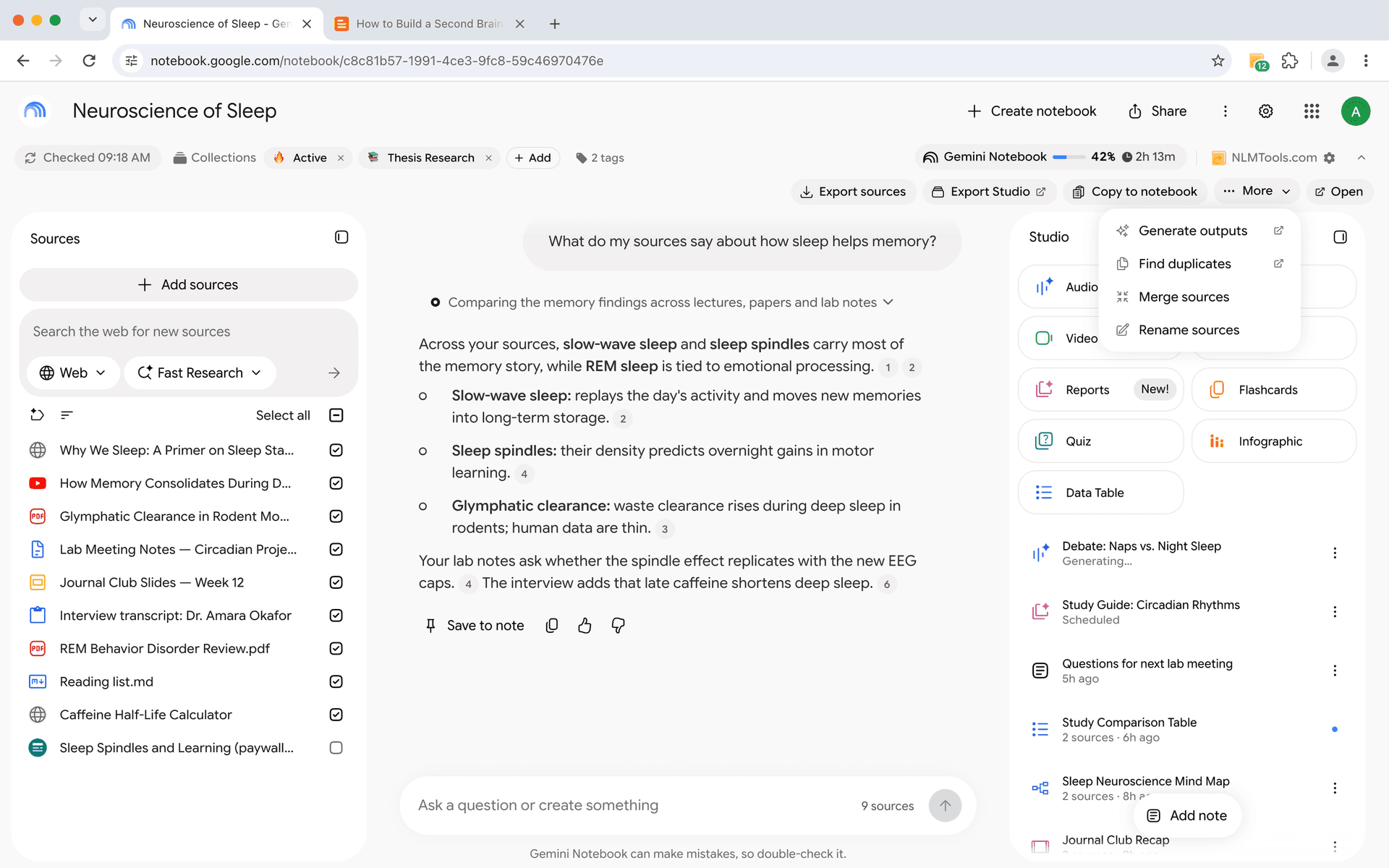
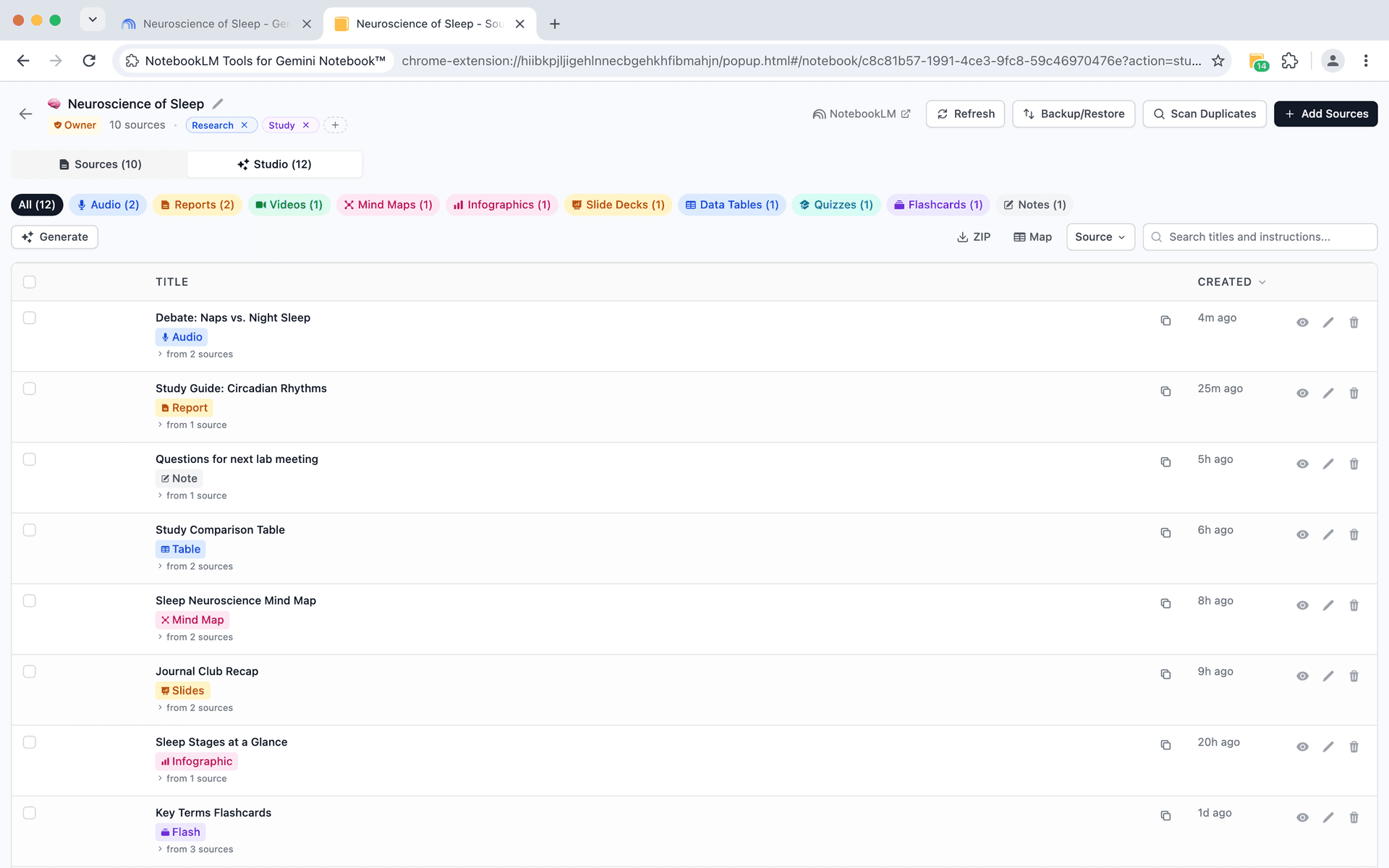
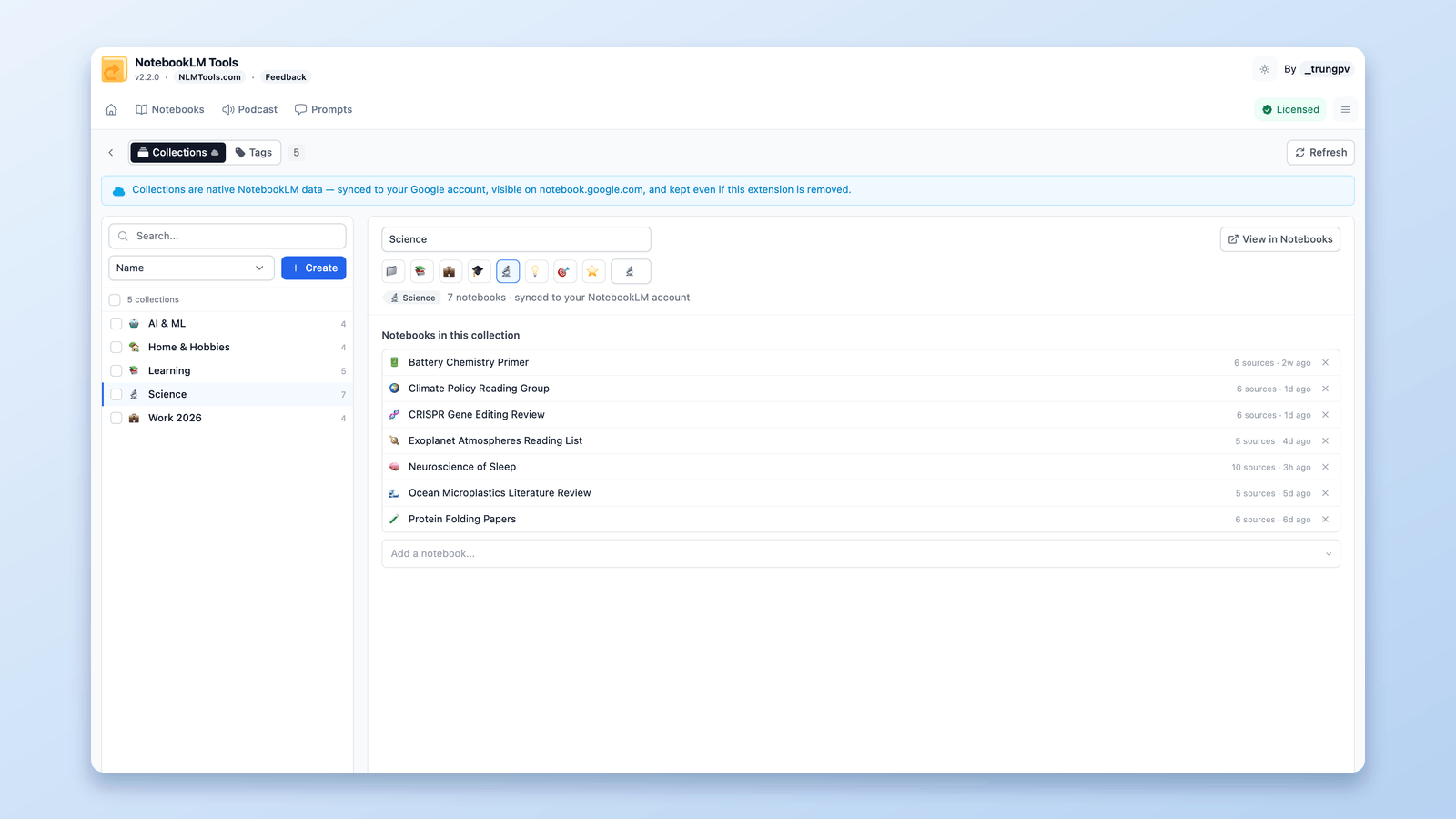
NotebookLM Tools interface showing the extension sidepanel
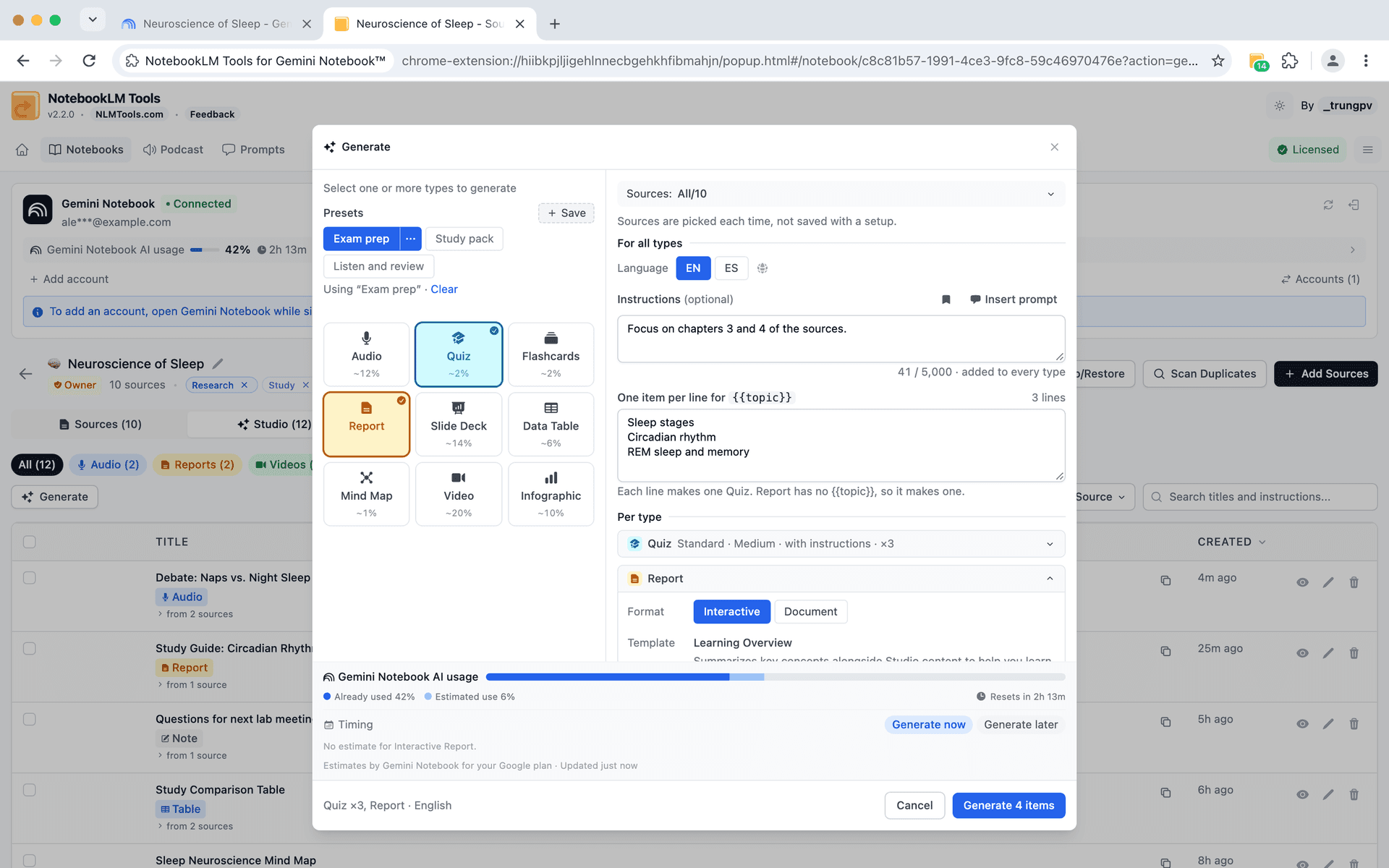
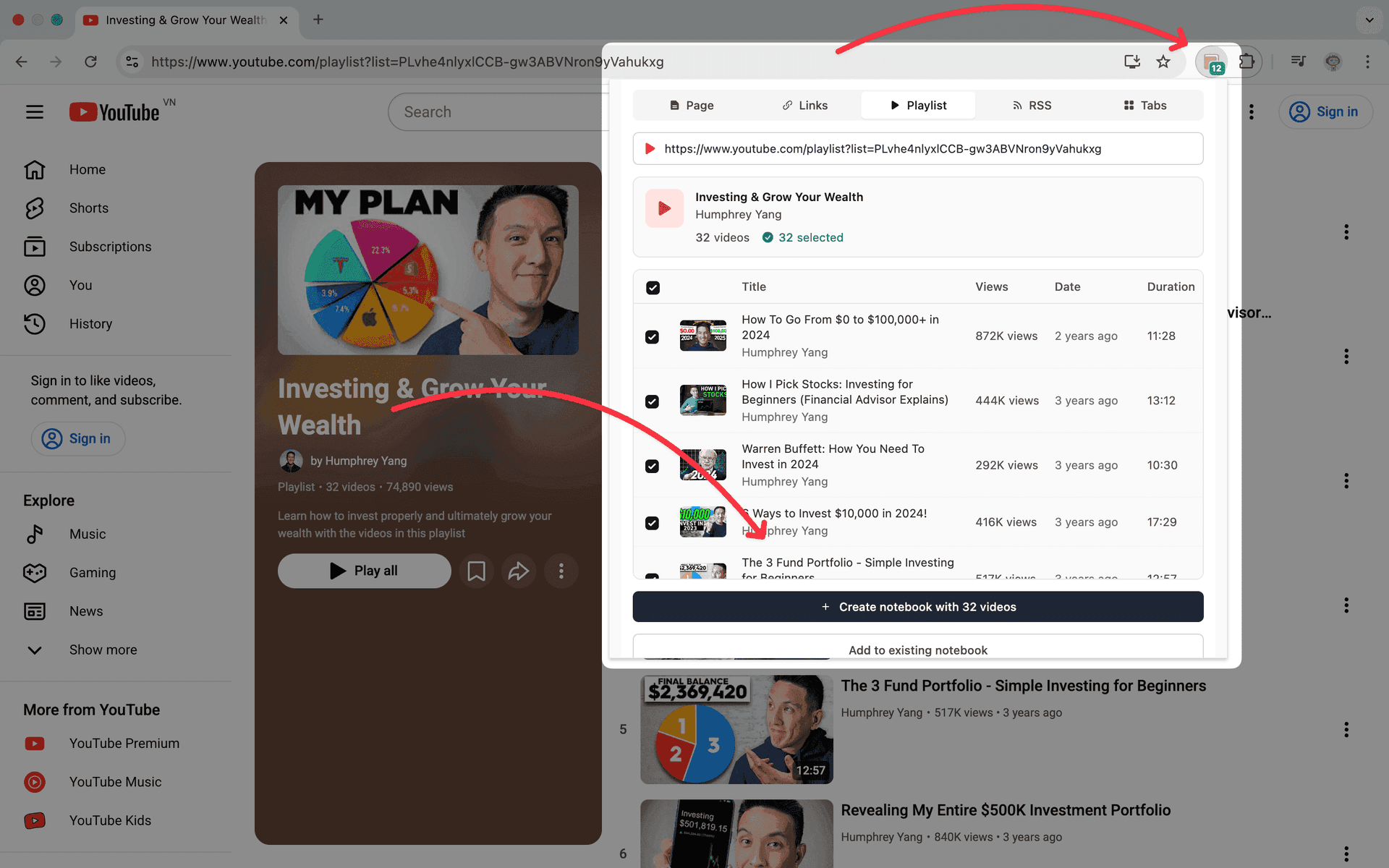
Bulk source adding interface
Bulk Source Adding

Add multiple sources at once

No more adding sources one at a time. Import text, links, YouTube videos, RSS feeds, and ZIP files in bulk to save time and streamline your research workflow.

  • Paste multiple URLs or text snippets at once
  • Import entire YouTube playlists
  • Subscribe to RSS feeds for automatic updates
  • Upload ZIP files with multiple documents
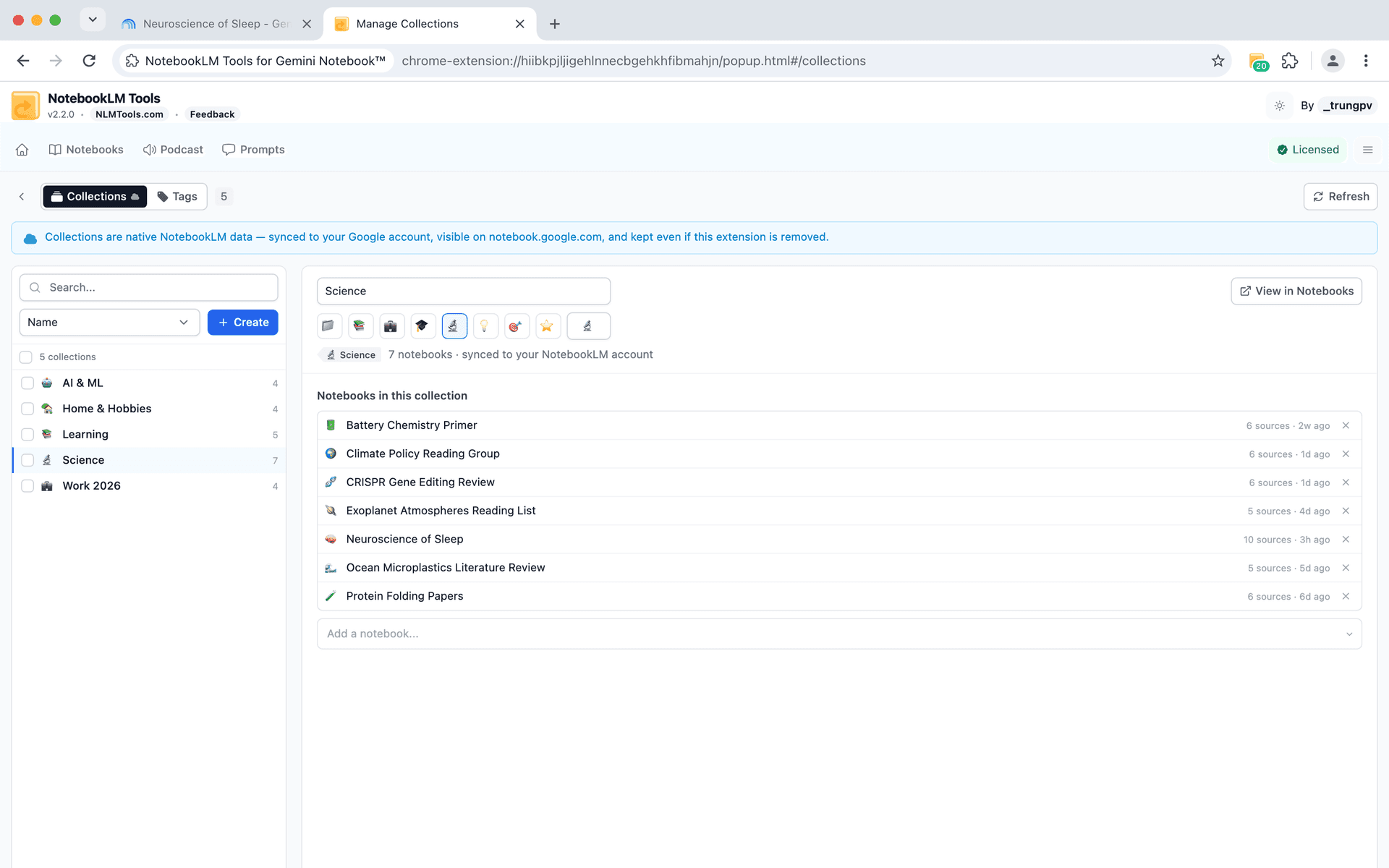
Organization & Tagging

Keep your notebooks organized

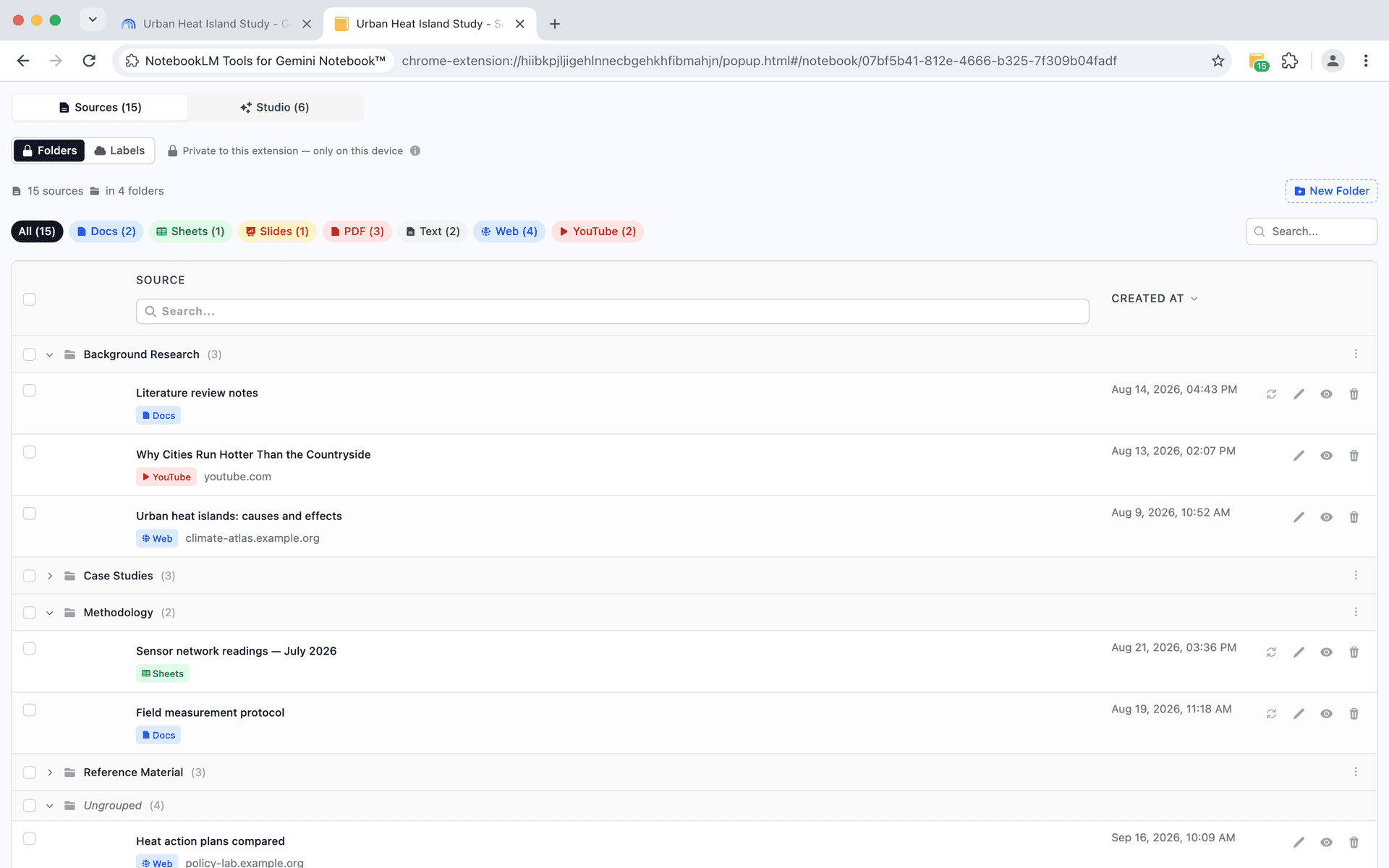
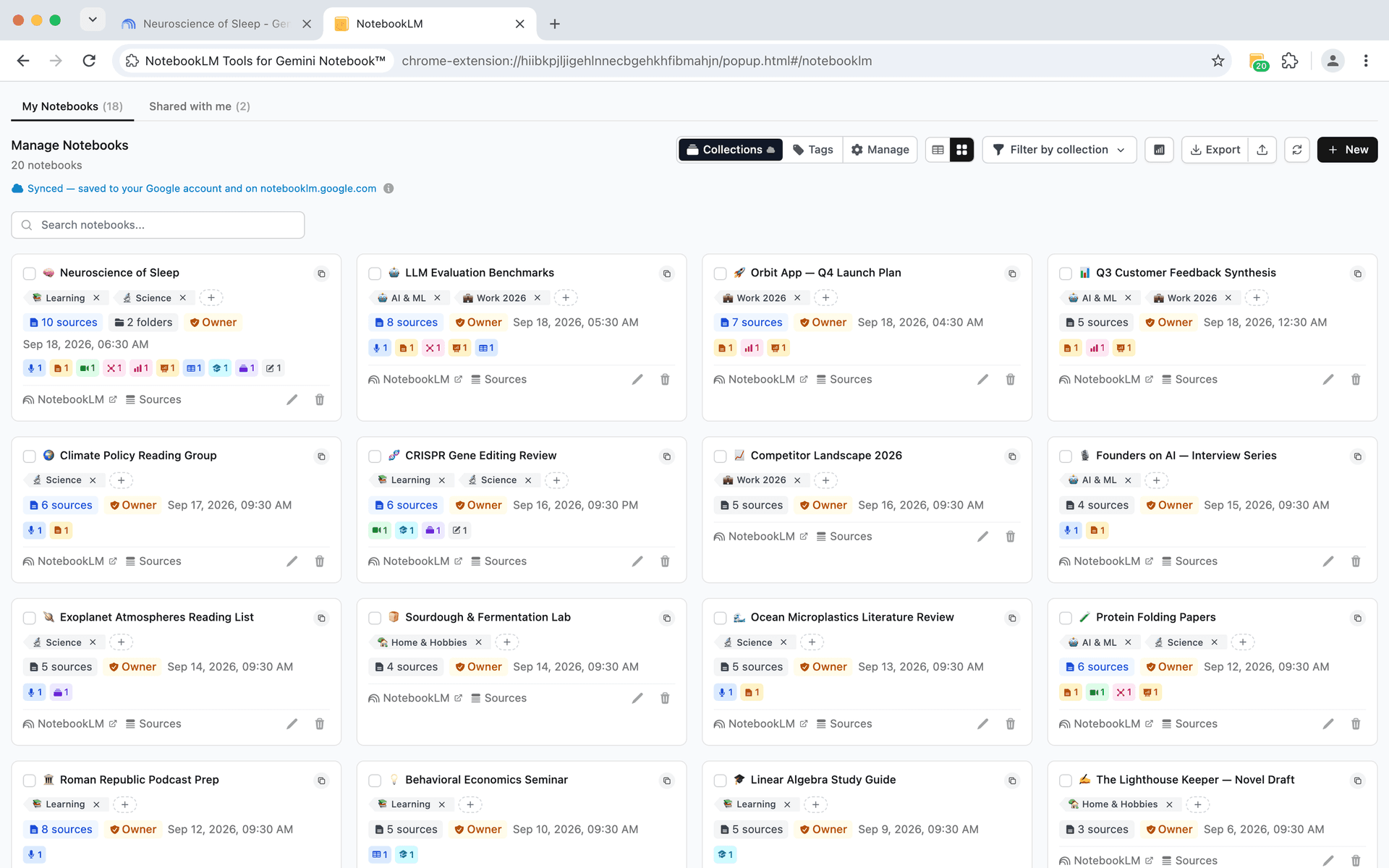
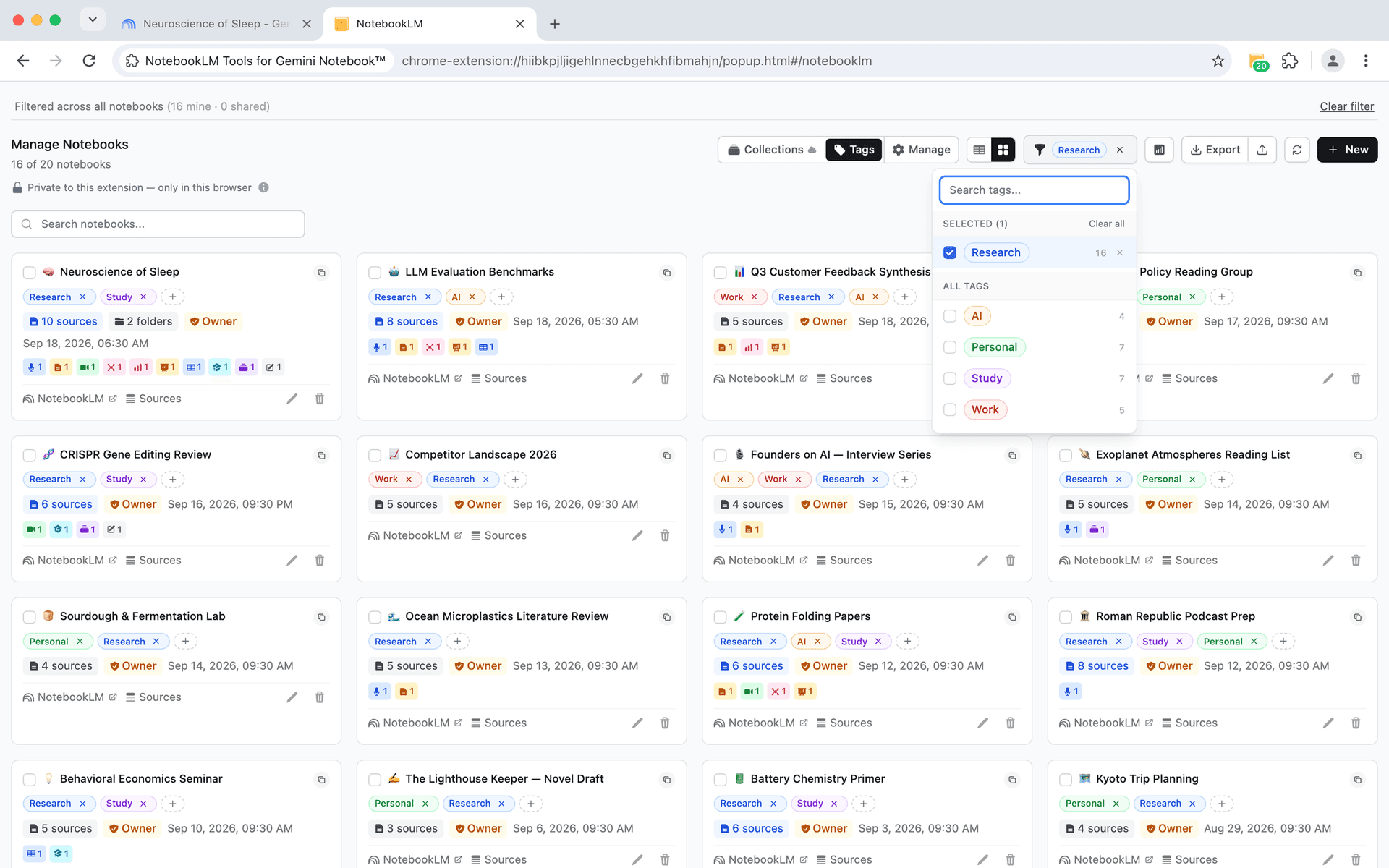
Create custom tags with colors to categorize your notebooks. Filter, search, and manage notebooks with bulk operations for effortless organization.

  • Create tags with custom colors
  • Filter notebooks by multiple tags
  • Bulk tag operations
Notebook tagging and organization interface
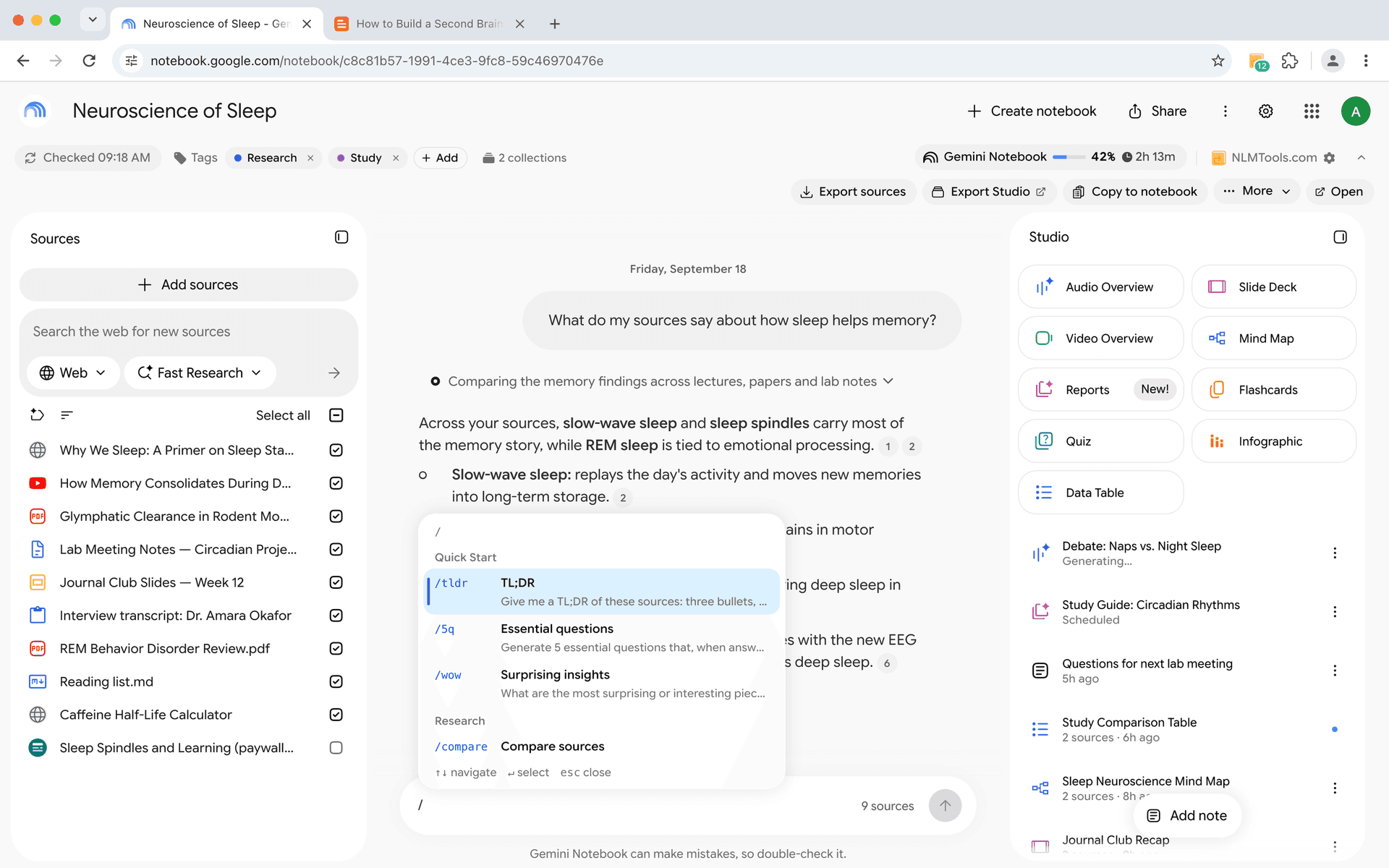
Language switcher widget
Language Management

Work in your preferred language

Switch NotebookLM's UI and output language instantly with a floating widget. Supports 70+ languages for international users worldwide.

  • Change UI language without browser settings
  • Set output language independently
  • Quick-access floating widget
  • Supports 70+ languages
Podcast & Audio

Enhanced audio experience

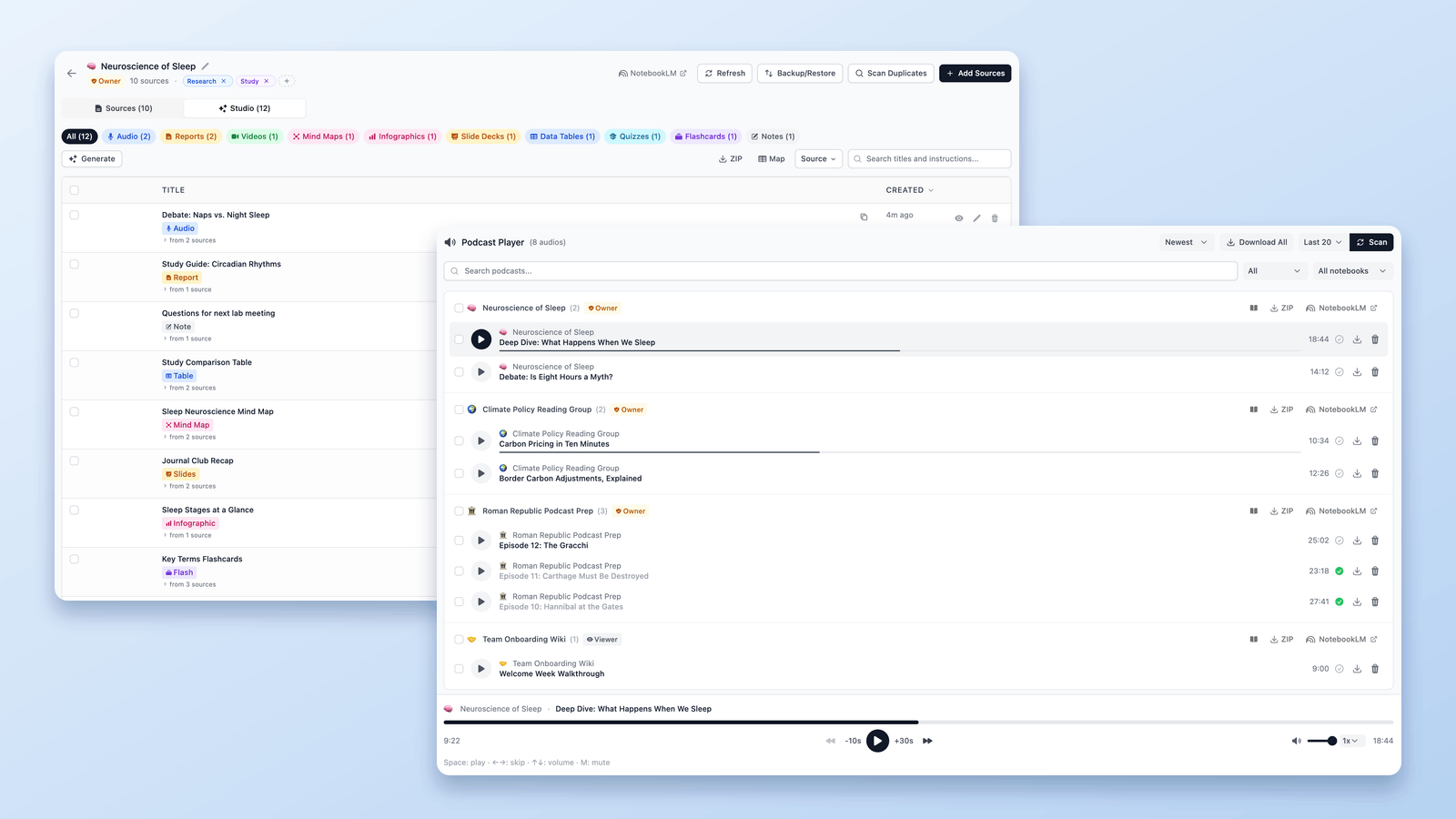
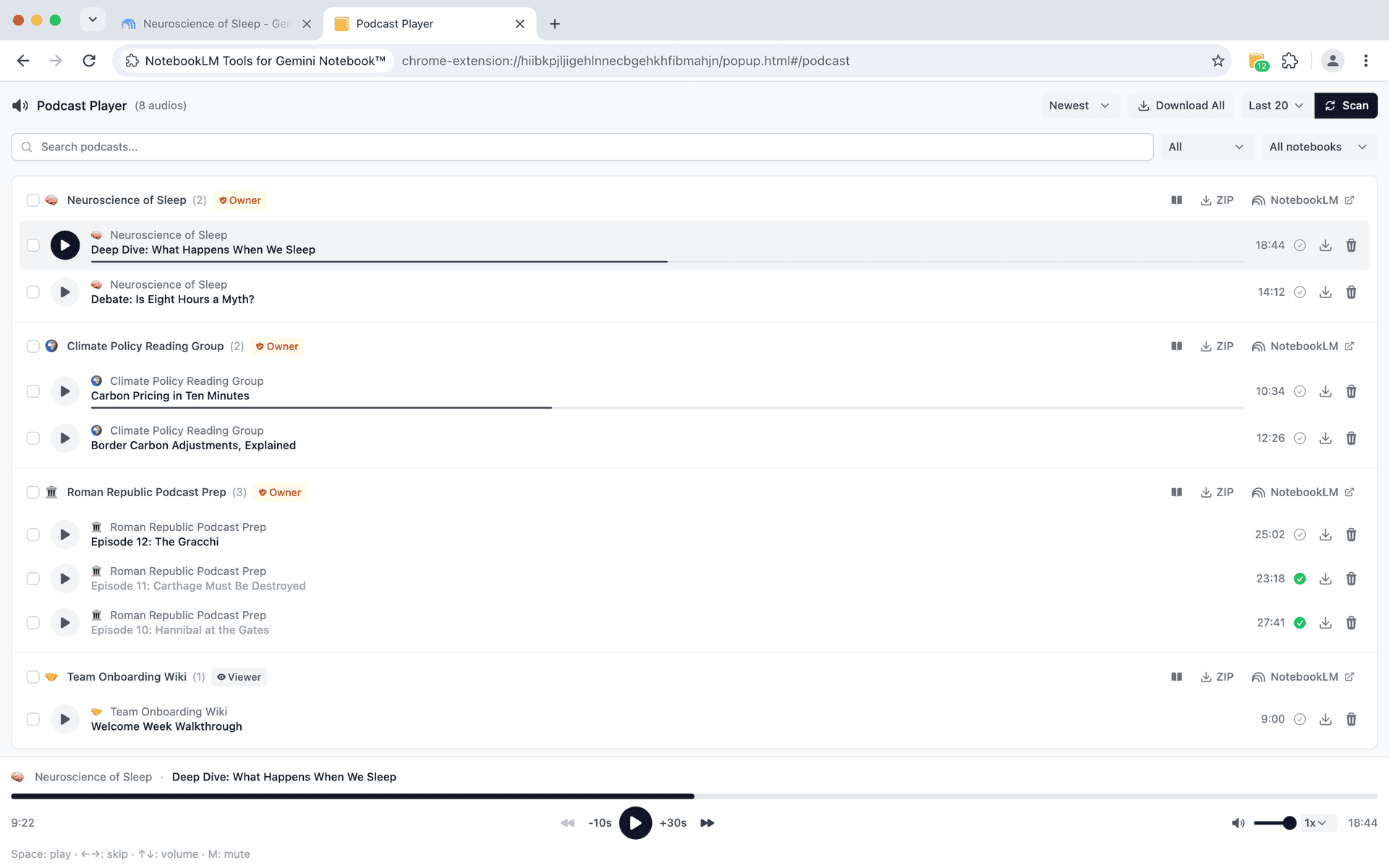
Take control of your audio guides with advanced playback features. Create playlists, track progress, and download for offline listening.

  • Create playlists of audio guides
  • Track listening progress
  • Download audio for offline use
  • Resume where you left off
Podcast player and management interface

Frequently Asked Questions

Getting Started

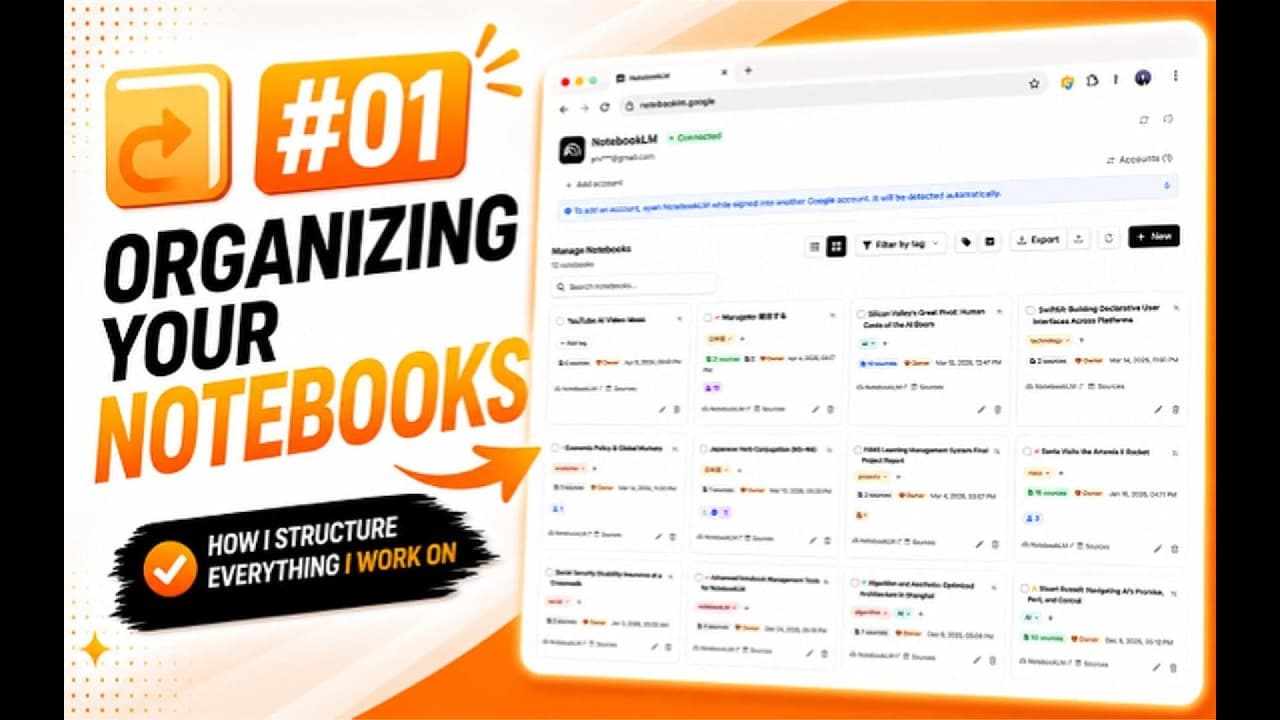
Watch the tutorials

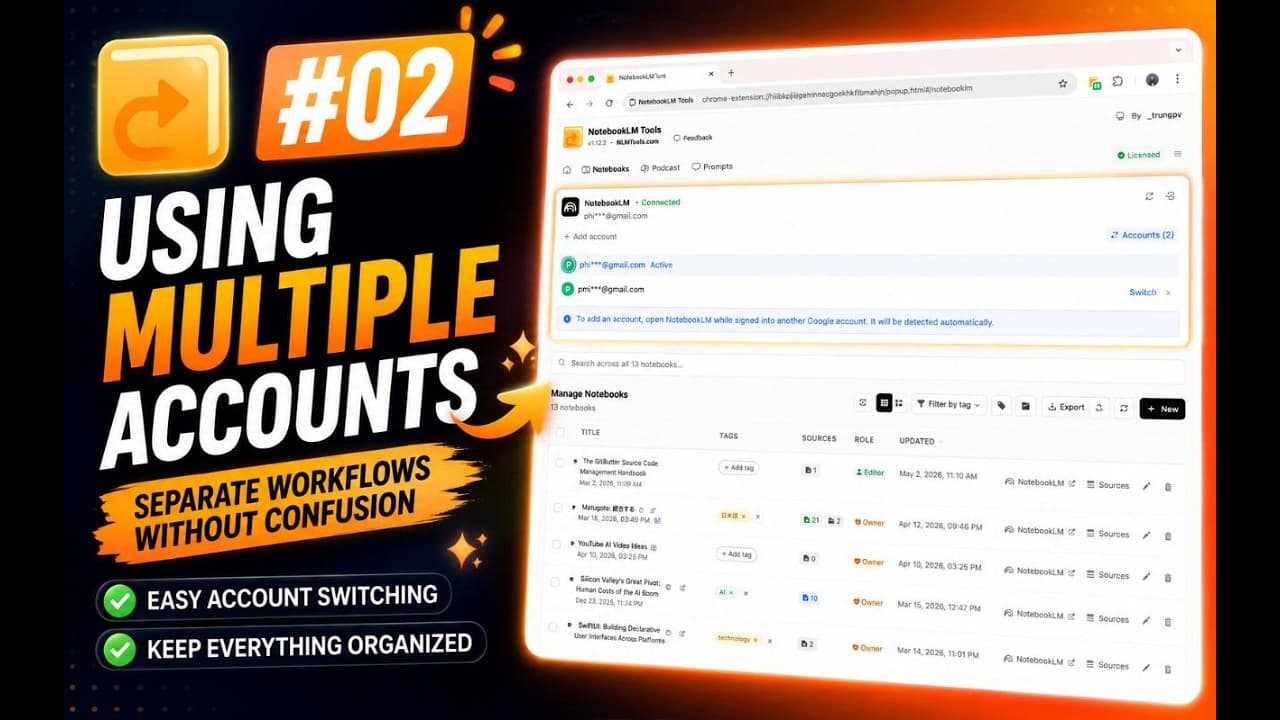
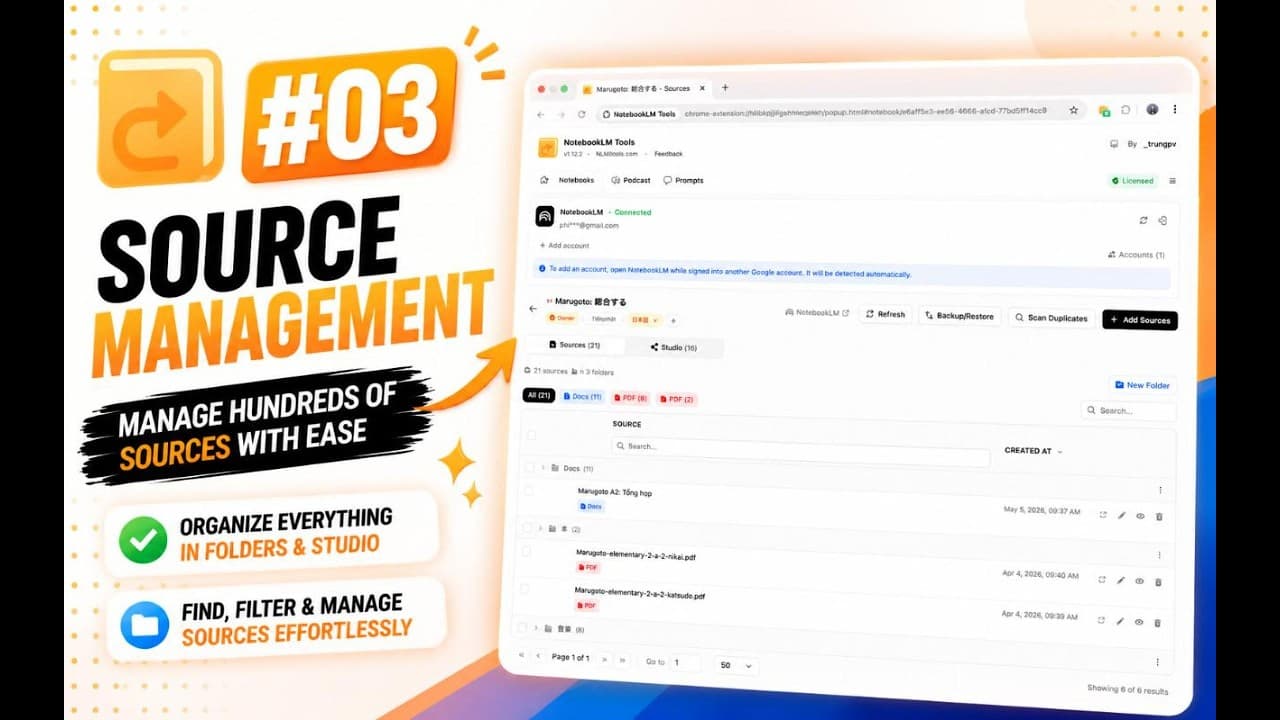
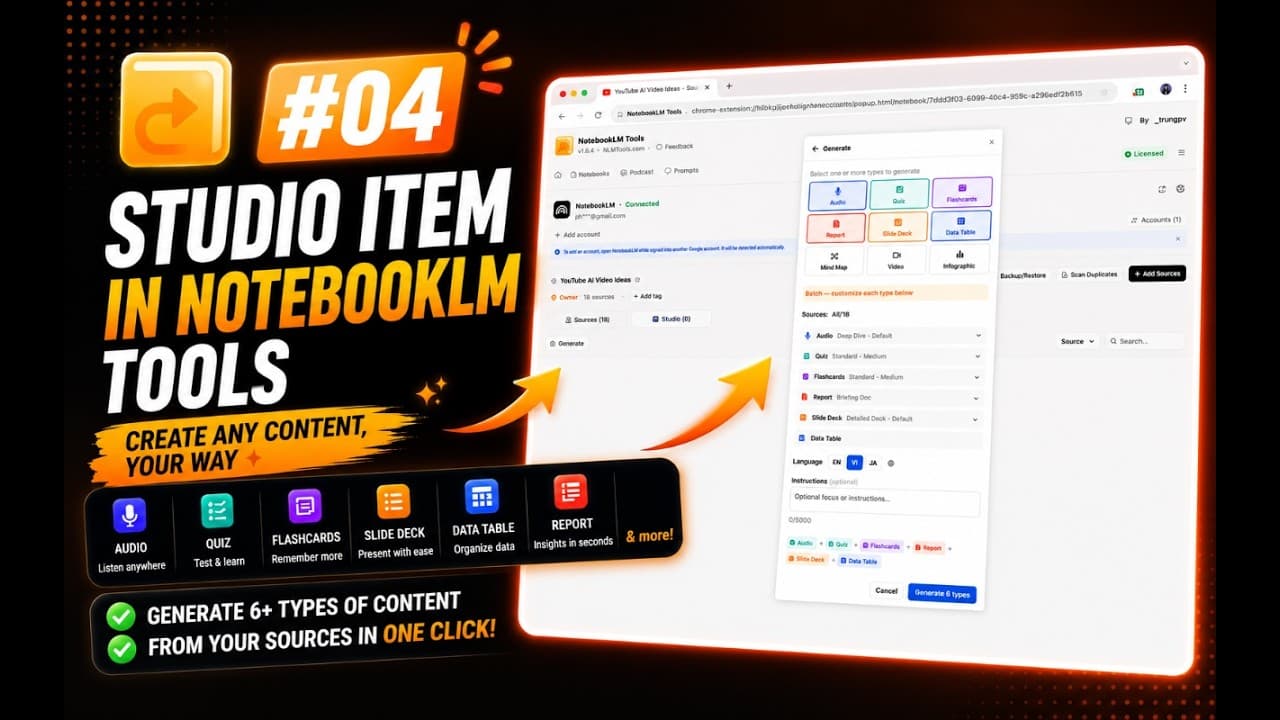
Learn how to install and use NotebookLM Tools with these guides.

Ready to supercharge your NotebookLM?

Install NotebookLM Tools today and unlock powerful features to boost your productivity.