Video Tutorials
Master NotebookLM Tools
Free video walkthroughs covering every feature. Watch the full series or jump to a specific topic.
New · Get Started Series
The New Mini-Course
Watch in order to learn the full workflow — from organizing notebooks to managing sources at scale.
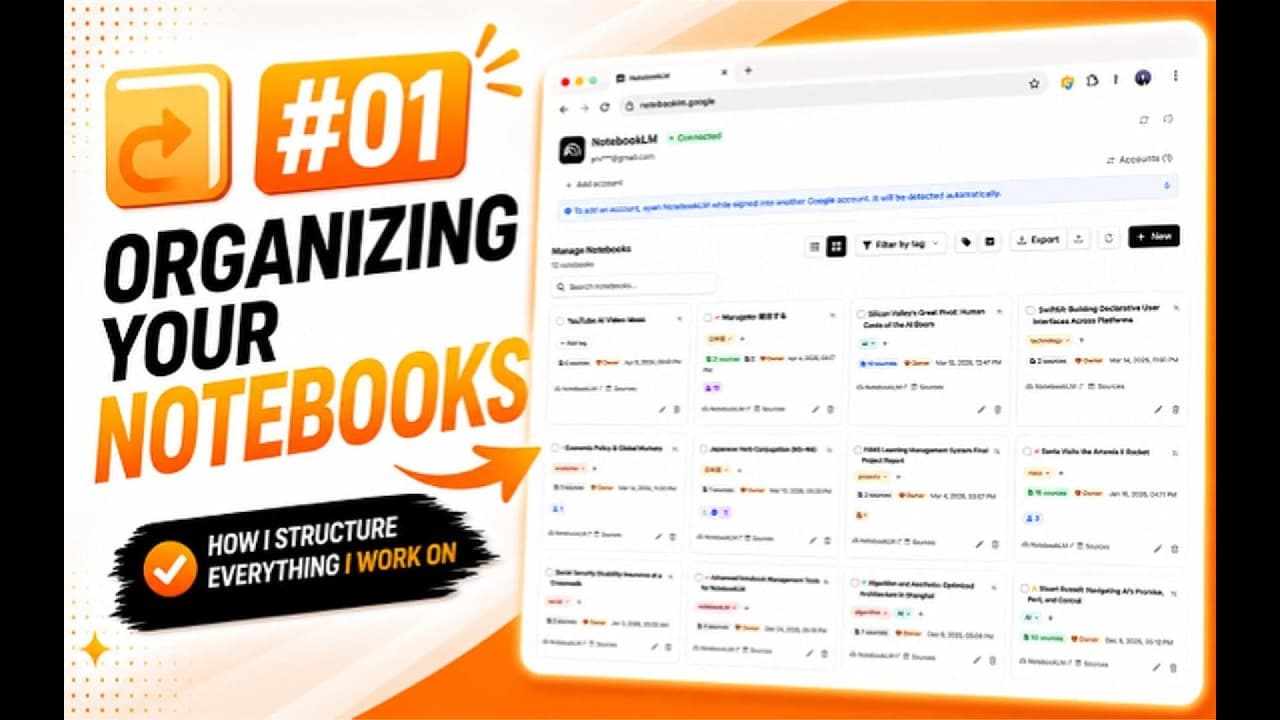
6:03
Part 1
How to Organize NotebookLM Notebooks: Tags, Search & Bulk Management
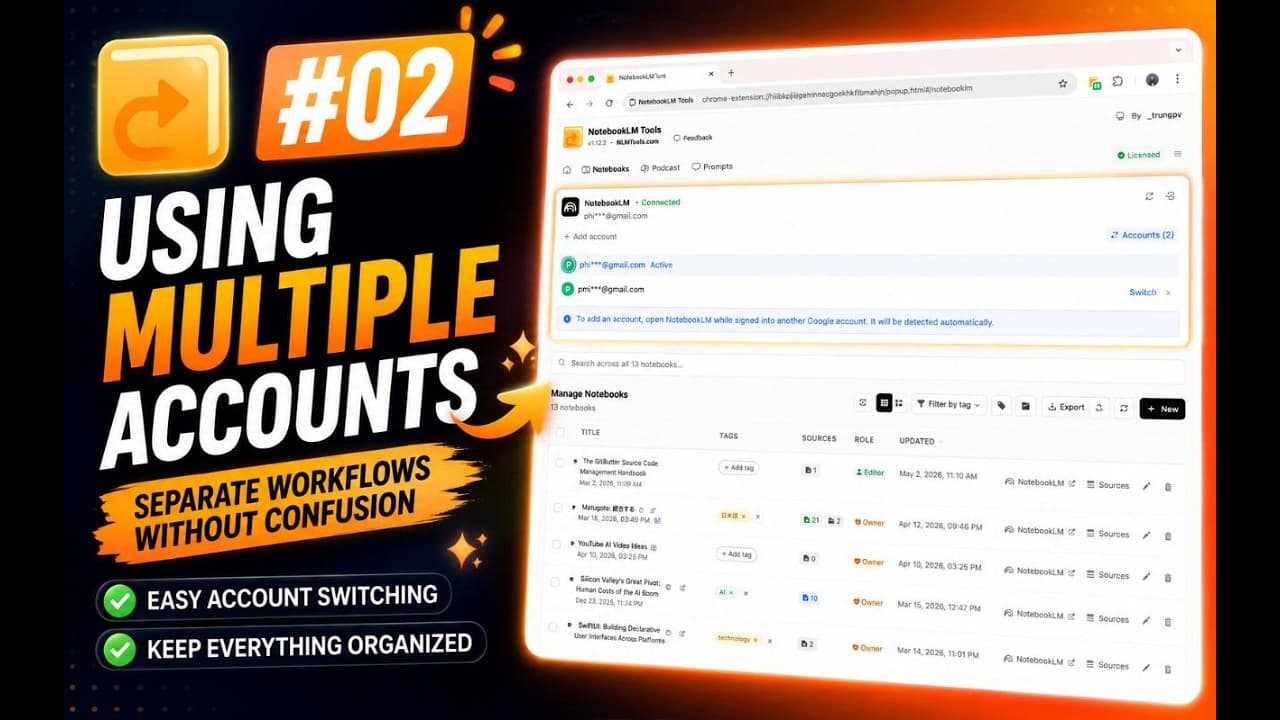
2:05
Part 2
NotebookLM Multi-Account Support: Switch Between Multiple Google Accounts
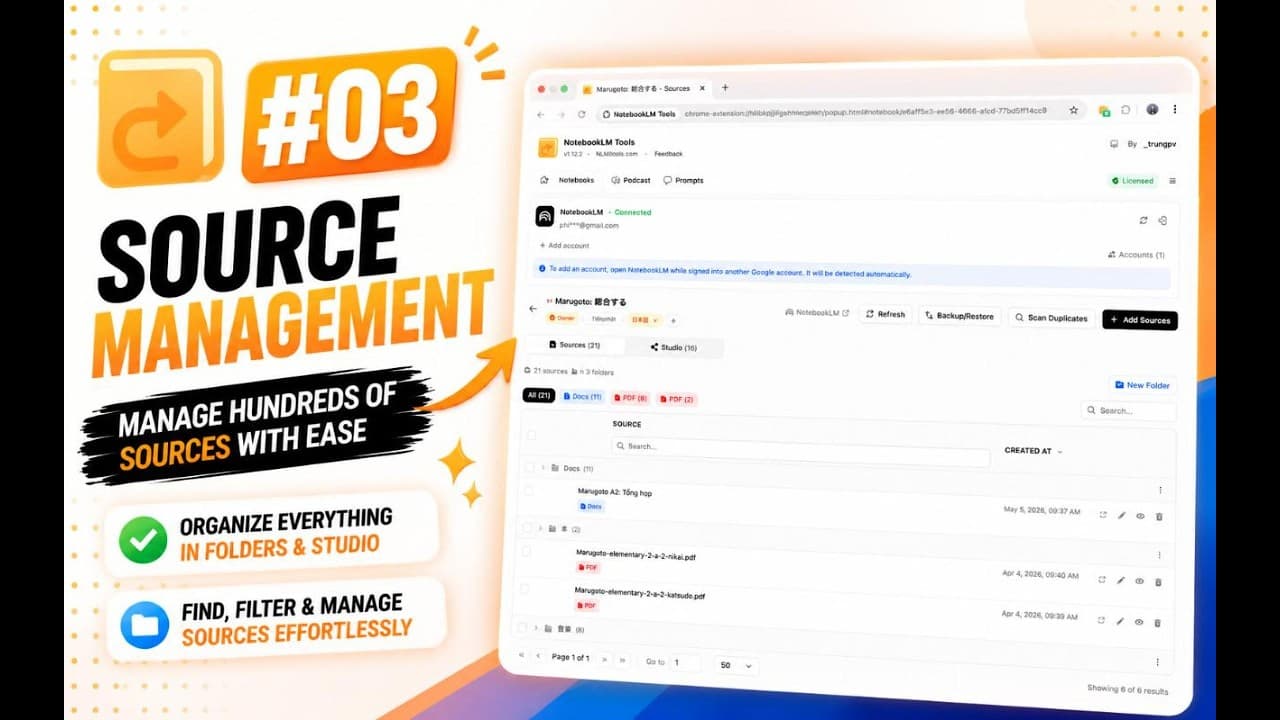
22:30
Part 3
NotebookLM Source Management: Folders, Bulk Rename, Merge & Duplicate Cleanup
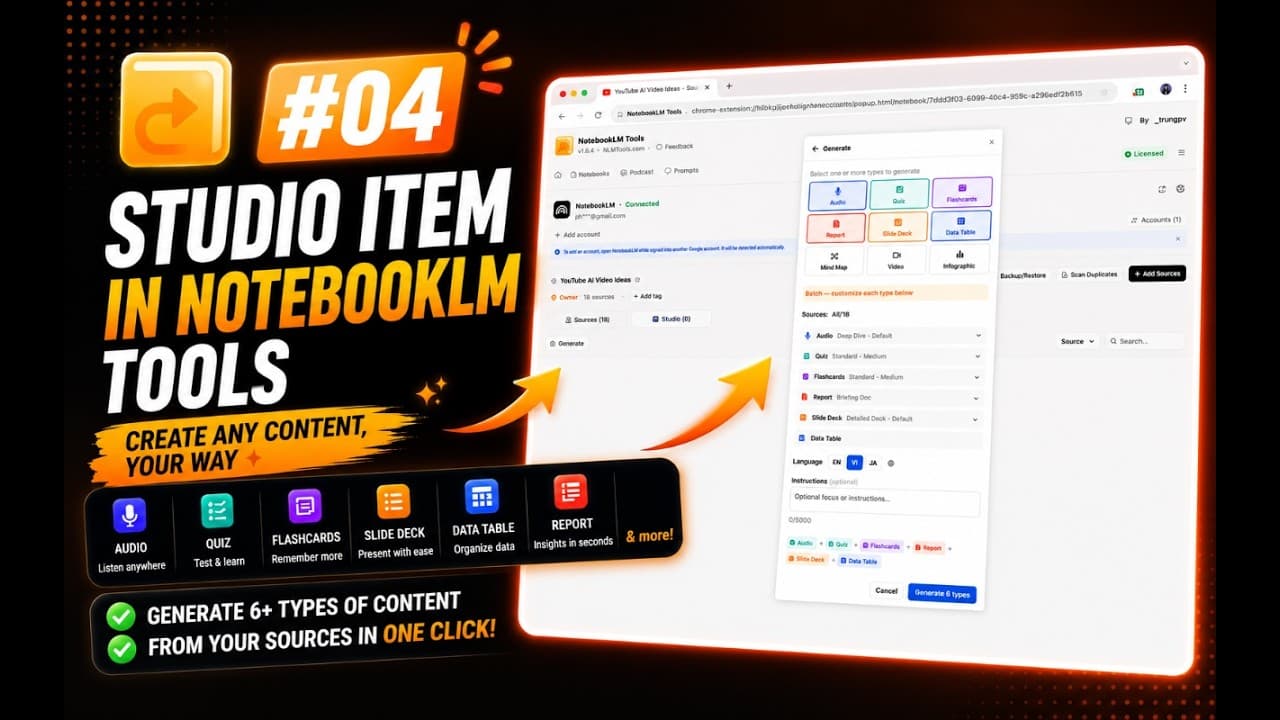
22:01
Part 4
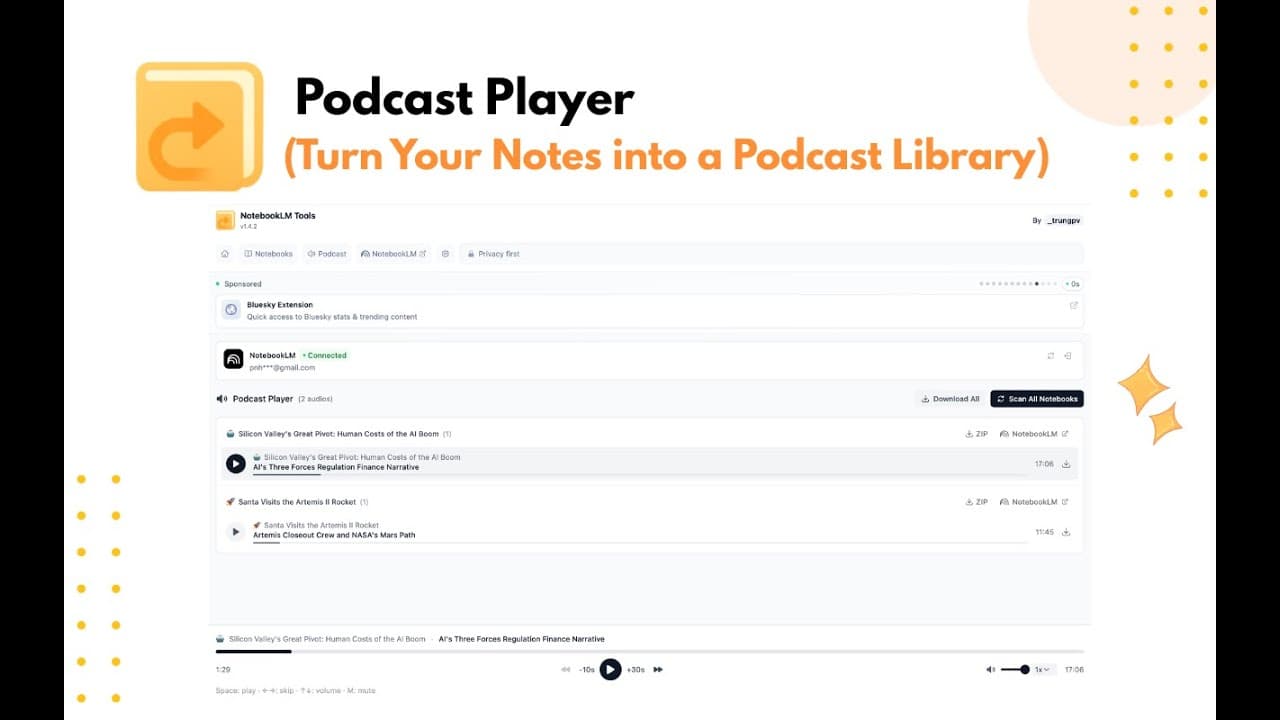
NotebookLM Studio Items & Podcast Player: Generate, Study & Manage Outputs
12:21
Part 5
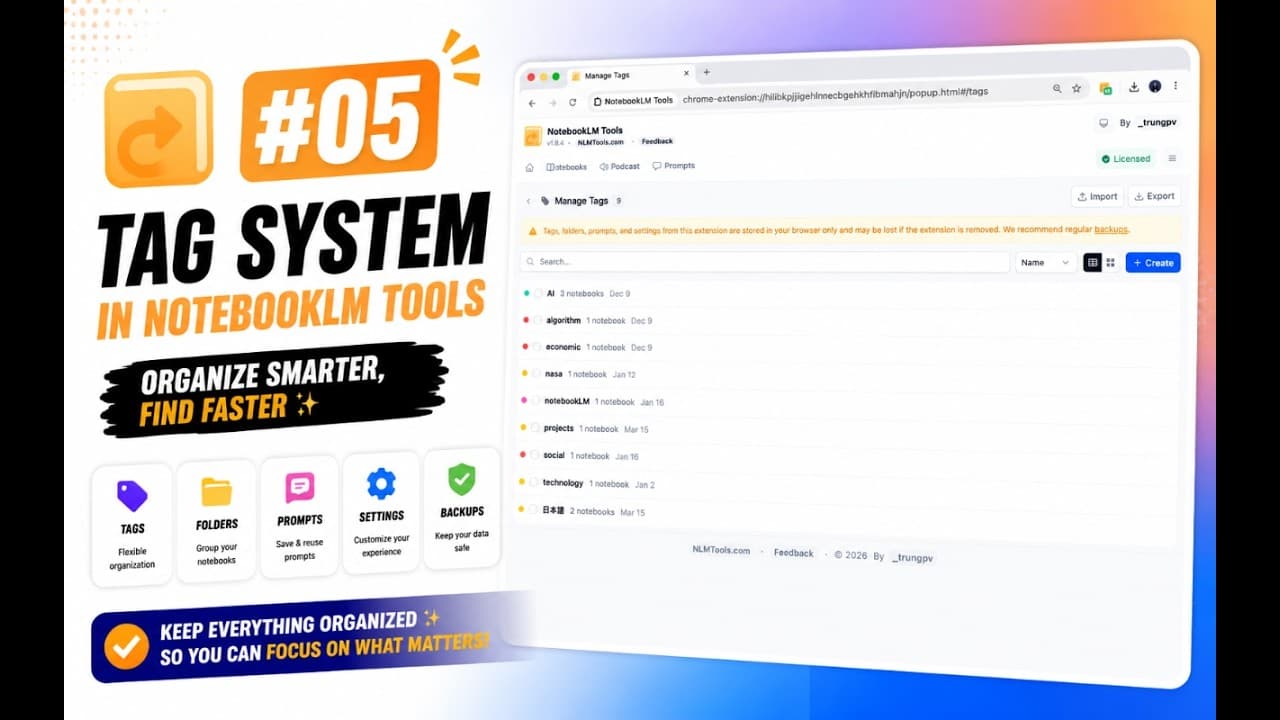
NotebookLM Tags: Organize, Filter & Back Up Notebooks Across Your Workspace
22:18
Part 6
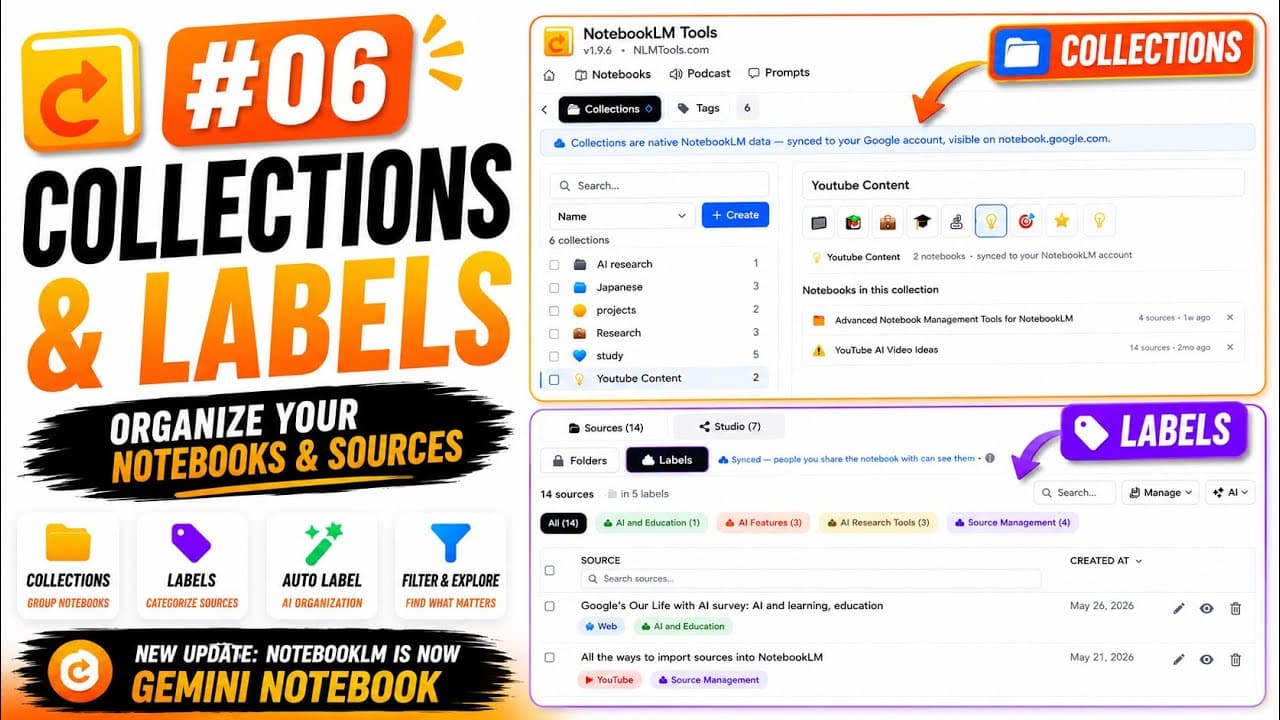
NotebookLM Collections & Labels: Organize Notebooks & Sources
42:42
Part 7
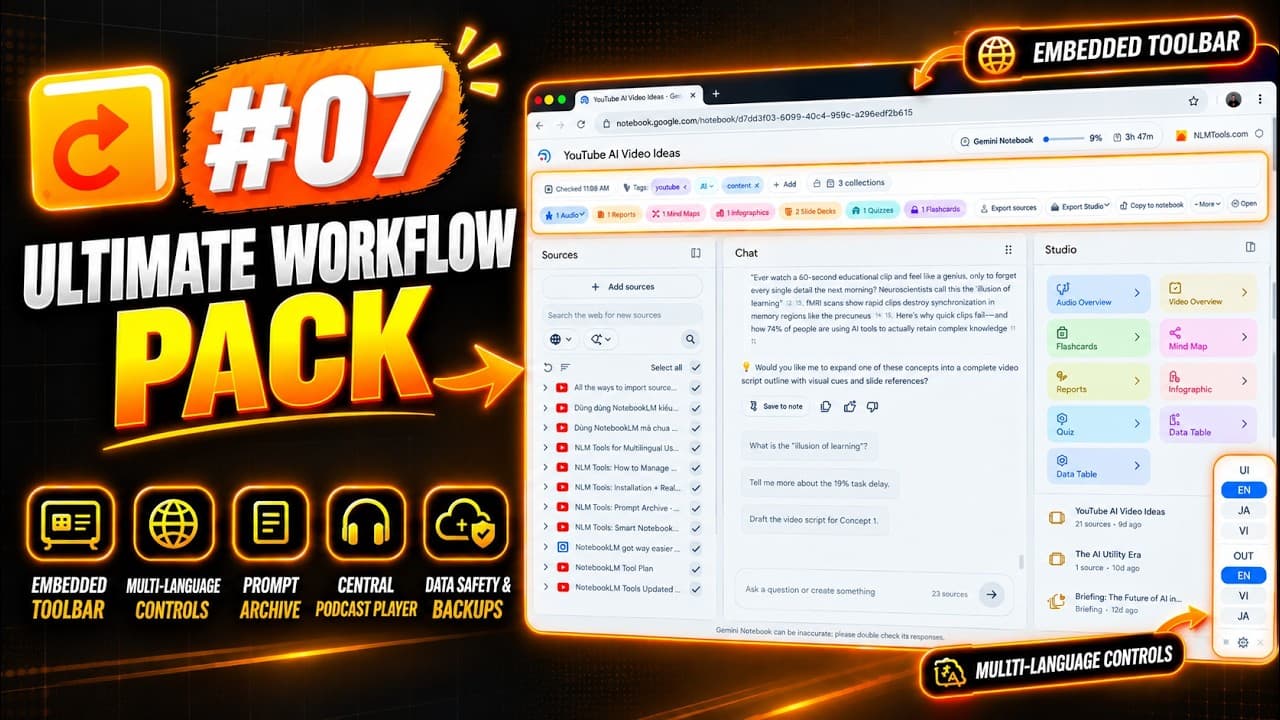
NotebookLM Advanced Features: Toolbar, Languages, Prompts, Podcasts & Backups
Core Features
Deep dives into the essentials
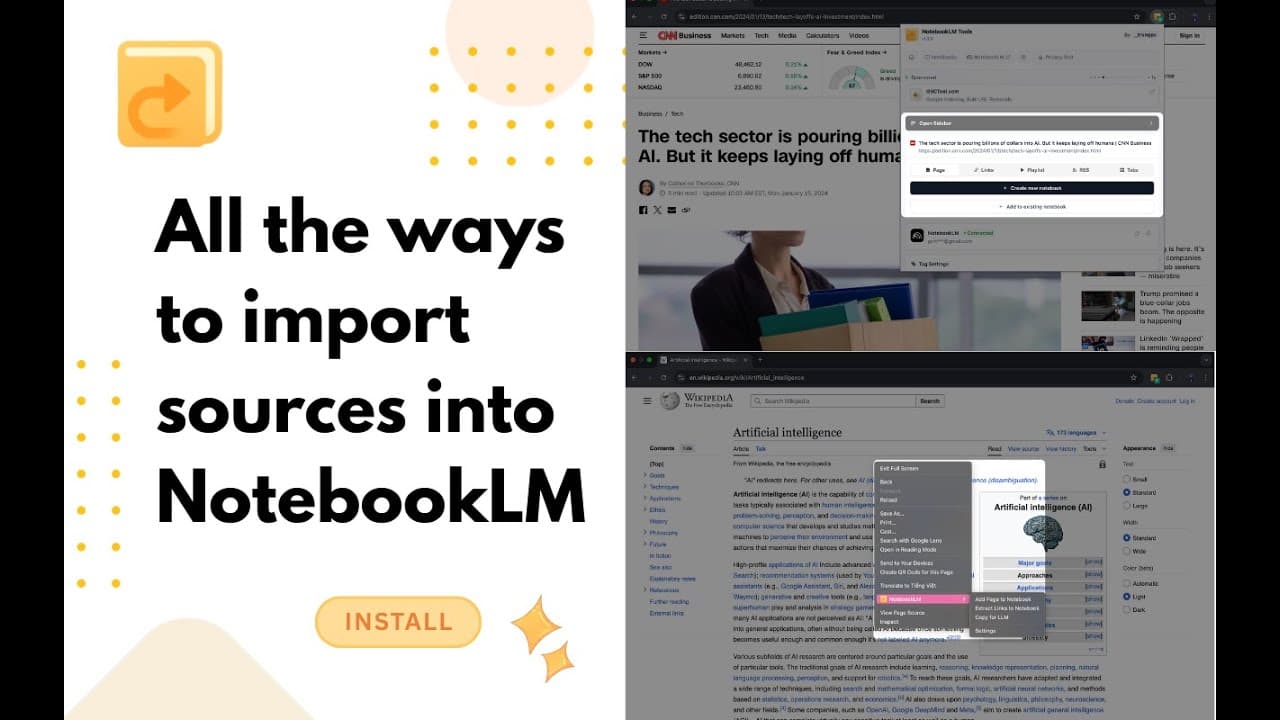
Detailed tutorials on importing, organizing, and backing up your sources.
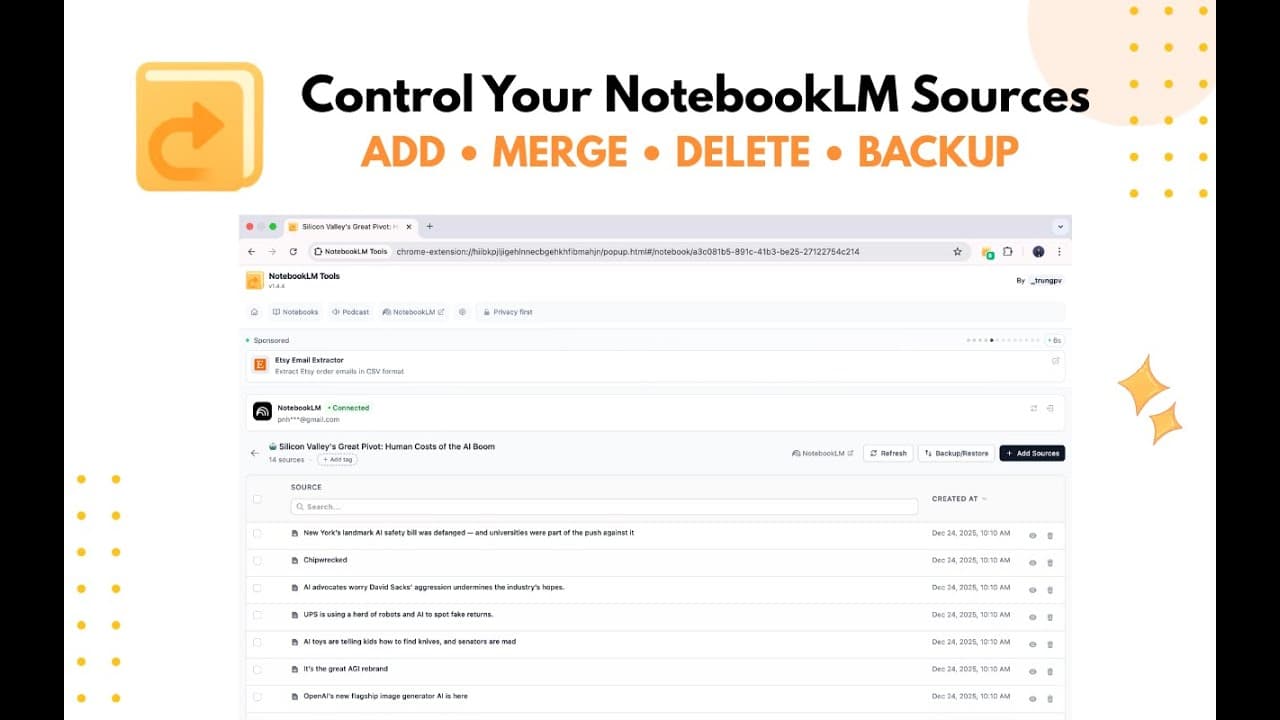
Productivity
Power features that save you time
Tutorials for the prompt archive, podcast player, and multilingual workflows.
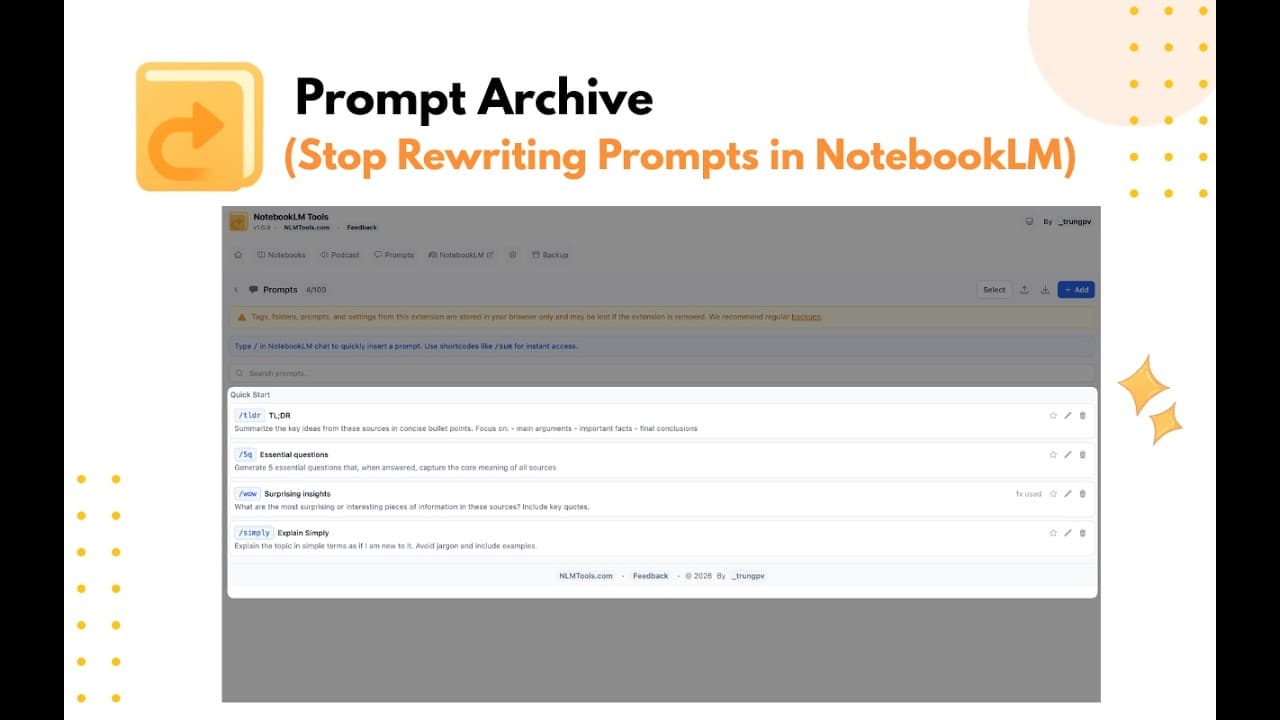
Quick Start
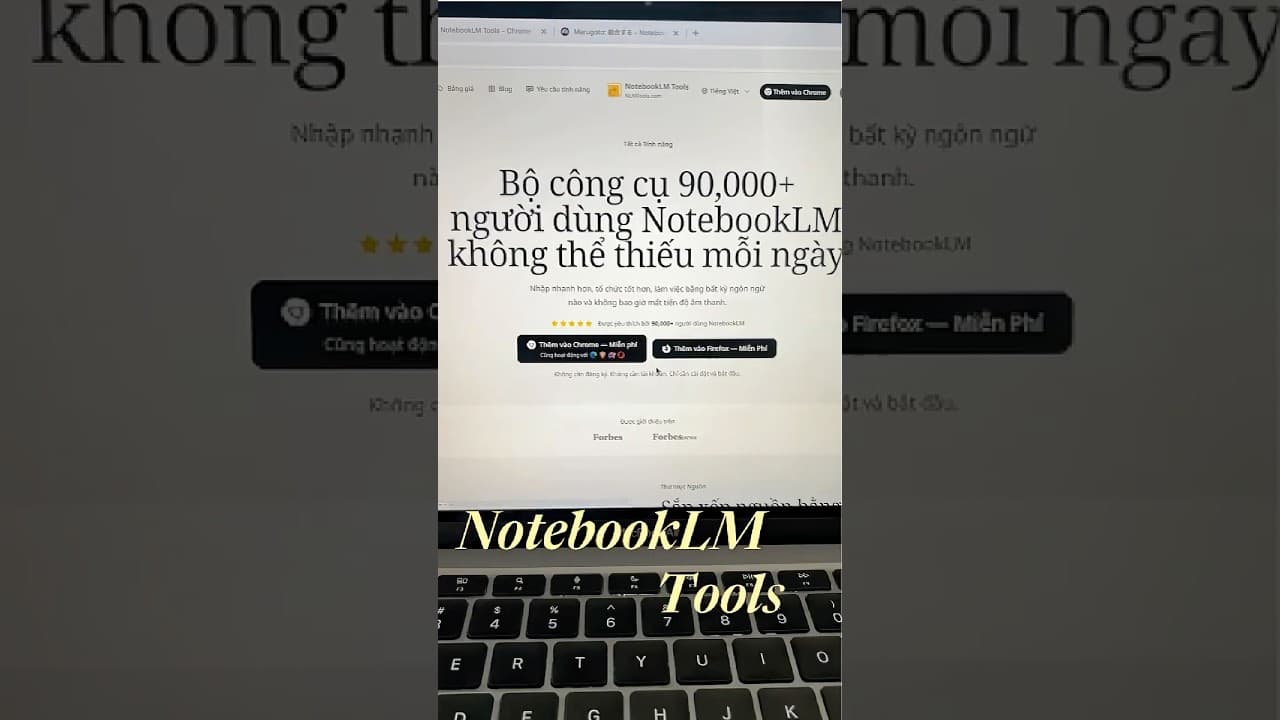
Install and import in five minutes
Generate a full study set in one click
Pro users generate Quiz + Flashcards + Slides + Report in one click, one item per topic from a list, or the same preset on up to 20 notebooks. Live progress, all done while you keep working.
Go Pro — $29 for 1 year
Join 90,000+ NotebookLM users
Ready to try NotebookLM Tools yourself?
Join 90,000+ NotebookLM users. Free to install. No signup.