
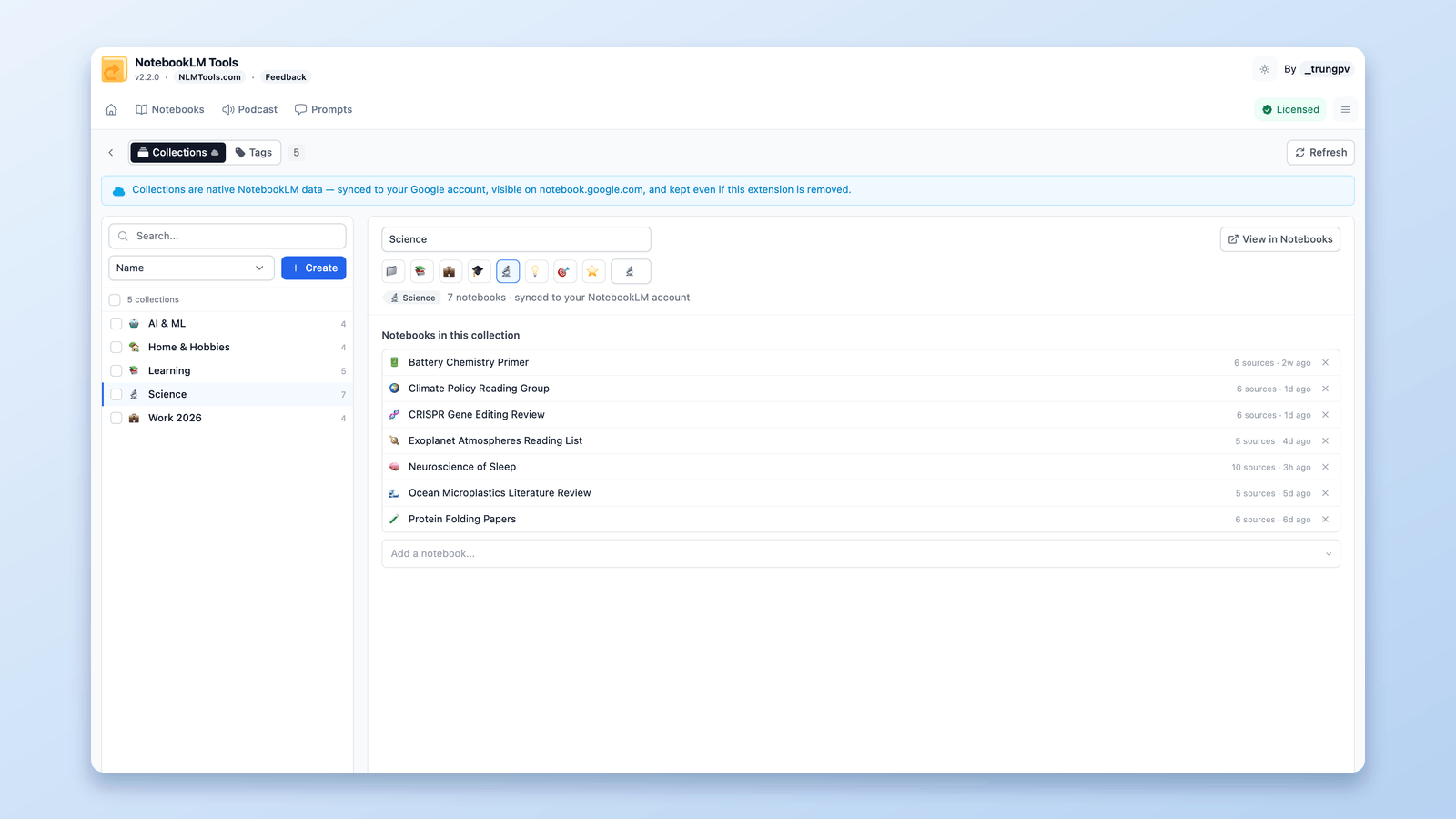
All Features
Discover how NotebookLM Tools can transform your research and learning workflow with these powerful features.

Source Management
Add and manage sources efficiently
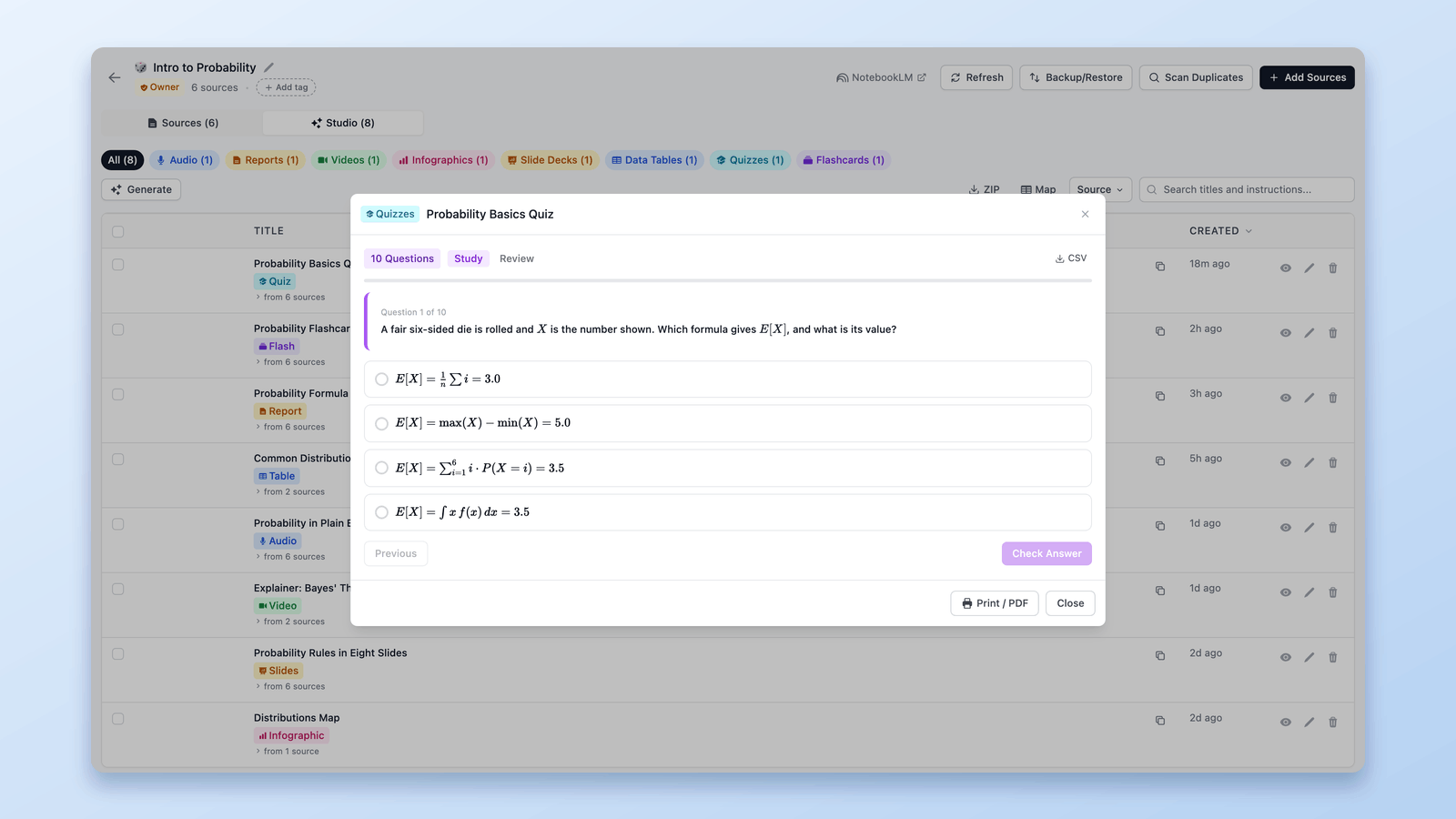
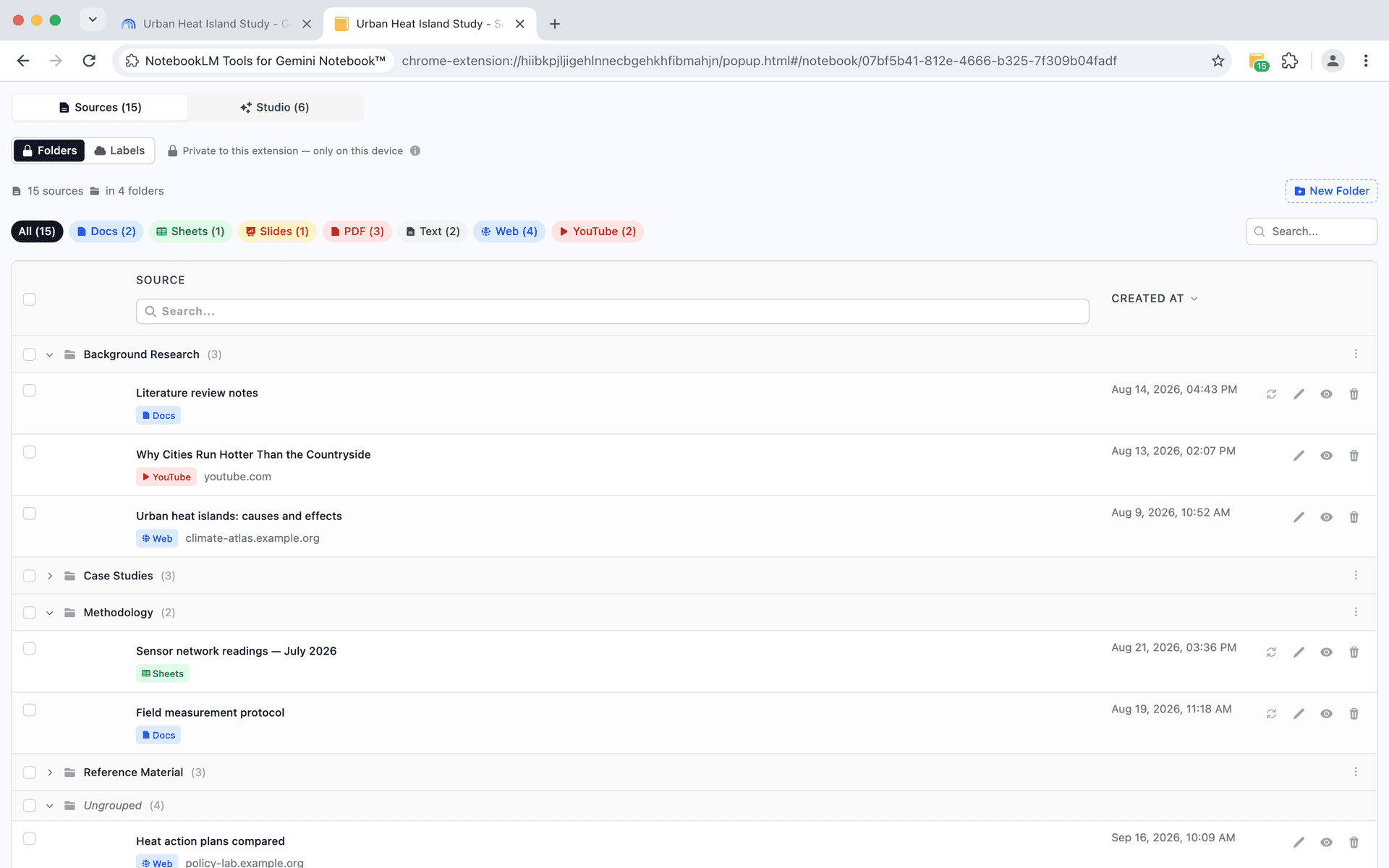
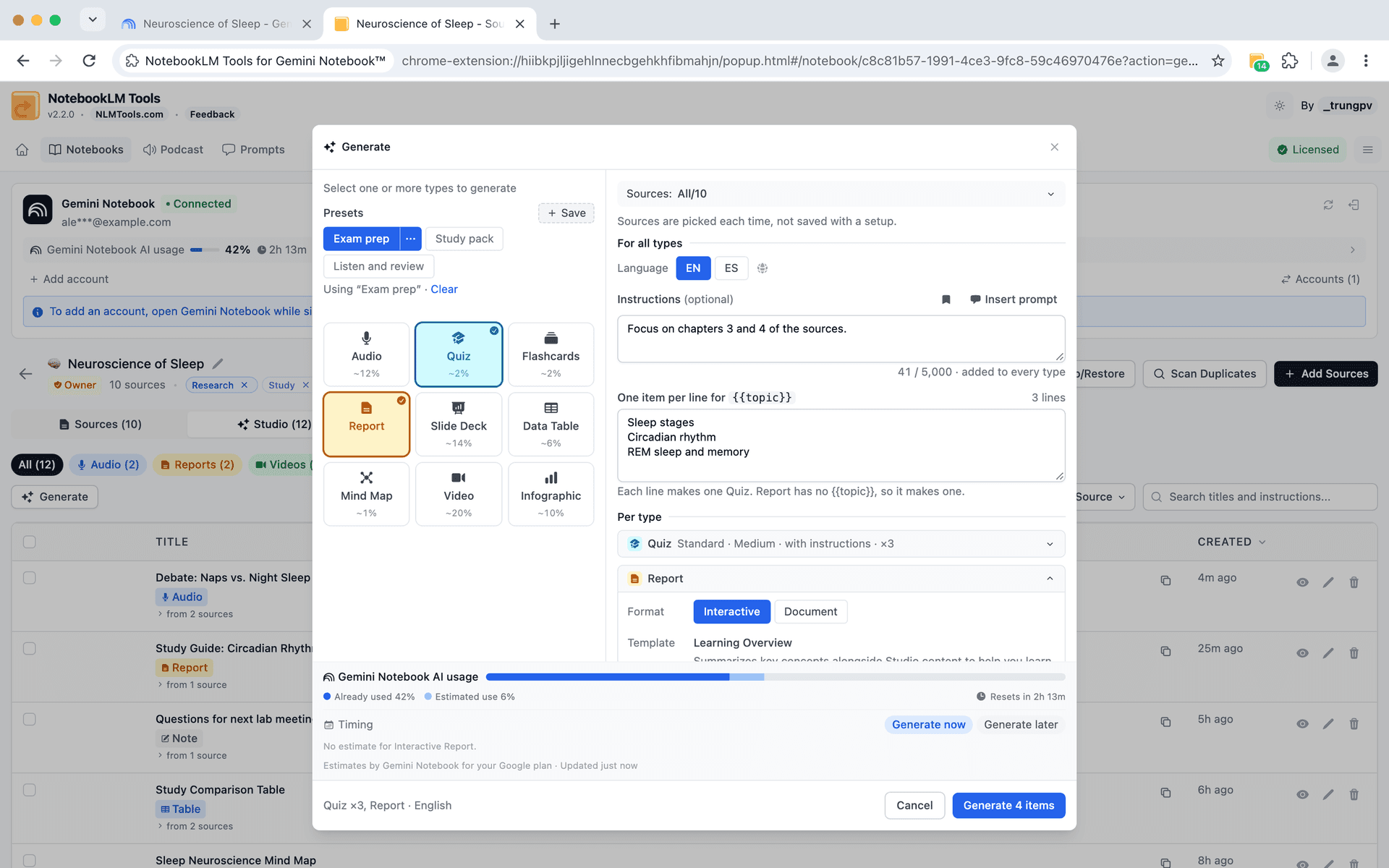
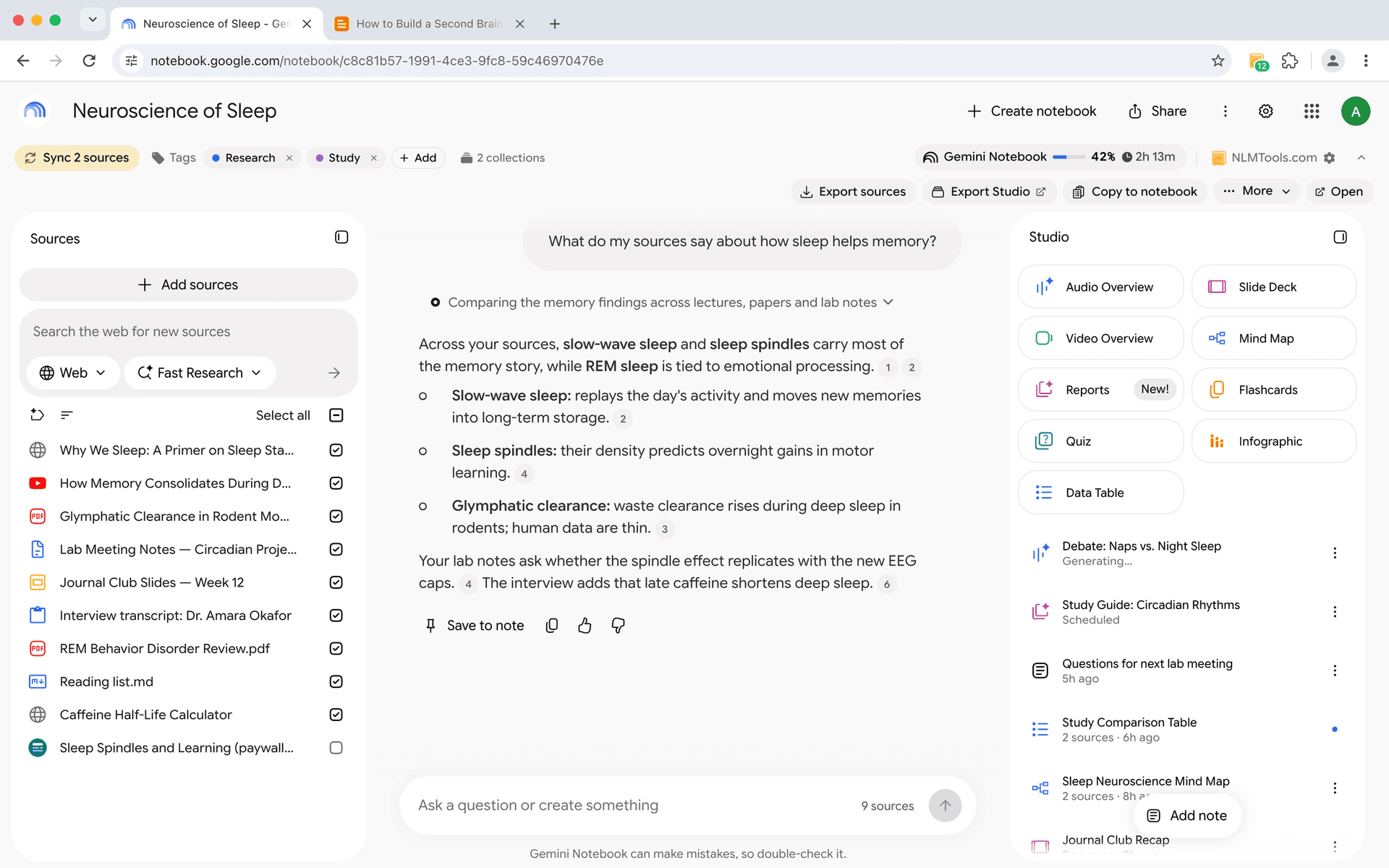
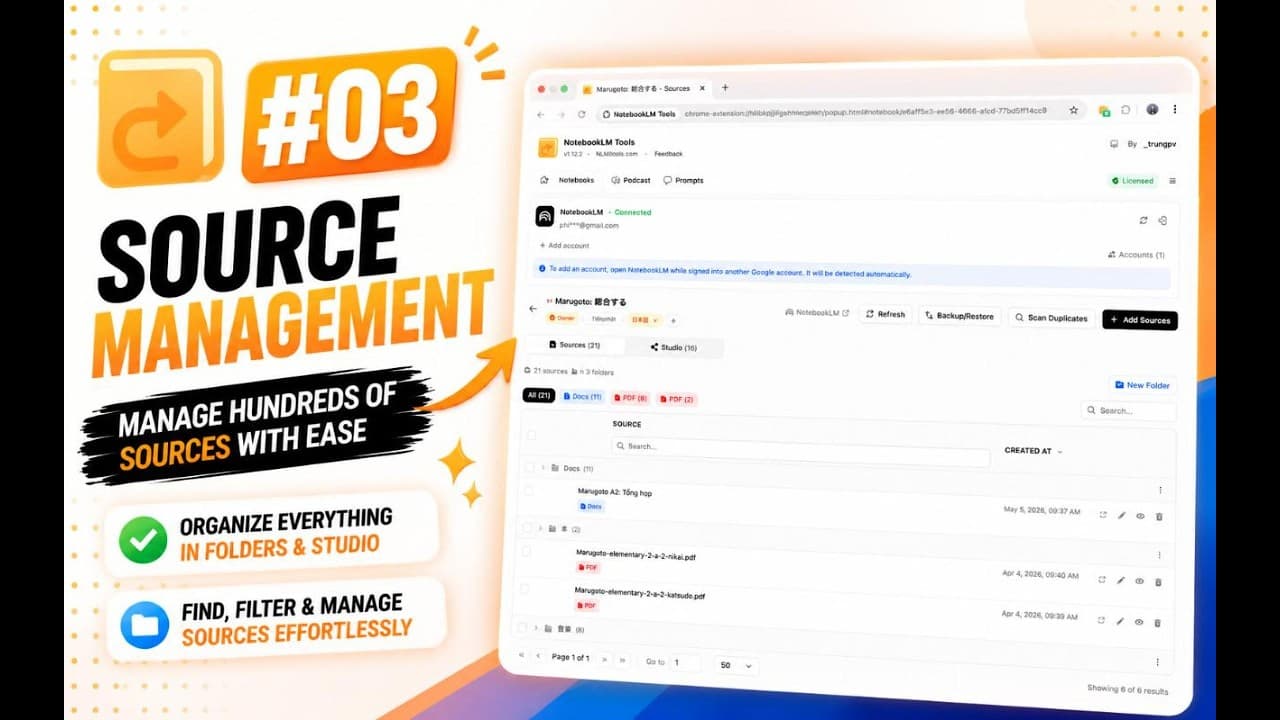
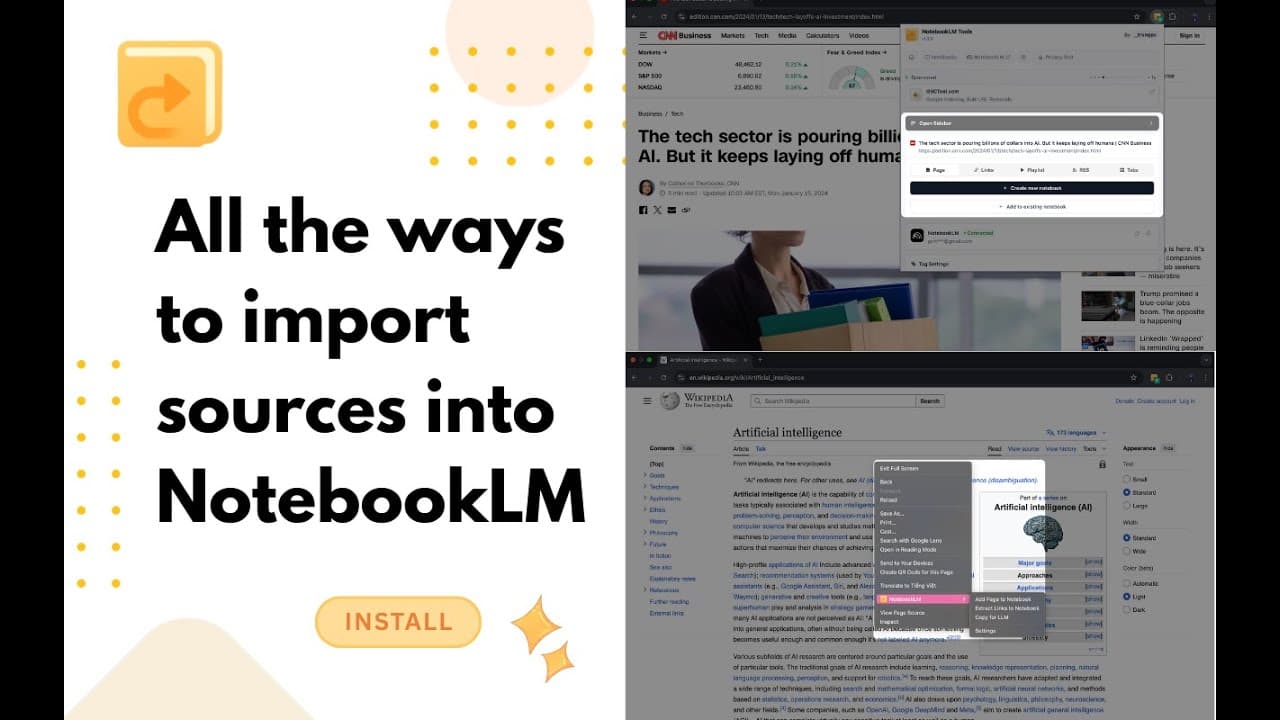
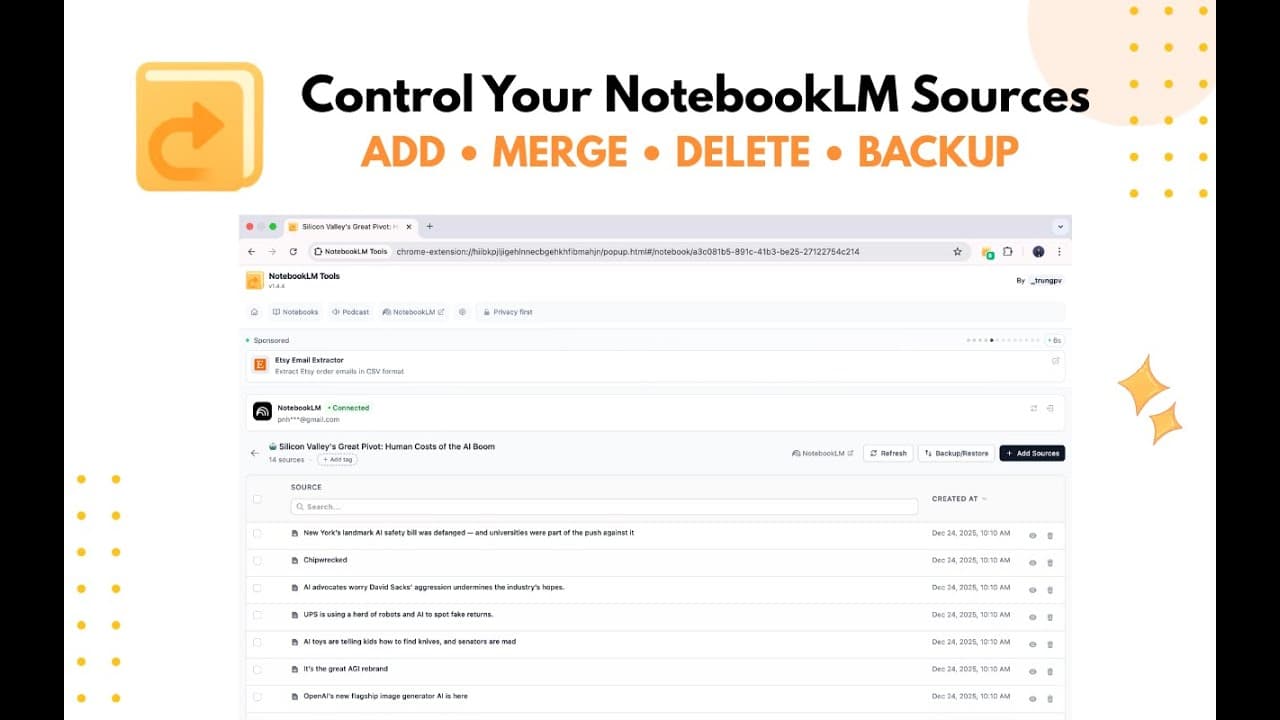
No more adding sources one at a time. NotebookLM Tools lets you work with multiple sources at once, saving you time and effort.
- Bulk text adding - paste multiple snippets at once
- Bulk link adding - add multiple URLs simultaneously
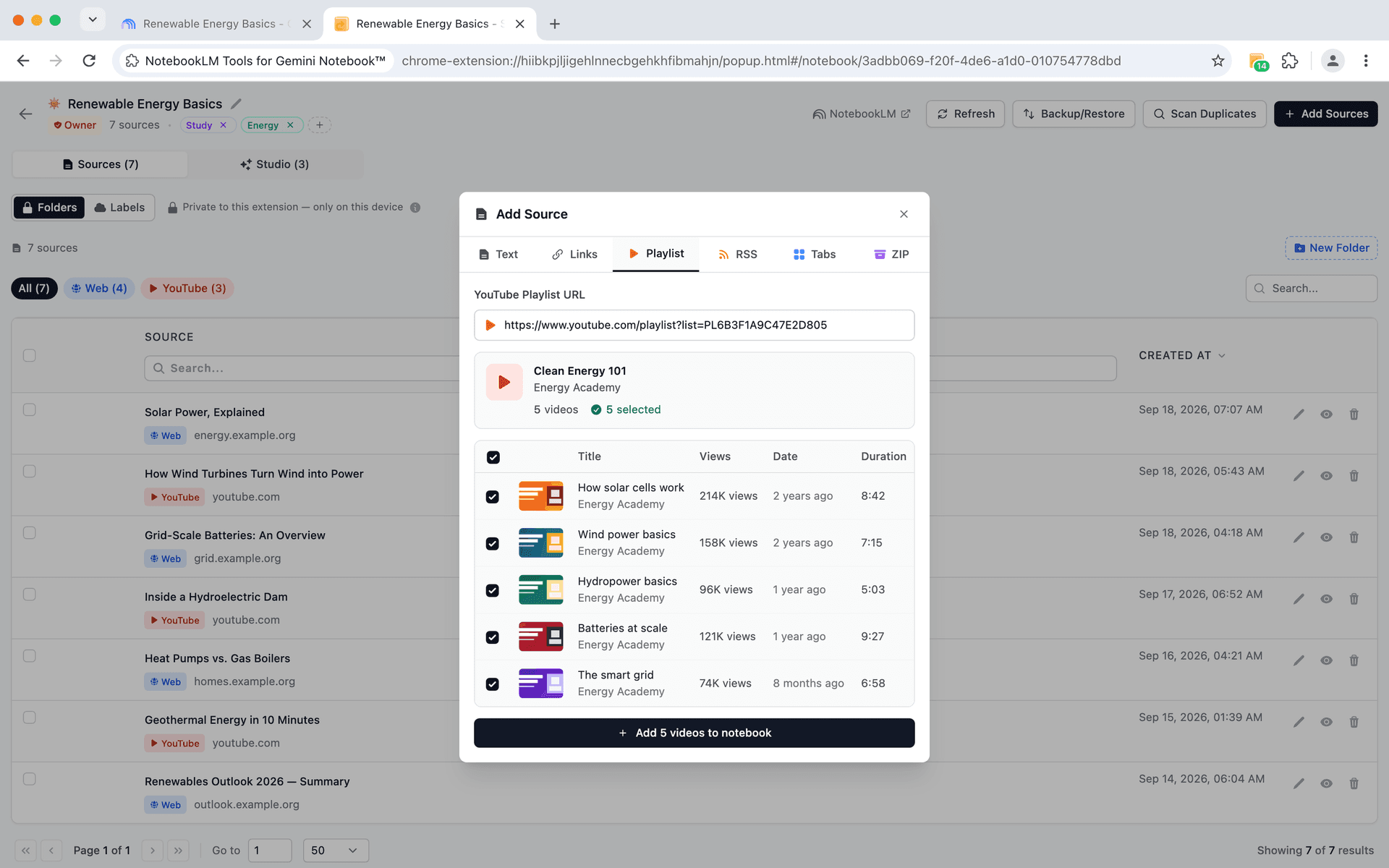
- YouTube playlist import - entire playlists in one click
- RSS feed import - subscribe and add recent articles
- ZIP file upload - multiple documents at once
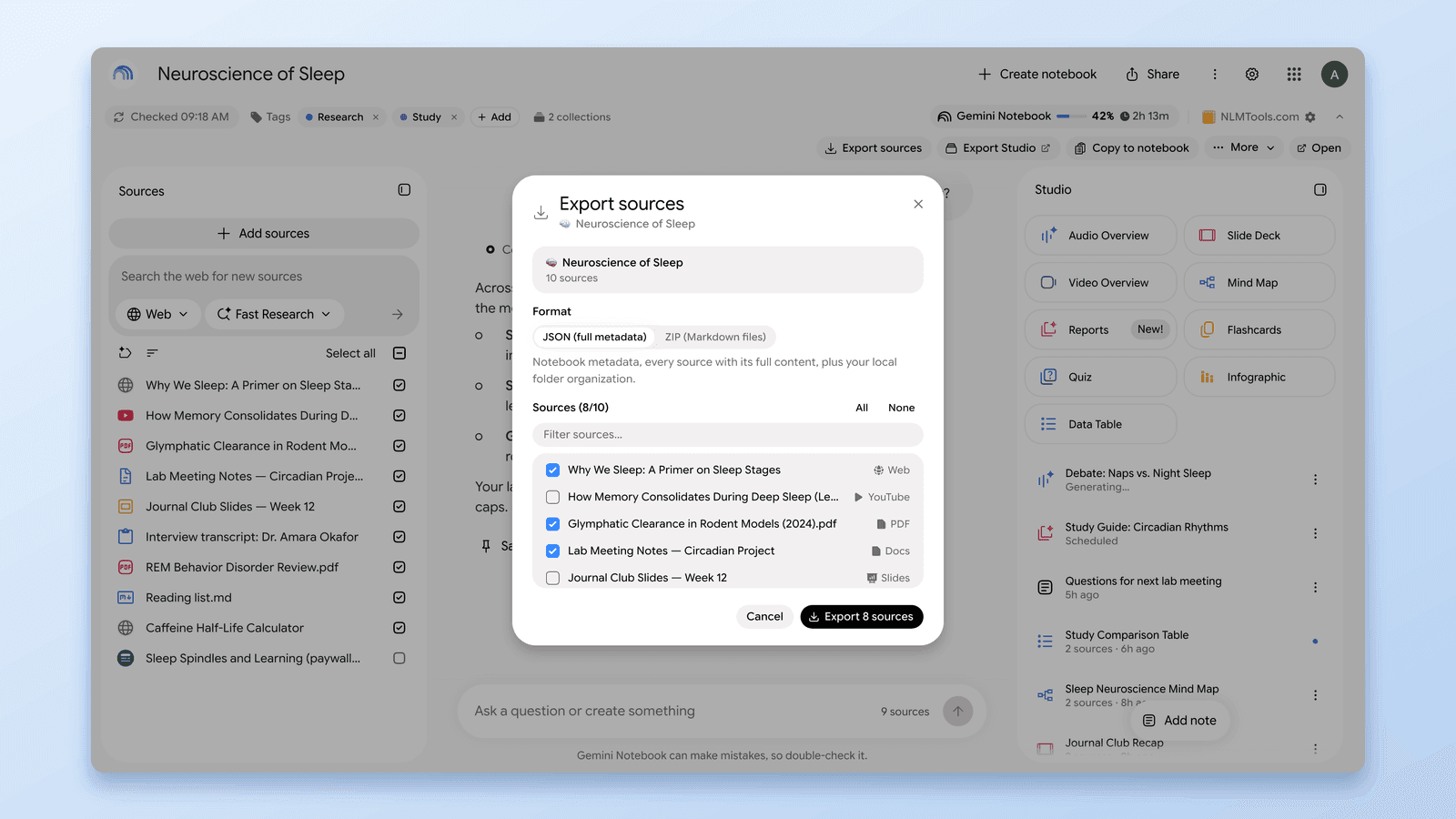
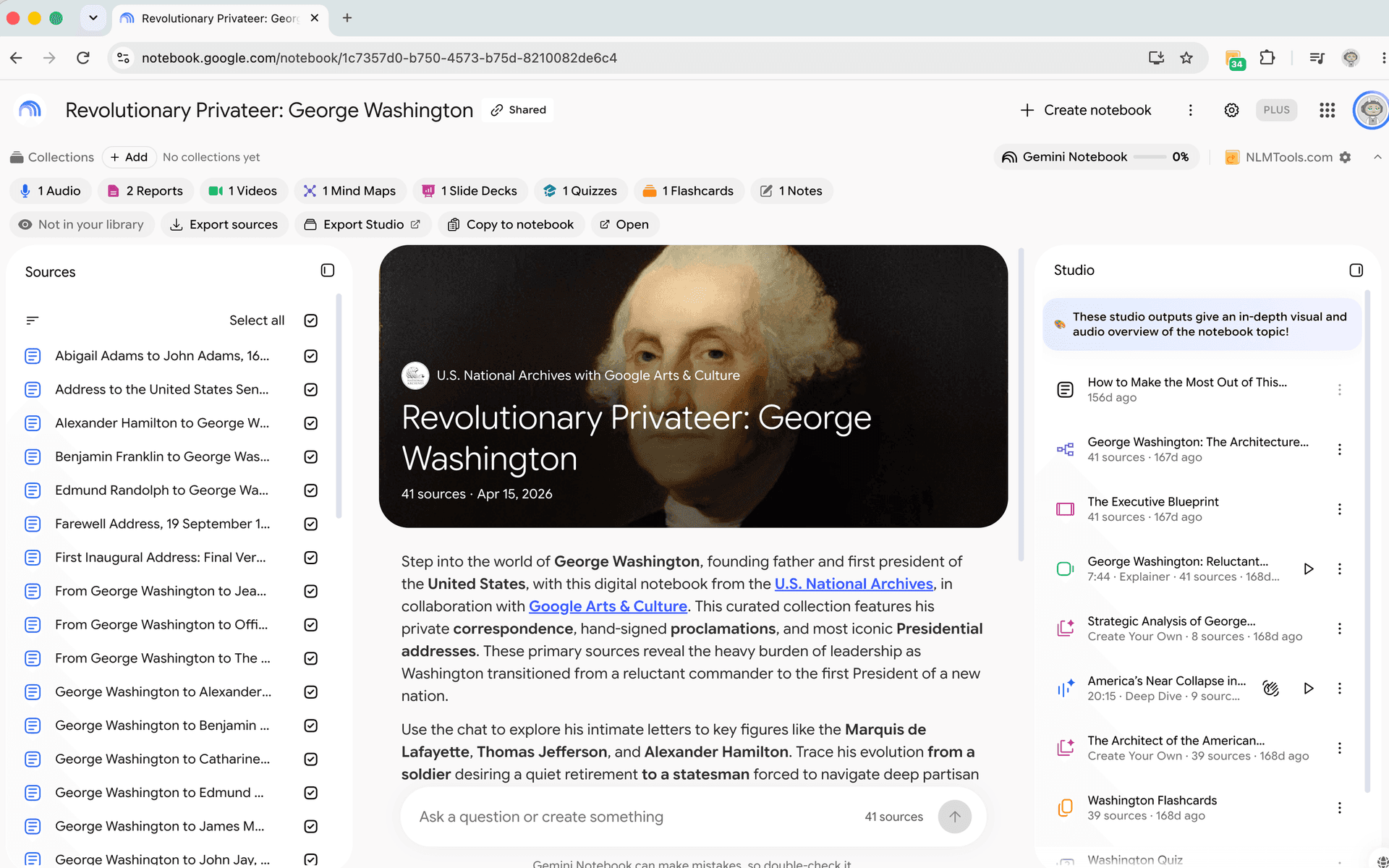
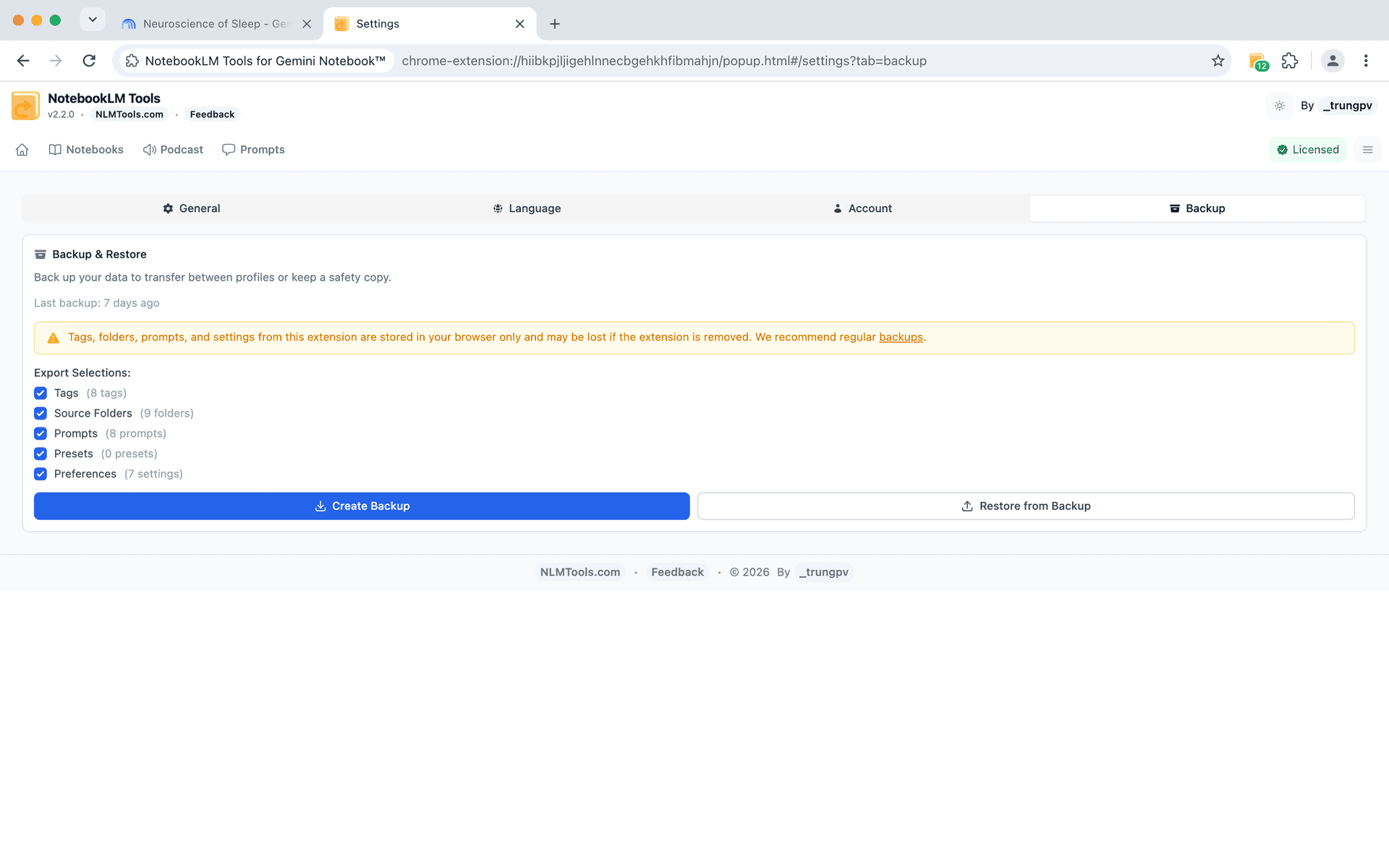
- Export & import sources - share collections easily
Organization & Tagging
Keep your notebooks organized
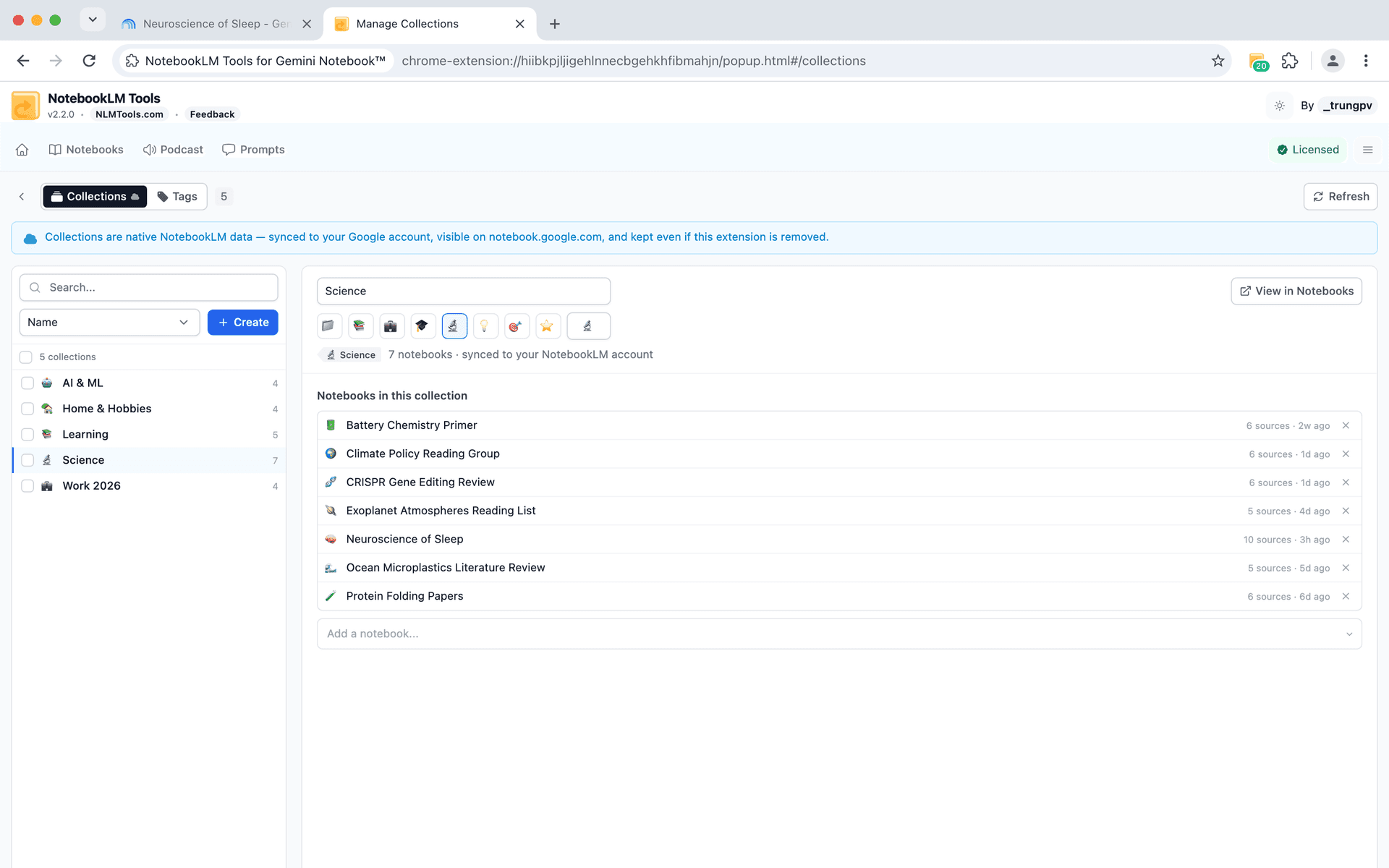
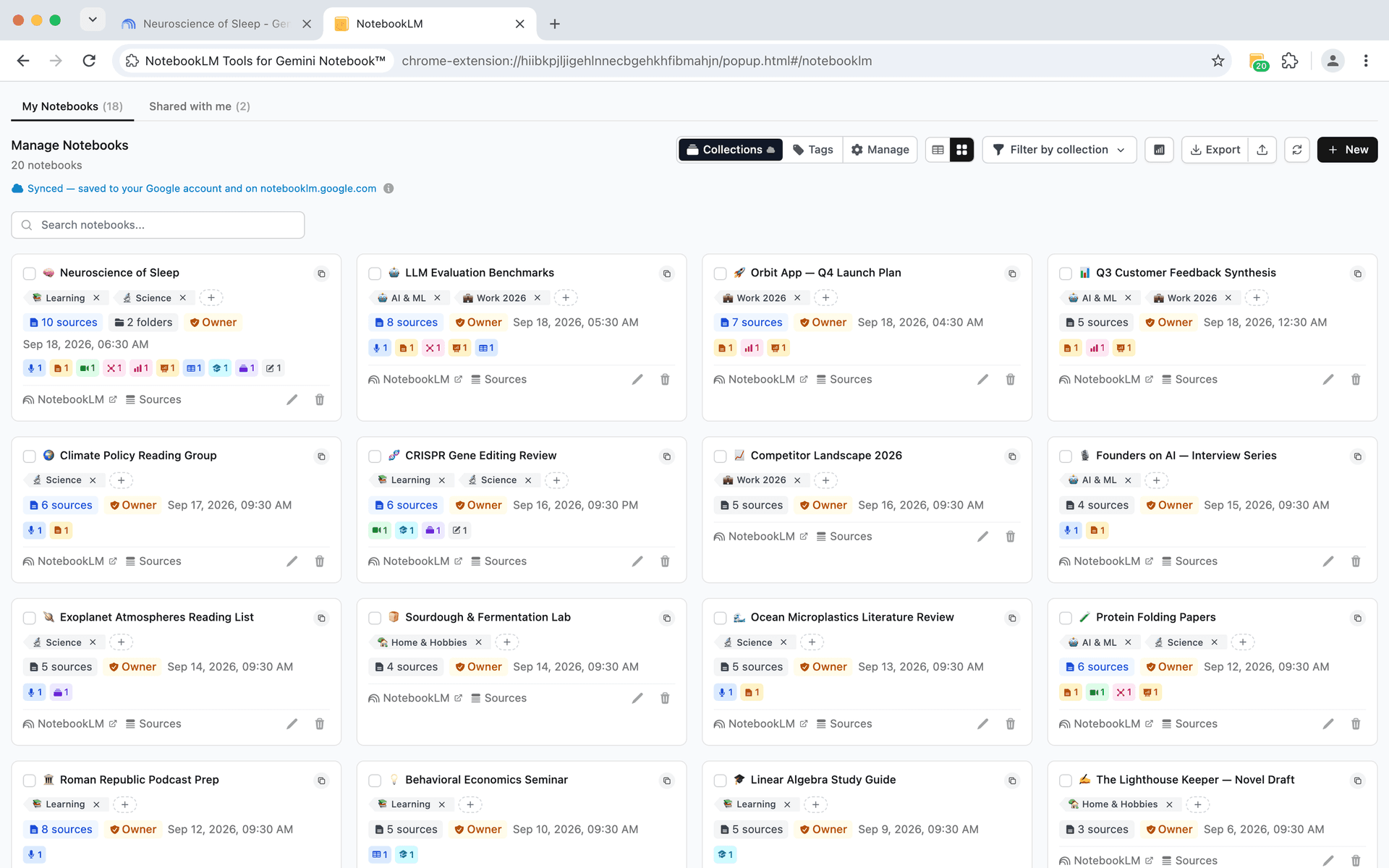
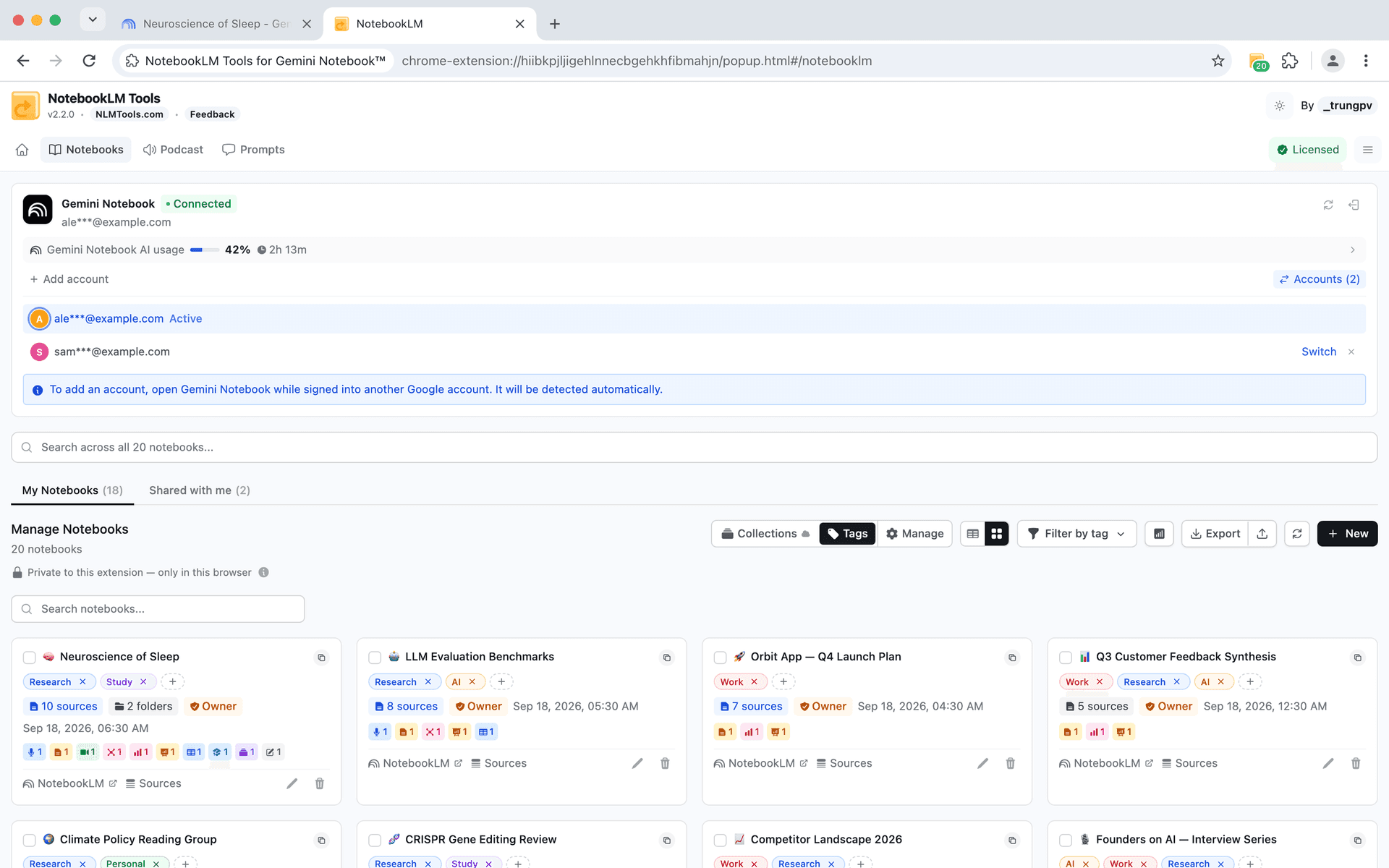
Custom tags and powerful filtering help you find and manage notebooks effortlessly.
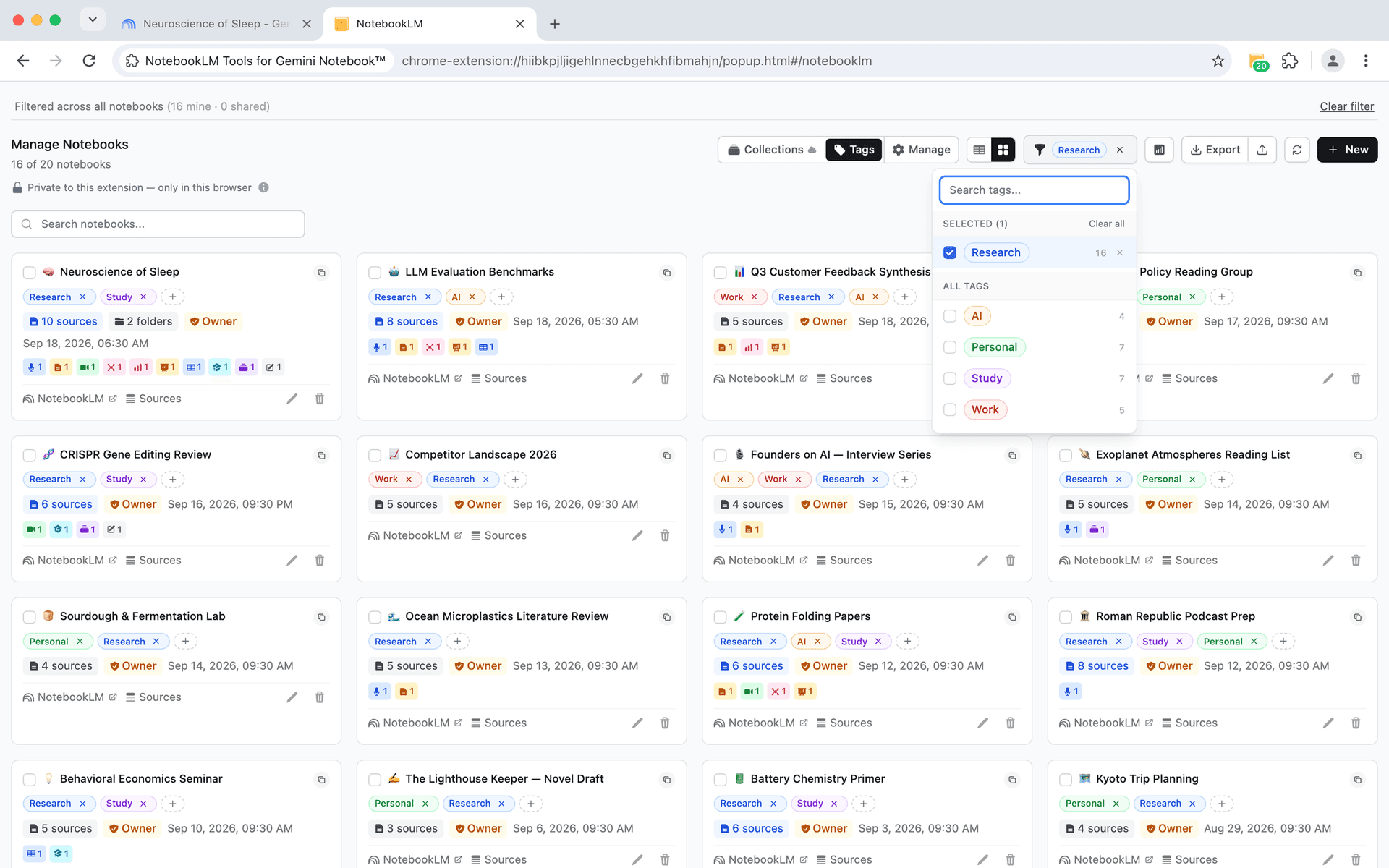
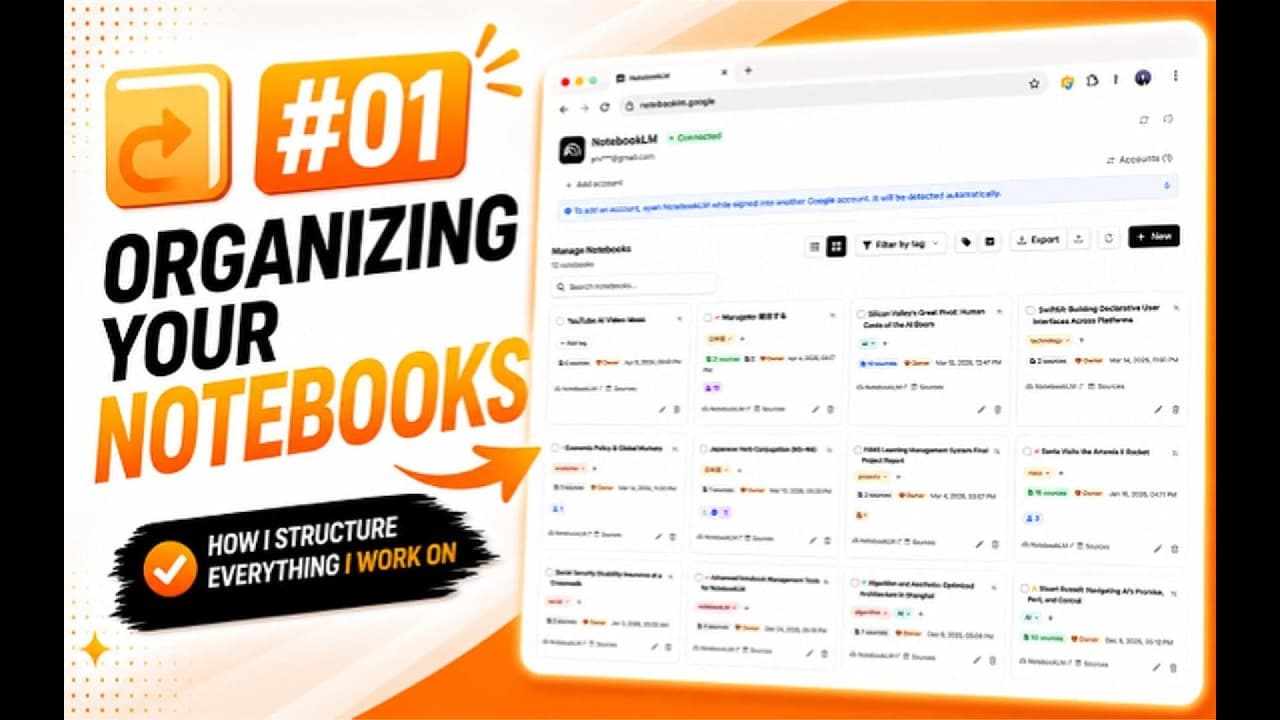
- Custom tags - create tags with custom colors
- Tag filtering - filter by multiple tags at once
- Bulk operations - tag multiple notebooks simultaneously
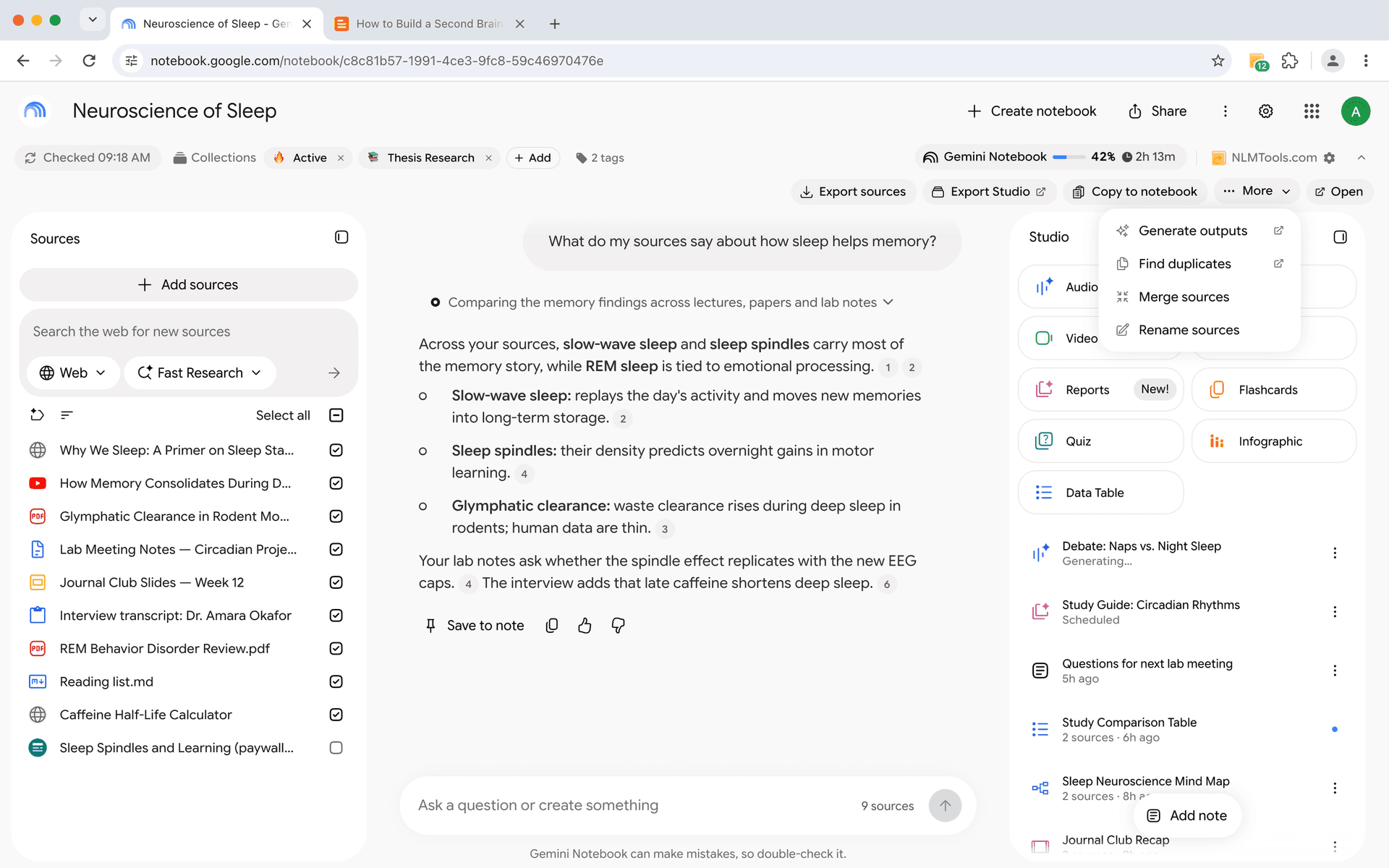
- Duplicate detection - find and manage duplicate sources
- Notebook merging - consolidate related research
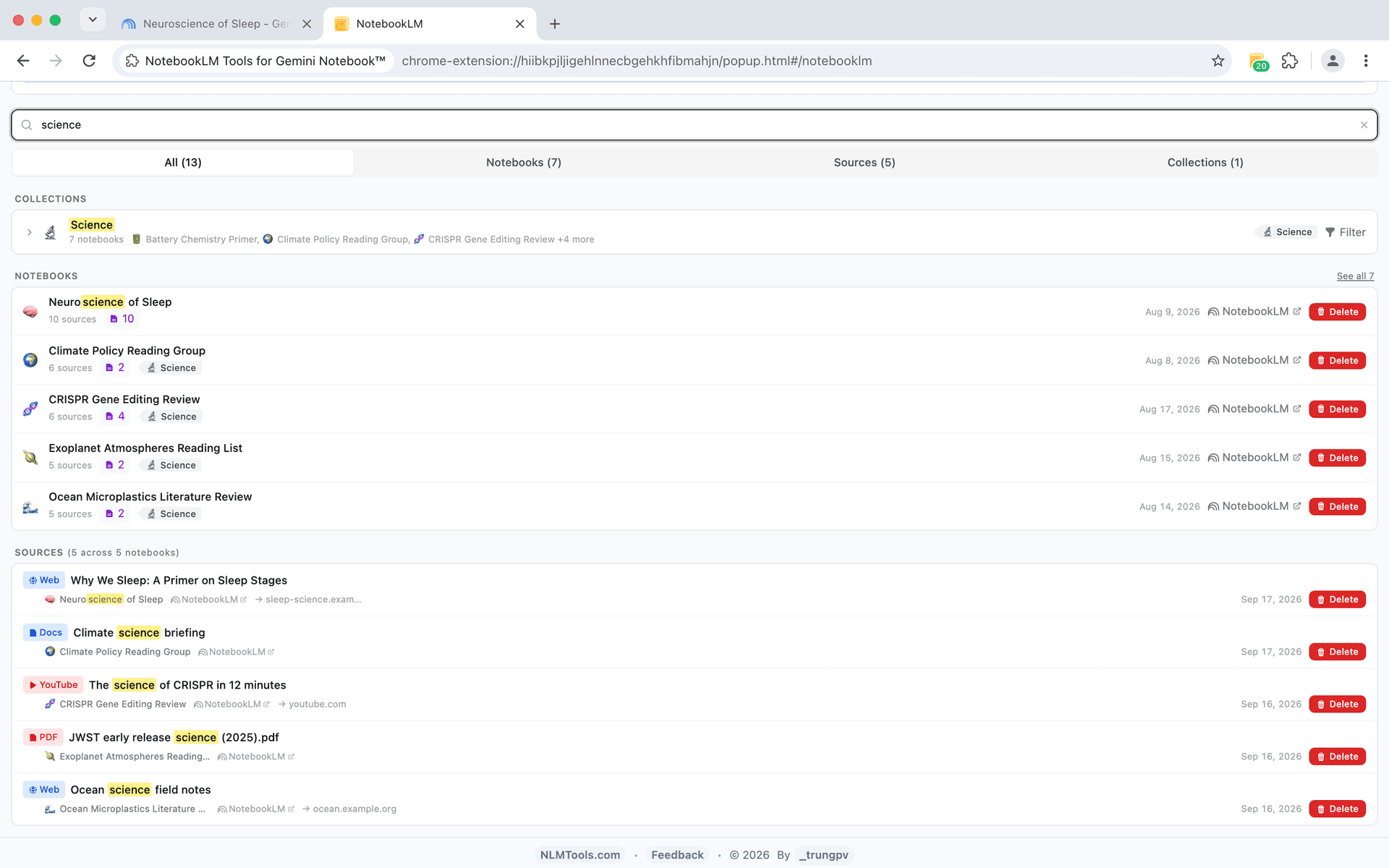
- Quick search - find notebooks by title, tags, or content


Language Management
Work in your preferred language
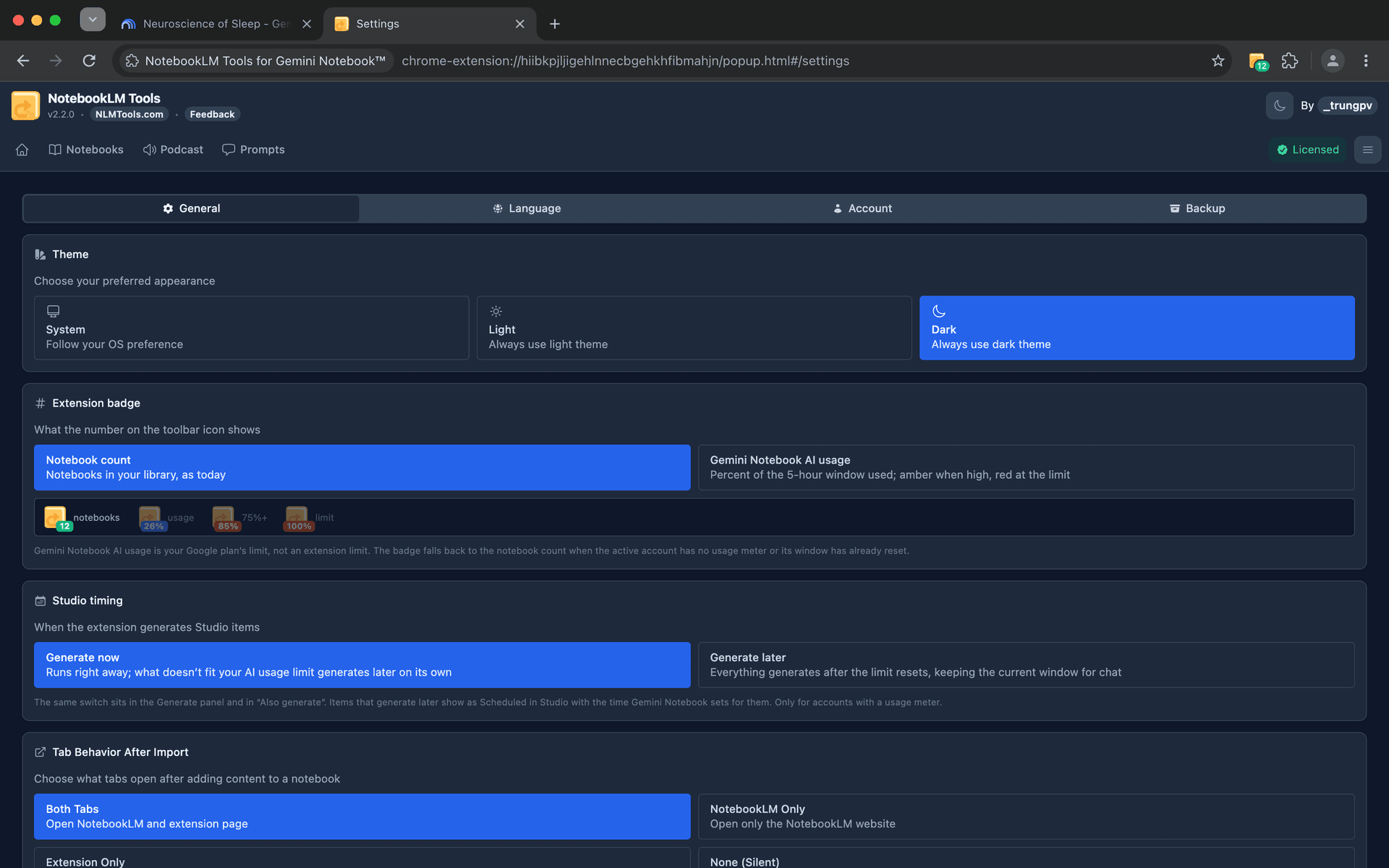
Switch languages instantly with support for 70+ languages worldwide.
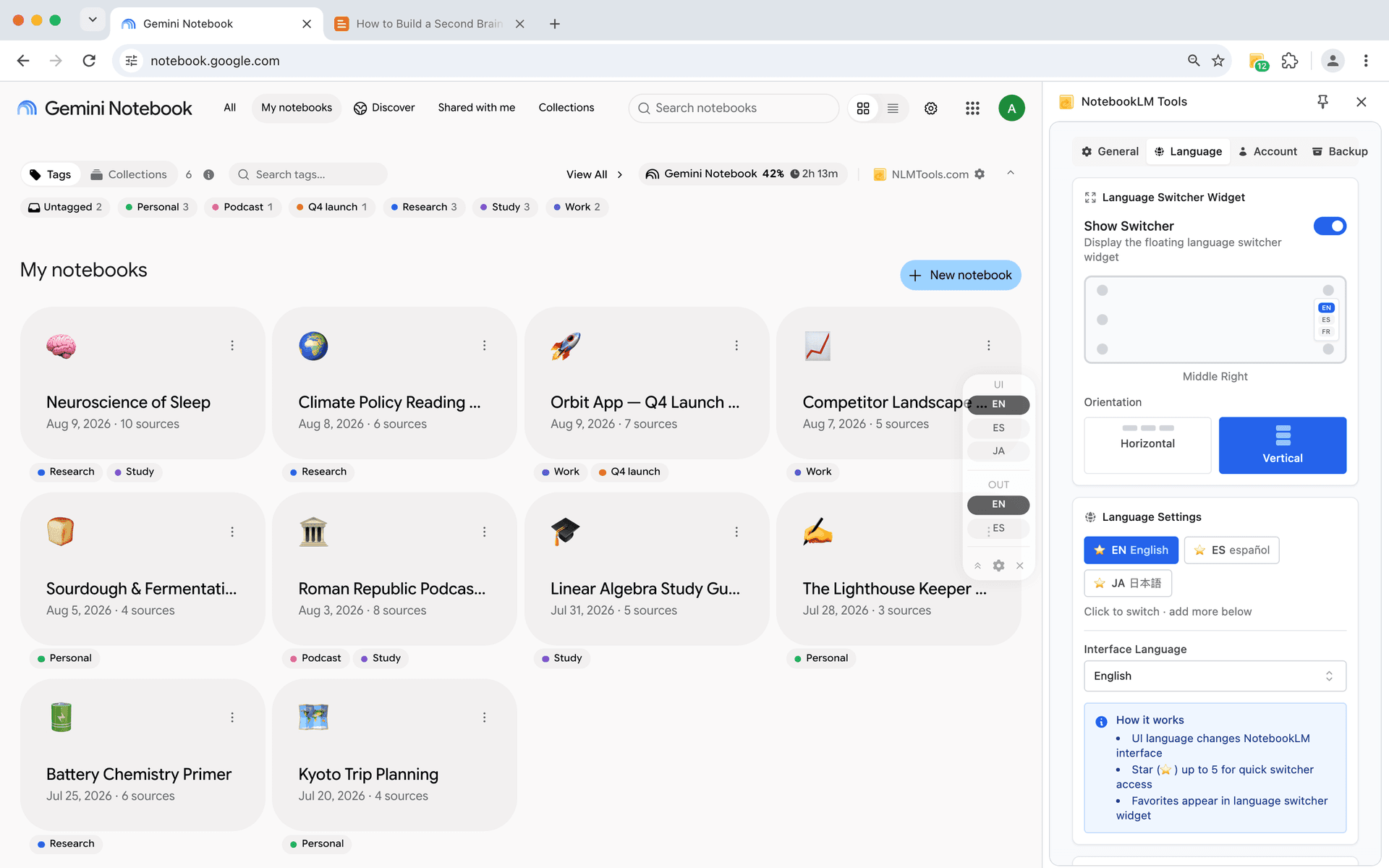
- UI language switching - change interface without browser settings
- Output language control - set AI response language independently
- Floating language widget - quick access without interrupting workflow
Podcast & Audio
Enhanced audio experience
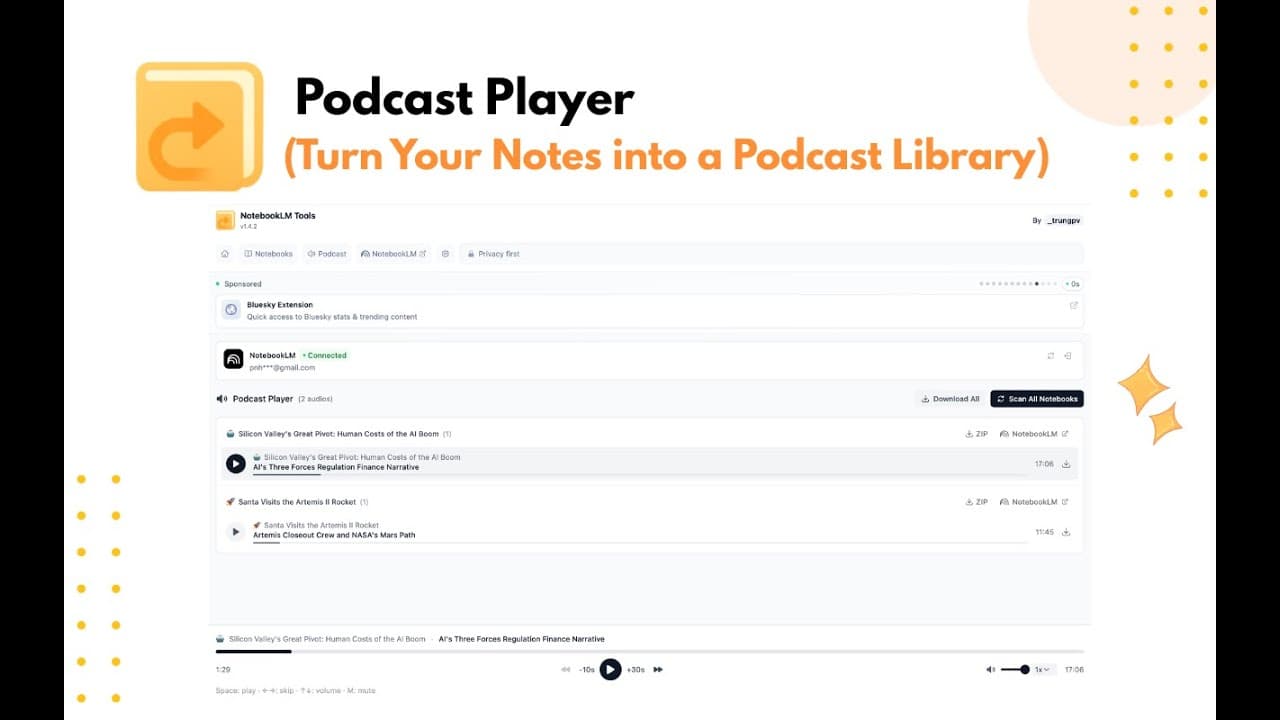
Take control of your audio guides with advanced playback features.
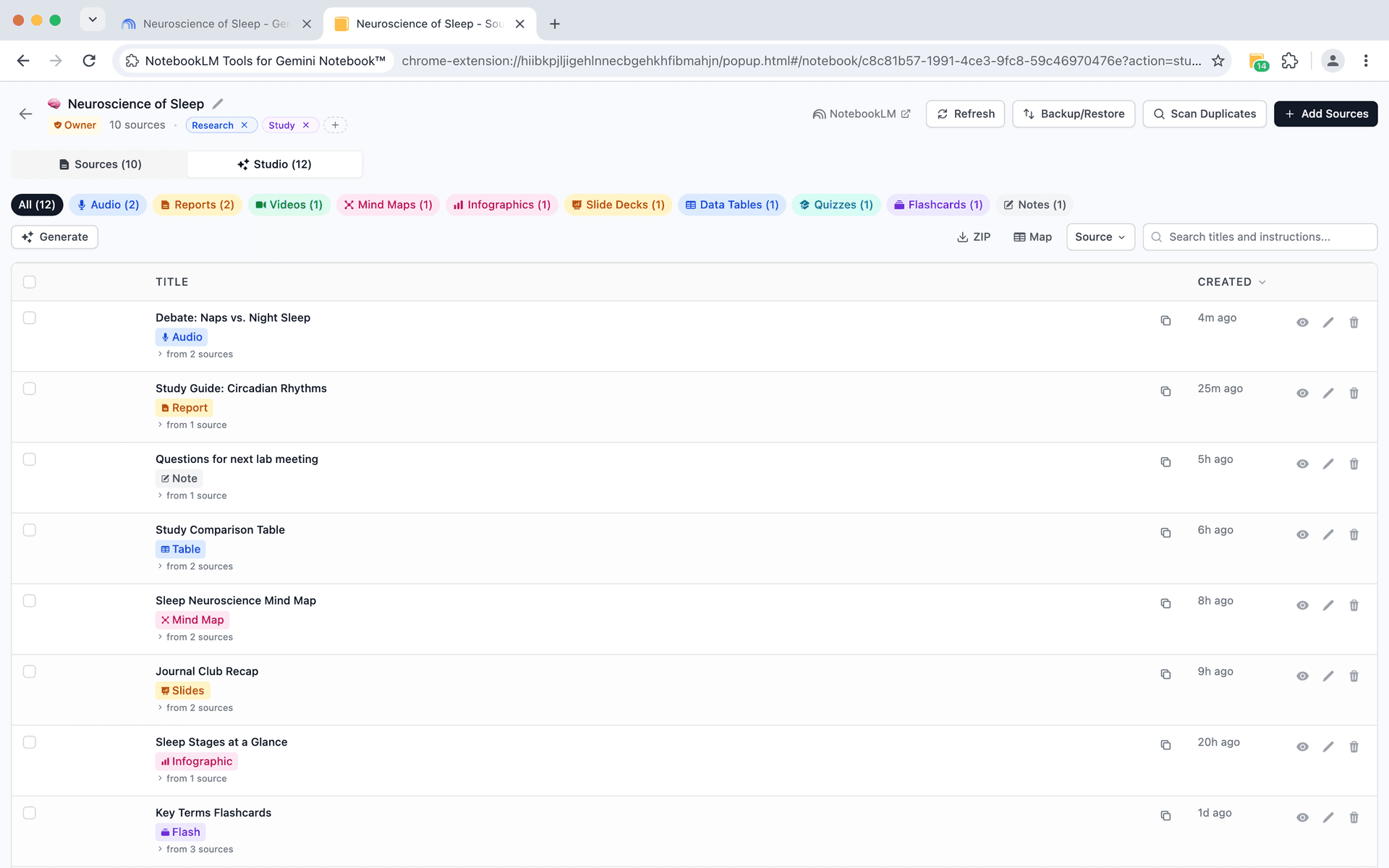
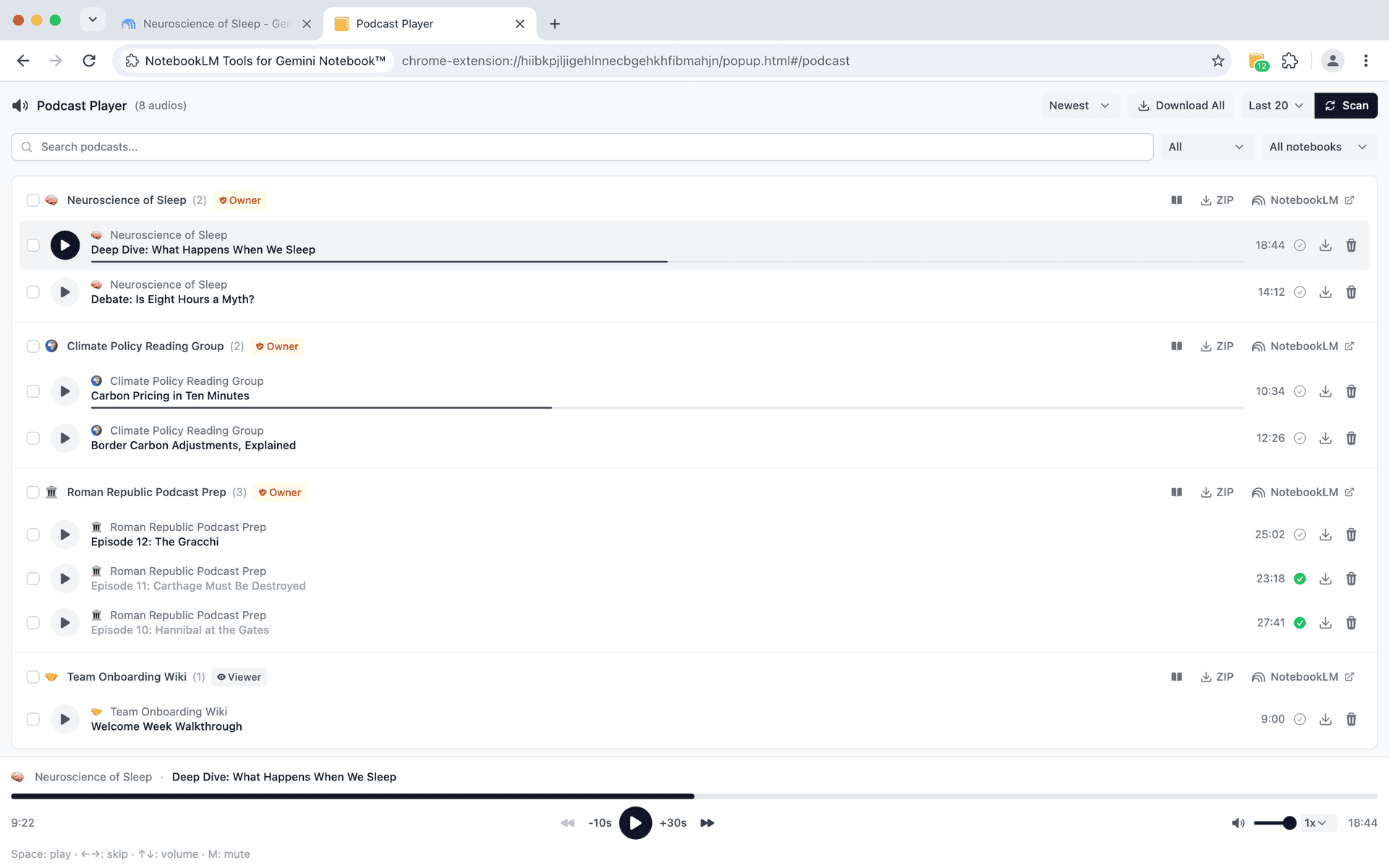
- Playlist management - create playlists for sequential listening
- Progress tracking - resume where you left off
- Download audio - save guides for offline listening


Content Extraction
Extract and share content
Get your content out of notebooks in formats you can use elsewhere.
- Link extraction - extract all links for reading lists or bibliographies
- Markdown export - export content for documentation or blogs
- Source sharing - share collections with colleagues
Getting Started
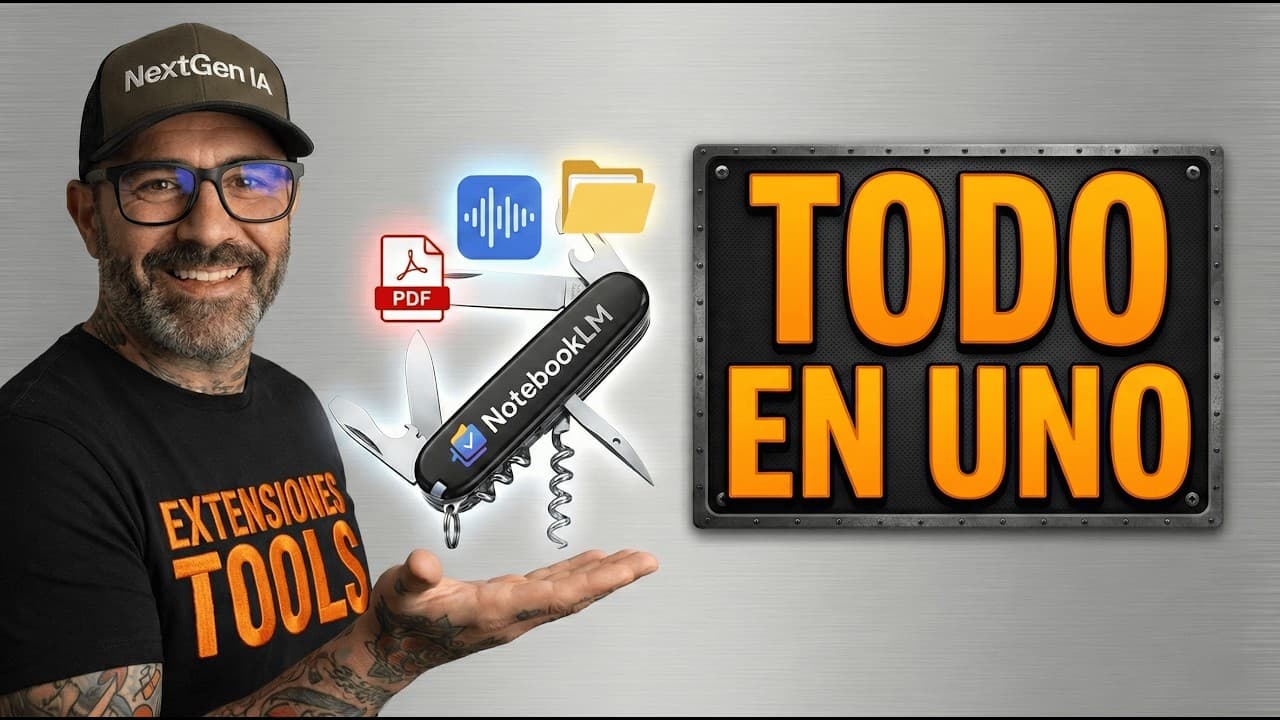
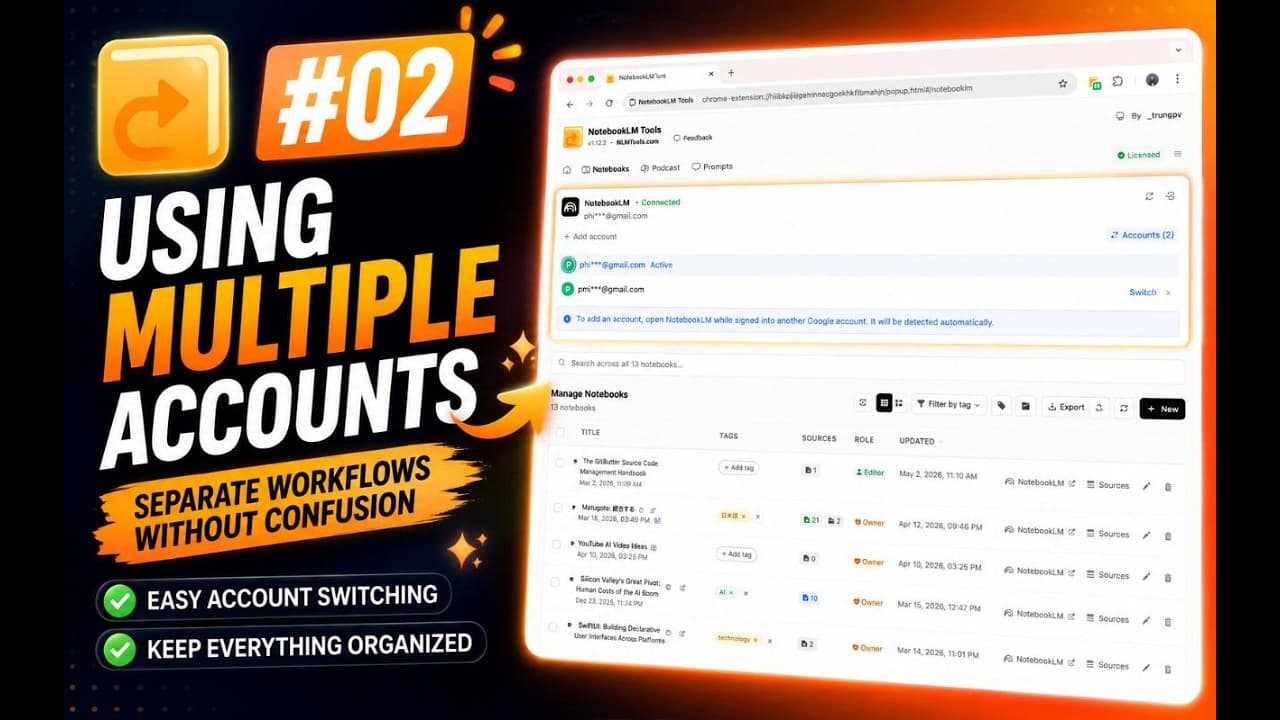
Watch the tutorials
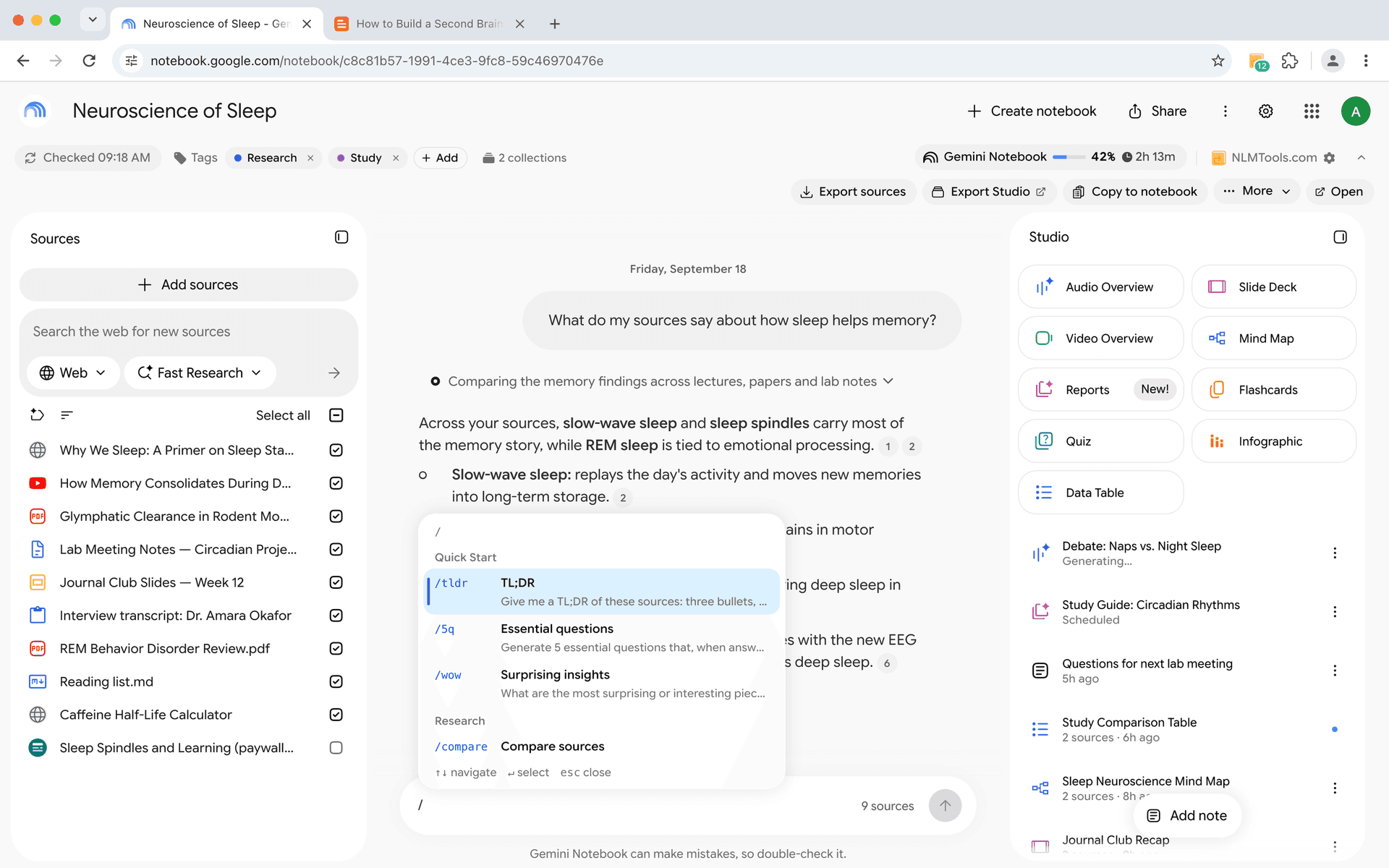
Learn how to install and use NotebookLM Tools with these guides.
Feature Demos
See features in action
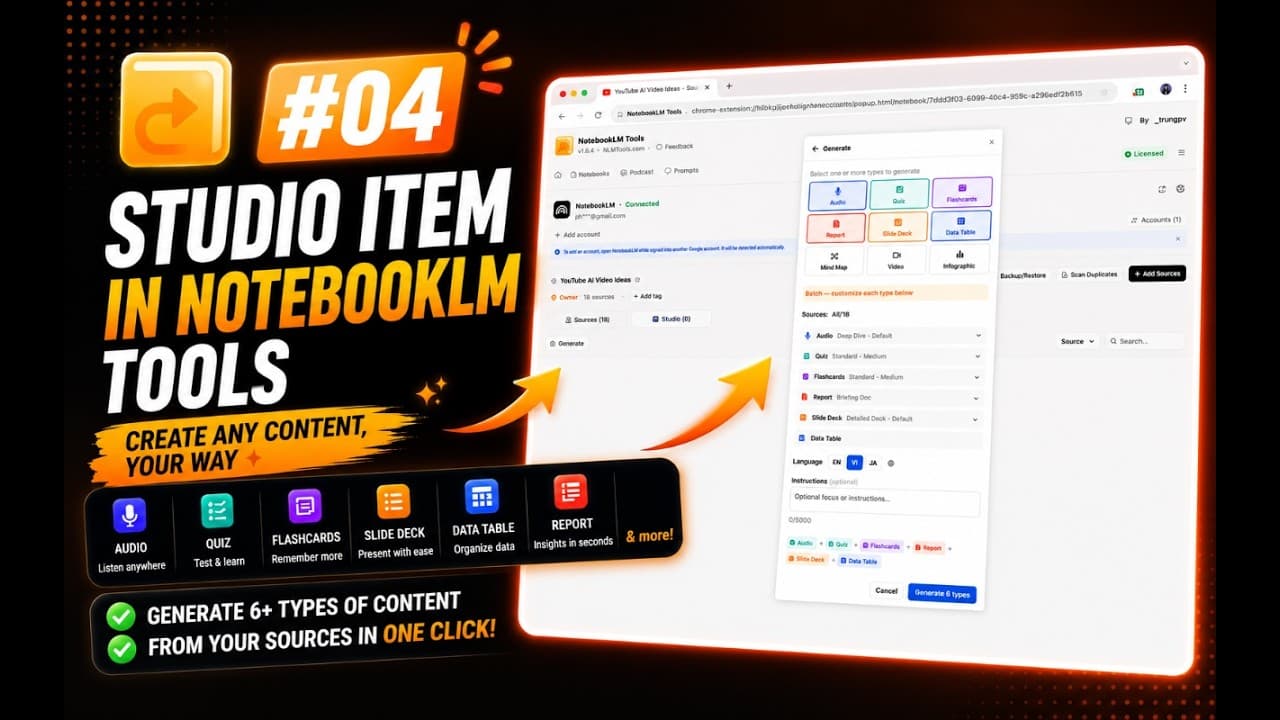
Deep dive into specific features with detailed video demos.
Ready to try these features?
Install NotebookLM Tools and start using these features today.