NotebookLM Is Now Gemini Notebook: What Changed & What Didn't
Enhance your NotebookLM experience with our free browser extension.
View plansShort answer: on July 16, 2026, Google renamed NotebookLM to Gemini Notebook. It's the same product — same notebooks, same Audio Overviews — with a new name, a new blue-purple logo, and a wider rollout of one capability: a "secure cloud computer" in every notebook that can write and run code, which AI Ultra subscribers got in June 2026 and Google announced for AI Pro with the rename. Nothing you built is going away, no links break, and extensions like NotebookLM Tools keep working exactly as before.
Google's own announcement is direct about it: "Today, we're renaming NotebookLM to Gemini Notebook," wrote Josh Woodward, VP of Google Labs — and the product "remains a standalone product focused on being your premier research tool, but it will now do more across the Google ecosystem." Here's everything that actually changes — and the longer list of things that don't.
Update — 1 August 2026: separately from the rename, the app's address has moved. notebooklm.google.com now redirects automatically to notebook.google.com — in our tests on August 1, every request was redirected. Old links and bookmarks keep working via the redirect, and nothing has been shut down. NotebookLM Tools supports both addresses from v1.9.4; if the extension stopped working recently, that is why — see Troubleshooting. Full story: What is notebook.google.com?
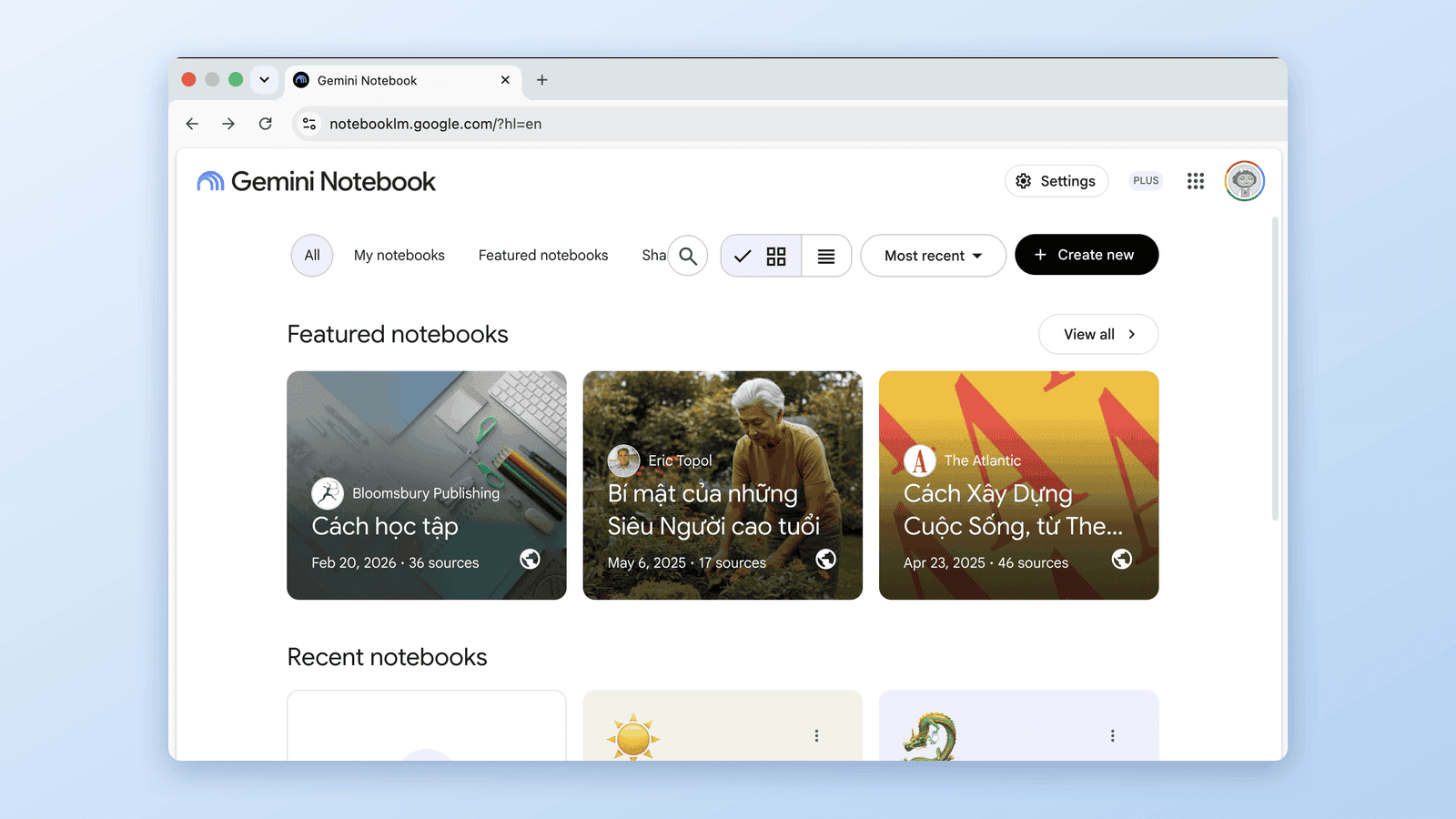
What changed (and what didn't)
| Before July 16, 2026 | After | |
|---|---|---|
| Name | NotebookLM | Gemini Notebook |
| Website | notebooklm.google.com | notebook.google.com — the old address redirects automatically since late July 2026 |
| Your notebooks | — | Untouched; nothing to migrate |
| Shared links | — | Keep working (automatic redirects) |
| Mobile apps | "NotebookLM" | Renamed in place — same app, update it to see the new name |
| Logo | The old NotebookLM mark | Blue-purple Gemini gradient, rolling out over several weeks |
| Free tier | Free | Still free |
| Audio/Video Overviews, Deep Research, Mind Maps | — | Same names, same features |
| Code execution | AI Ultra and some Workspace plans (since June 2026) | "Secure cloud computer" per notebook, announced for AI Pro on the web |
The pattern is deliberate: Google did the same thing when Bard became Gemini in February 2024. The name changes; the product keeps running in place.
The upgrade announced with the rename: a cloud computer in every notebook
The rename came with a wider rollout of a real upgrade. In Google's words, the update "gives every notebook a secure cloud computer", which lets Gemini Notebook "write and execute code natively, helping you conduct complex data analysis grounded in your sources." In practice that means you can ask it to run actual data analysis on your source material — crunch numbers, compare figures across documents — instead of getting chat-only answers.
Rollout order, per Google:
- Google AI Ultra subscribers and Workspace customers with AI Ultra Access / AI Expanded Access — available now
- Google AI Pro users on the web — "over the coming weeks"
There's nothing to enable manually.
Deeper Google integration
The announcement also restated where notebooks were headed across Google — one part already live, the other launched a month later:
- Gemini app sync (already live). In Google's words, you "can already access and create notebooks directly within the Gemini app, with full cross-app syncing between the Gemini app and the standalone Gemini Notebook experience." This isn't new with the rename — notebooks arrived in the Gemini app in April 2026.
- AI Mode in Search (live since August 2026). The announcement promised to "bring notebooks directly into AI Mode in Search", and on August 19, 2026 Google announced they were rolling out — in English, outside the European Economic Area, and for personal Google Accounts. Notebooks, sources, and instructions sync across all three apps; chats don't sync with AI Mode (Google's help center; last verified: 28 September 2026).
This is also where the naming gets confusing: the Gemini app has had its own "Notebooks" section since April 2026. They're connected but not identical — we untangle the differences in Gemini Notebook vs Notebooks in Gemini.
Why Google renamed it
Google's announcement doesn't spell out the reasoning, but the logic isn't hard to read — and press coverage like 9to5Google's said it out loud. The old name carried "LM" — language model — jargon that meant little to most of the 30 million people now using the product. And Google has been steadily consolidating its AI products under the Gemini brand, exactly as it did with Bard, Duet AI, and others.
Fun history: Gemini Notebook is this product's third name. It launched at Google I/O 2023 as Project Tailwind, shipped as NotebookLM, and is now Gemini Notebook.
What this means if you use extensions
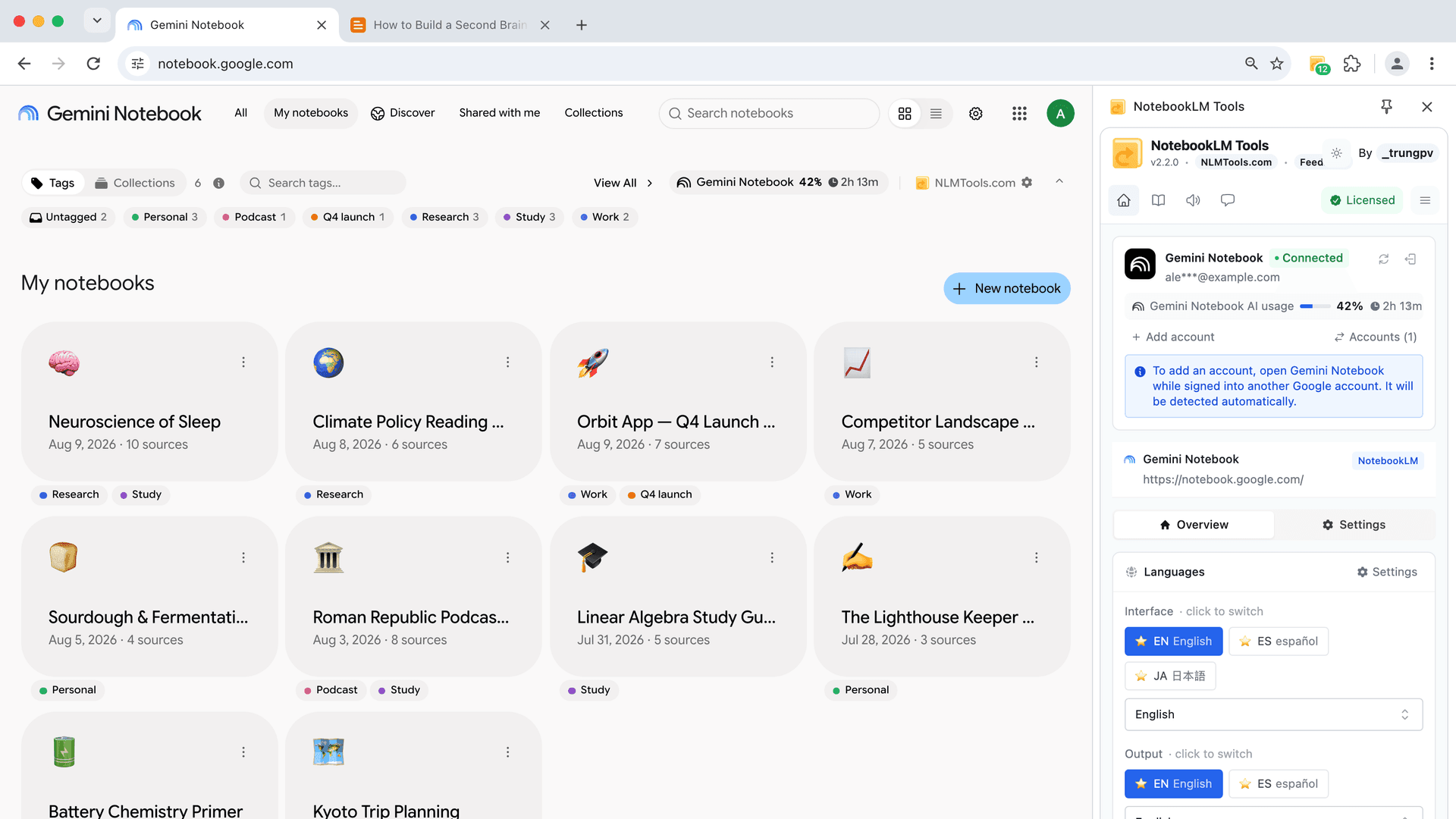
Nothing breaks from the rename itself — it didn't change how the interface works, so browser extensions kept functioning as before. The address change that followed in late July is a different matter: extensions target the site's address, so the move to notebook.google.com briefly broke many NotebookLM add-ons. NotebookLM Tools — source folders, saved prompts, cross-notebook search, bulk import, audio downloads, and the rest of the 35+ features — supports both addresses from v1.9.4, and we ship updates weekly as Google's rebrand rolls out across the interface.
The same goes for the wider ecosystem we compared in the best NotebookLM Chrome extensions: extensions target the site itself — so after the address change, each extension has to add support for notebook.google.com.
What you should (not) do
- Don't migrate anything. Your notebooks, sources, and studio outputs are all untouched.
- Update your bookmarks when convenient. The app now lives at notebook.google.com; the old notebooklm.google.com forwards there automatically, so old shared links and bookmarks keep working.
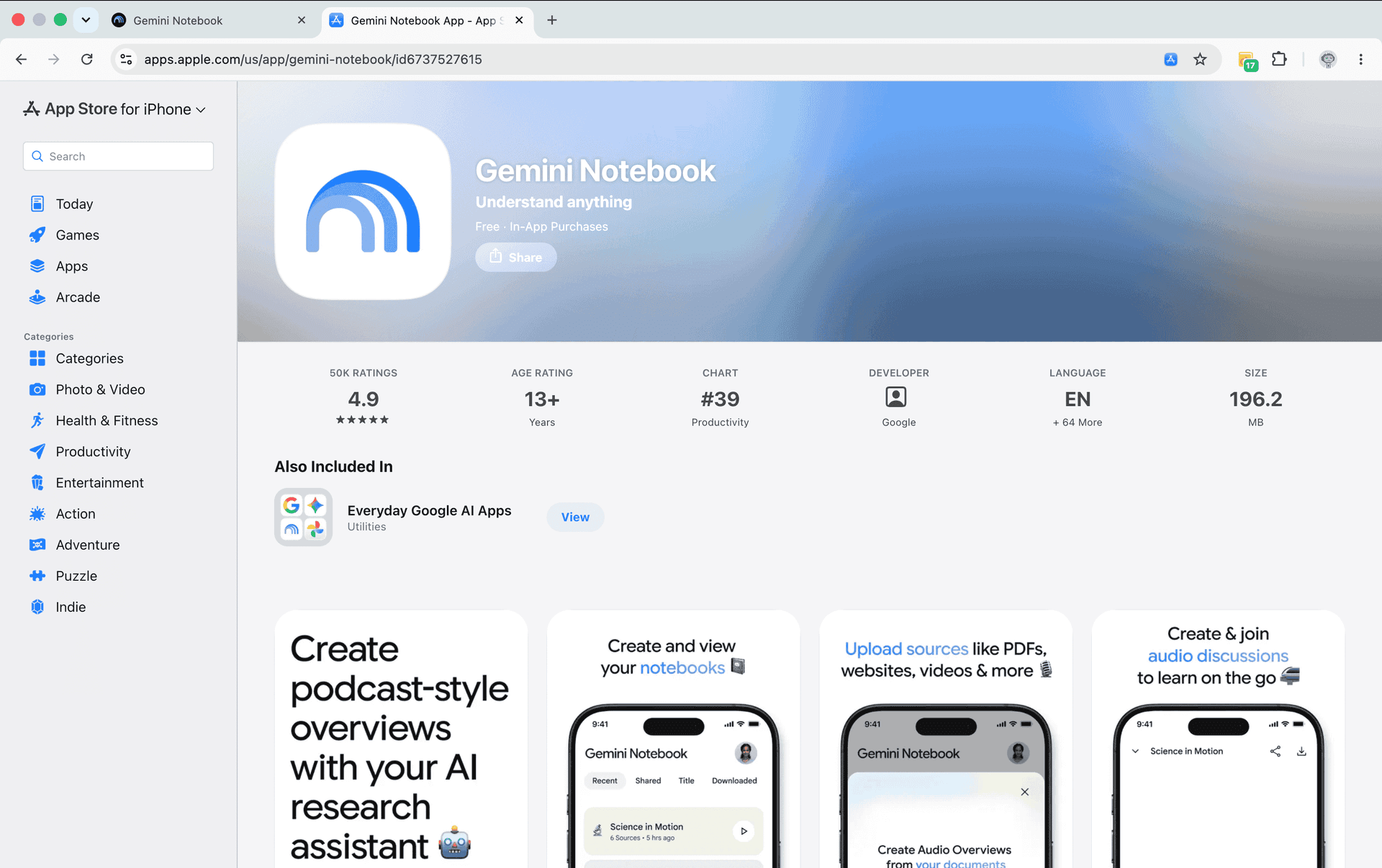
- Update your mobile app if you want the new name and logo — the app was renamed in place, not replaced.
- Try code execution on the web if you're on AI Pro or Ultra — Google's chat help page lists running code among chat's capabilities (last verified: 28 September 2026).
Frequently Asked Questions
Is Gemini Notebook the same as NotebookLM?
Yes. On July 16, 2026, Google renamed NotebookLM to Gemini Notebook. It is the exact same product — same notebooks, same features — with a new name, a new logo, and new code-execution capabilities. Separately from the rename, Google has since moved the app's address: notebooklm.google.com now redirects automatically to notebook.google.com.
Why did Google rename NotebookLM to Gemini Notebook?
The new name drops the "LM" (language model) jargon and ties the product to the broader Gemini brand family, following the same pattern as Bard becoming Gemini in 2024. Google's announcement stresses that it remains a standalone product, "now doing more across the Google ecosystem."
Is NotebookLM shutting down?
No. Nothing is shutting down. Google explicitly stated Gemini Notebook "remains a standalone product" — and it's actually getting more investment: code execution, notebooks that sync with the Gemini app, and, since August 2026, notebooks in AI Mode in Google Search. In the same announcement, Google says "more than 30 million people and over 600,000 organizations" now use it.
Will my existing notebooks and shared links still work?
Yes. Your notebooks are untouched by the rename, and Google confirmed that automatic redirects keep existing shared notebook links working. Since late July 2026 the app lives at notebook.google.com, and the original notebooklm.google.com address redirects there automatically — so old links and bookmarks keep working.
Is Gemini Notebook still free?
Yes. The rename didn't change the free tier — Gemini Notebook is still free to use. Paid Google AI plans (Plus, Pro, and Ultra) add higher limits, and code execution, which reached AI Ultra in June 2026, was announced for AI Pro on the web alongside the rename.
Do NotebookLM extensions still work with Gemini Notebook?
Yes. Browser extensions like NotebookLM Tools keep working exactly as before — all 35+ features included. Note that since late July 2026 the app lives at notebook.google.com (the old address redirects automatically); NotebookLM Tools supports both addresses from version 1.9.4 onward, so update the extension if it stopped working.
What is the difference between Gemini Notebook and Notebooks in the Gemini app?
Gemini Notebook is the standalone research app formerly called NotebookLM. "Notebooks in Gemini" is a section inside the Gemini chat app that launched in April 2026. They hold the same notebooks — synced both ways — but the standalone Gemini Notebook is the full-featured research app, and Google names Video Overviews and Infographics as unique to it. Full comparison here.
Sources: Google's official announcement, Google's June 2026 NotebookLM update, Google's back-to-school Search announcement, Google Workspace Updates, Google's help pages on notebooks in AI Mode, getting started with notebooks in AI Mode and chat, and the Google Workspace product page. Last verified September 28, 2026 — we'll keep this page updated as the rollout continues.
Trusted by 90,000+ NotebookLM users
Related articles
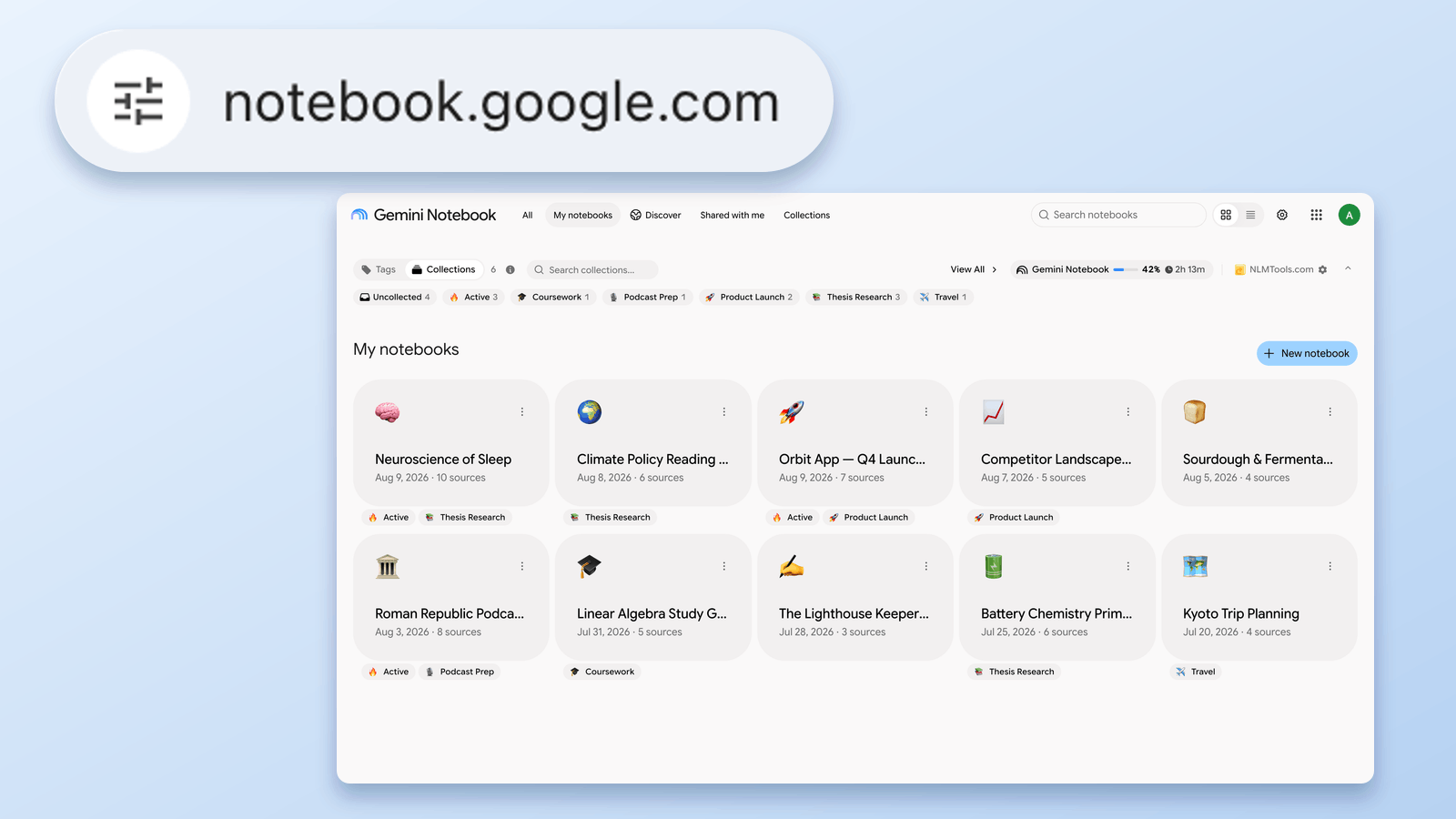
What Is notebook.google.com? NotebookLM's New URL, Explained
notebooklm.google.com now redirects to notebook.google.com. Is it legit, what changed, and what to update — verified August 24, 2026 against Google's own docs.
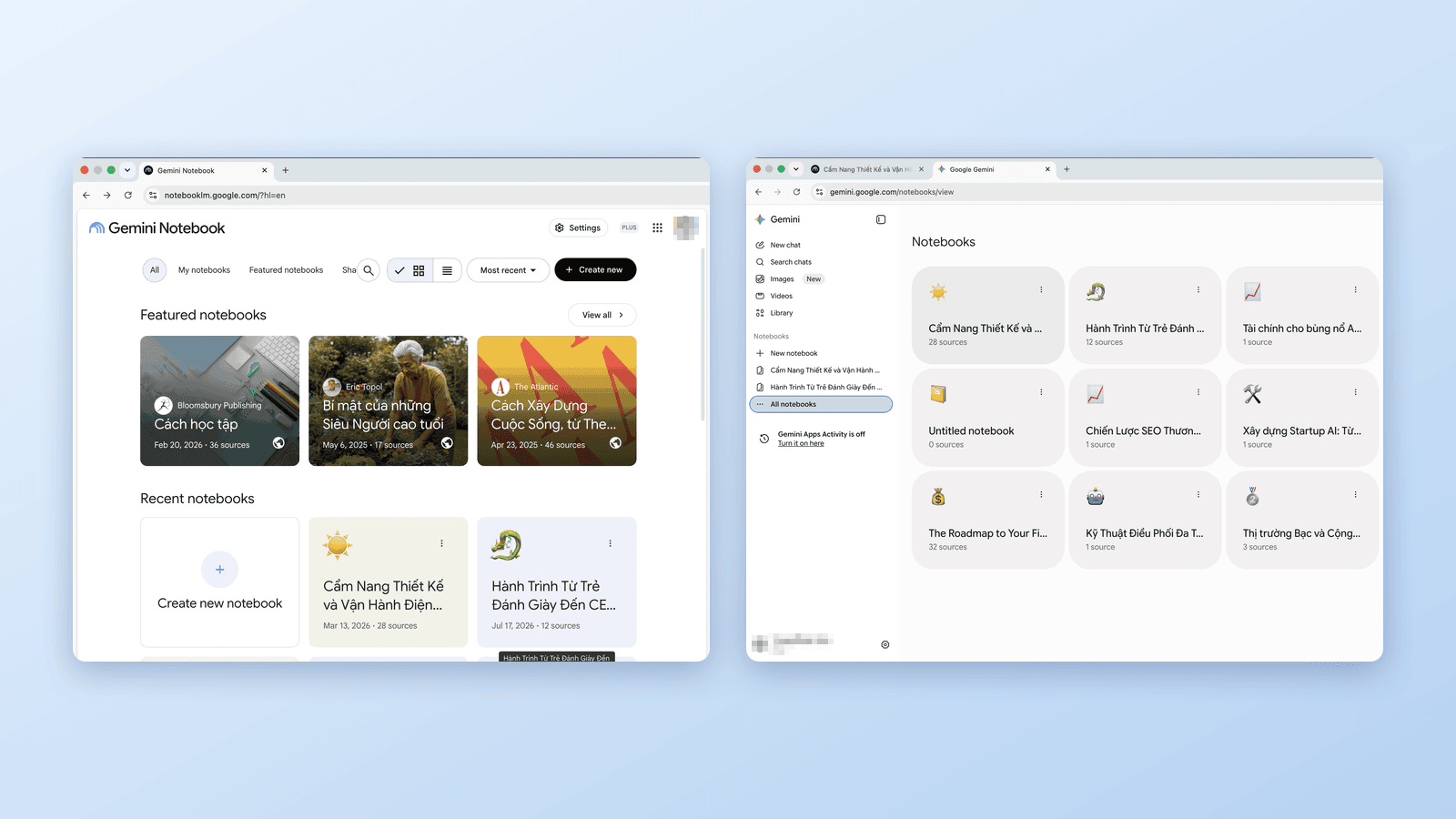
Gemini Notebook vs Notebooks in Gemini: What's the Difference?
Google now has notebooks in three places: Gemini Notebook (ex-NotebookLM), the Gemini app, and AI Mode in Search. Which is which, how they sync, and which to use.
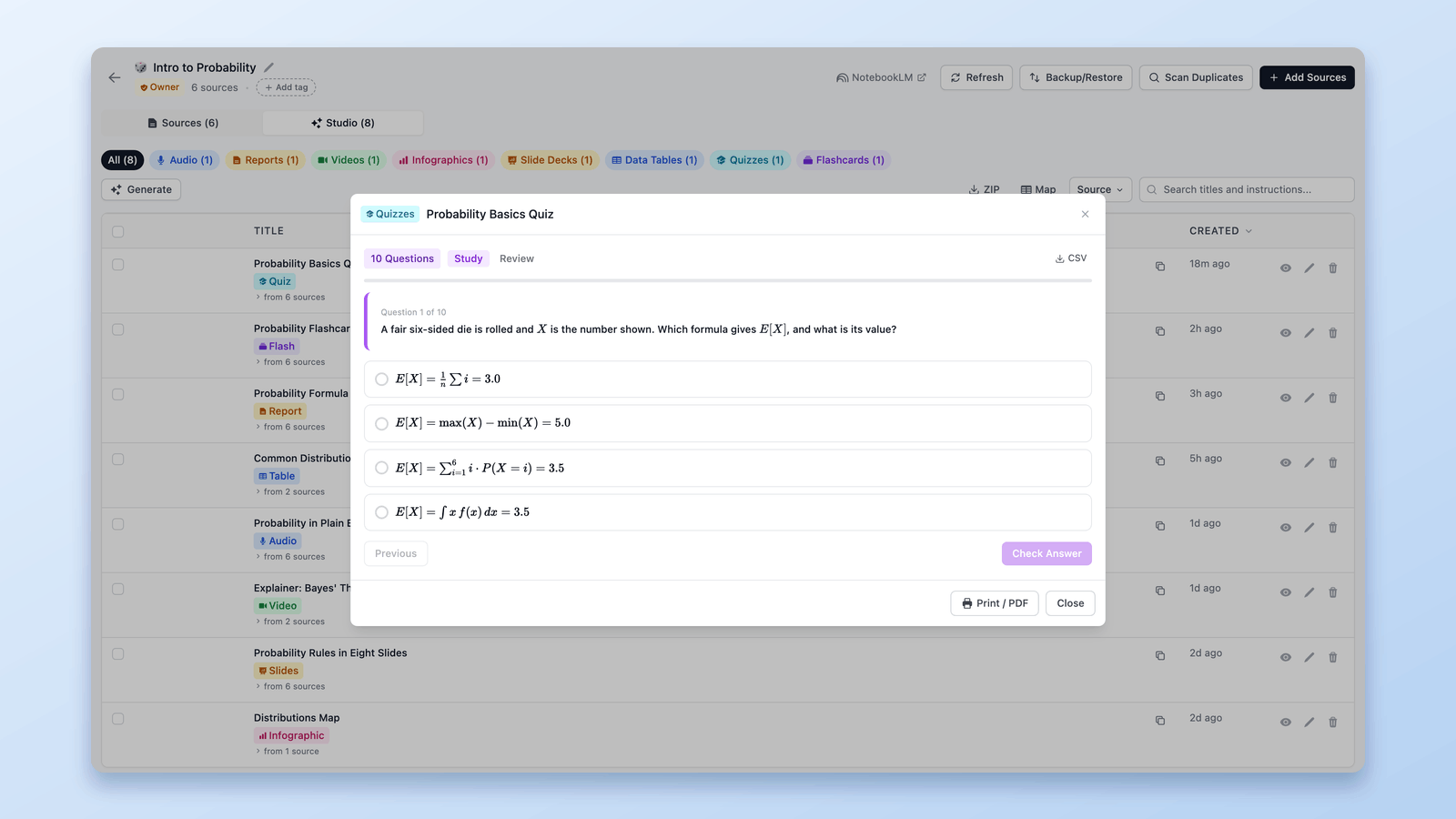
How to Export a NotebookLM Quiz (Spreadsheet, PDF, Answer Key)
Google documents no NotebookLM quiz export. The free NotebookLM Tools extension saves quizzes as CSV, prints them with an answer key, and sends flashcards to Anki.