NotebookLM Tools: The FolderLM Alternative With More Than Folders
Enhance your NotebookLM experience with our free browser extension.
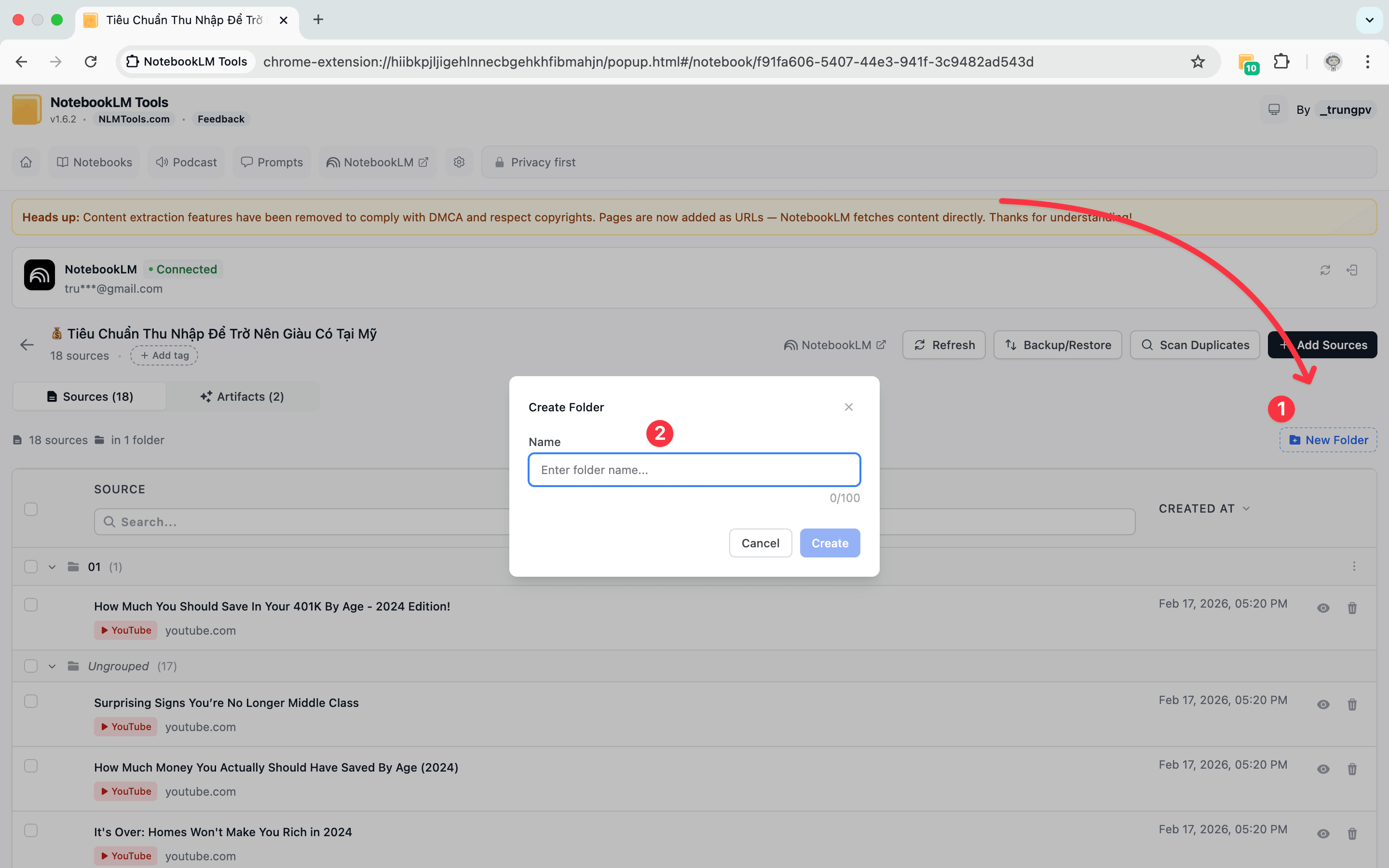
View plansShort answer: If you installed FolderLM to sort your notebooks into folders in NotebookLM (now Gemini Notebook), NotebookLM Tools covers that by managing NotebookLM's native notebook collections (synced to your Google account) and color-coded notebook tags. It also adds drag-and-drop source folders inside each notebook (up to 50 per notebook), saved prompts with slash commands, cross-notebook search, playlist, RSS, and open-tab import, dark mode, studio generation, and a language switcher. The base extension is free; an optional Pro license is available. Install the Chrome extension if you want to try it.
Why People Look for a FolderLM Alternative
FolderLM has grown well beyond folders: its Chrome Web Store listing describes folders for your NotebookLM notebooks, a cleaner home dashboard, bulk import, merging, a prompt library, full-screen mode, and copying answers with citations. What it doesn't describe is folders for the sources inside a notebook — the part that gets awkward once a notebook has 30+ sources. Common follow-on needs people mention:
- Firing a saved prompt with a /slash command in any notebook → saved prompts.
- Importing a YouTube playlist, an RSS feed, or every open tab in one go → bulk import.
- Finding a source across all notebooks → cross-notebook search.
- Working on a dark-themed desktop → dark mode.
Each extra need usually means another extension. NotebookLM Tools bundles these into one so there's less to manage. The same reasoning applies to other organizer-focused extensions such as Bookshelf — and now that NotebookLM has native collections for grouping notebooks, it's worth picking a tool that manages those too rather than adding another local-only layer.
Feature-by-Feature Comparison
| Capability | FolderLM | NotebookLM Tools |
|---|---|---|
| Folders for notebooks | ✅ | ✅ (via NotebookLM's native collections, plus color-coded tags) |
| Source folders inside a notebook (drag-and-drop) | Not documented | ✅ (up to 50 per notebook) |
| Saved AI prompts with /slash commands | Prompt library (slash commands not documented) | ✅ (up to 100) |
| Cross-notebook search | Not documented | ✅ |
| Bulk URL / source import | ✅ | ✅ (50+ URLs at once, ZIP support) |
| Studio generation (quizzes, flashcards, slides, reports, mind maps) | Not documented | ✅ |
| Source freshness sync (Google Drive) | Not documented | ✅ |
| Right-click context menu import | Not documented | ✅ (7 actions) |
| Notebook tagging | Not documented | ✅ |
| Native notebook collections (synced to your Google account) | Not documented | ✅ (create, bulk-assign, filter) |
| Tags → Collections converter (one-click, non-destructive) | Not documented | ✅ |
| Extension dark mode | Not documented | ✅ |
| Language switcher (69 UI / 80 output languages) | Not documented | ✅ |
| Podcast playlist + offline download | Not documented | ✅ |
| Backup and restore | Not documented | ✅ |
| Firefox support | Not documented on addons.mozilla.org | ✅ |
| Price | See listing | Free (optional one-time Pro license: $7 for 30 days, $29 for 1 year, or $59 lifetime) |
Comparison reflects FolderLM's publicly documented features on its Chrome Web Store listing as of September 2026. "Not documented" means the capability is not described on the public listing — it does not necessarily mean the feature is absent. Check each extension's store listing for current details.
What You Gain By Switching
Prompts you don't have to retype
If you've ever opened three notebooks and typed "Summarize the main arguments across all sources as a bulleted list" into each one, saved prompts end that pattern. Save a prompt once, trigger it with /summary (or any slash command you pick) in any notebook. See the saved prompts guide.
Search across every notebook
NotebookLM Tools adds a single search bar that looks across every notebook you have — notebook titles, source titles and URLs, tags, and collections. When you vaguely remember seeing something but can't remember where, this is what you want.
Bulk import instead of one-at-a-time
Paste 50 URLs into the bulk import panel and the extension adds them in a single batch. Also handles ZIP files, YouTube playlists, RSS feeds, and all your open browser tabs in one action.
Studio generation without leaving the panel
Generate quizzes, flashcards, slides, reports, or mind maps directly from the extension. Pro users can run Quiz + Flashcards + Slides + Report in one click, generate one item per topic from a list, or run the same preset on up to 20 notebooks.
Cross-browser, cross-device
NotebookLM Tools works on Chrome, Firefox, Edge, Brave, Arc, and Opera. A Pro license activates on up to 5 devices.
If You Only Want Folders
You can use NotebookLM Tools for just folders if that's all you need: collections group whole notebooks, and source folders (in the Sources tab of the extension's notebook view) group the sources inside one. The bars it adds to NotebookLM's home and notebook pages can be switched off in the extension's settings if you prefer a minimal surface.
Migration Path
If you're already on FolderLM and want to switch, the migration is straightforward:
- Install NotebookLM Tools from the Chrome Web Store.
- Open any notebook — your existing sources appear in the source panel as usual.
- Re-create your FolderLM folders as notebook collections (or tags) in NotebookLM Tools, using bulk-assign to add many notebooks at once. Your notebooks and sources live in NotebookLM itself, so nothing needs to move — only the grouping is recreated.
- Optional: uninstall FolderLM to avoid two extensions competing for the same panel.
- Explore the extra features at your pace — features page has the full list.
Total migration time for a library with 5 folders: a few minutes.
Frequently Asked Questions
Is NotebookLM Tools free?
The base extension is free: folders, saved prompts, cross-notebook search, bulk import, and studio generation all work without a license. An optional Pro license — a one-time payment of $7 for 30 days, $29 for one year, or $59 lifetime, with no subscription or auto-renewal — removes the upgrade reminders, unlocks batch studio generation, activates on up to 5 devices, and funds ongoing development. See pricing.
Will my existing sources or notebooks be affected?
No. Installing NotebookLM Tools changes nothing in NotebookLM: it reads your notebooks and changes one only when you use an action that does, such as renaming, merging, moving, or deleting sources.
Does it work with a Google Workspace account?
Yes. The extension works with personal Gmail and Google Workspace accounts on notebook.google.com, including several accounts signed in at once. The separate Enterprise edition at notebook.cloud.google.com isn't supported.
Can I run FolderLM and NotebookLM Tools at the same time?
Technically yes, but the two extensions will conflict on the folder UI. Pick one — running both often causes layout glitches.
Is it open source?
NotebookLM Tools is closed source, but privacy-respecting: the extension operates entirely in your browser and does not send your notebook content or source data to external servers. See privacy policy for details.
Wrap-up
If folders are your only requirement, NotebookLM Tools covers that. The additional features are available when you need them.
Install NotebookLM Tools. See the source folders feature or the full feature list.
Related articles:
- How to Organize NotebookLM Sources with Folders — The folder feature in depth.
- NotebookLM Saved Prompts and Slash Commands — The next feature most switchers use.
- NotebookLM Tips #3: All the Ways to Import Sources — Bulk import workflows.
FolderLM is a trademark of its respective owner. NotebookLM Tools is not affiliated with or endorsed by FolderLM or Google. "NotebookLM" is a trademark of Google LLC.
Trusted by 90,000+ NotebookLM users
Related articles
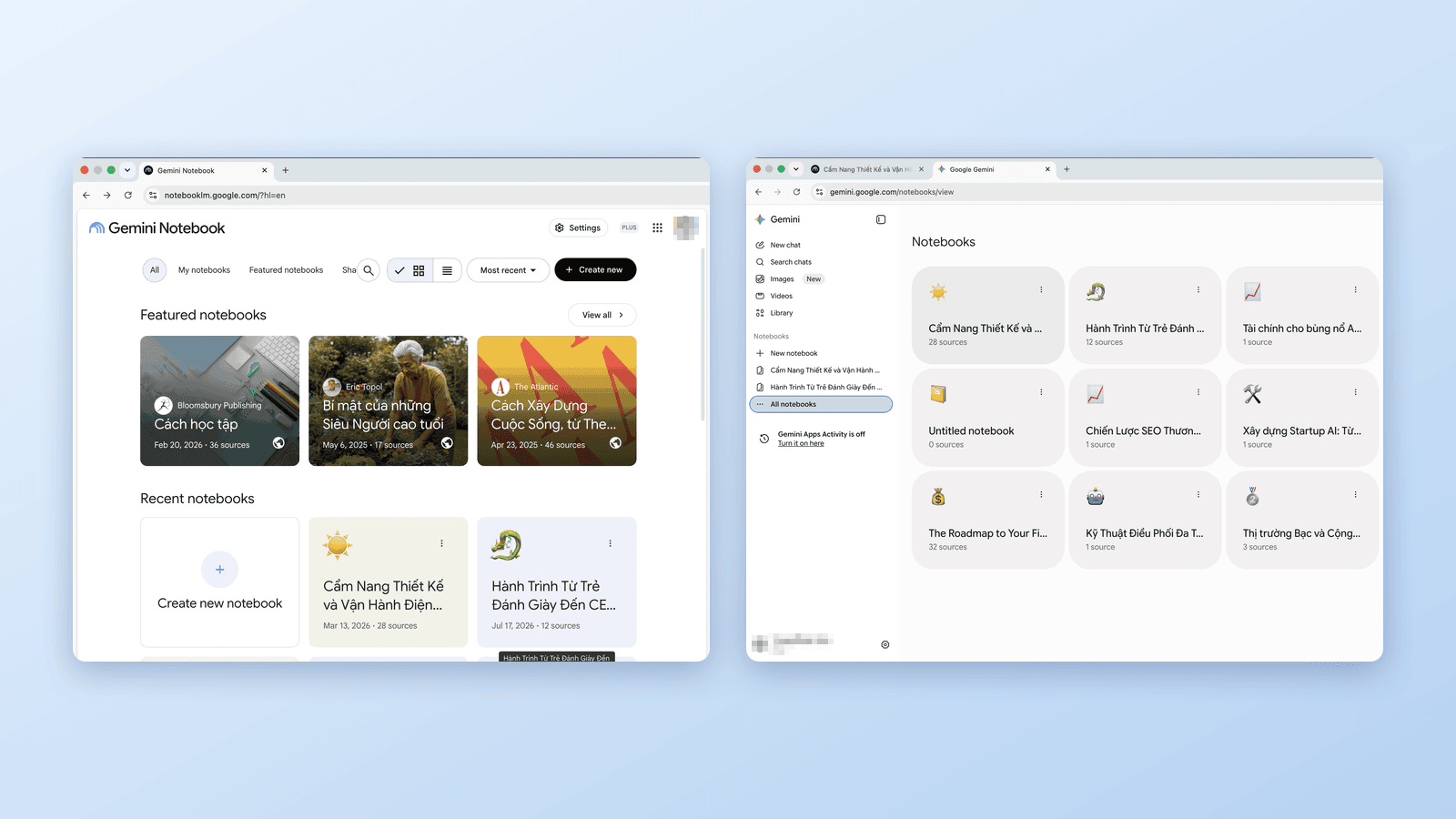
Gemini Notebook vs Notebooks in Gemini: What's the Difference?
Google now has notebooks in three places: Gemini Notebook (ex-NotebookLM), the Gemini app, and AI Mode in Search. Which is which, how they sync, and which to use.
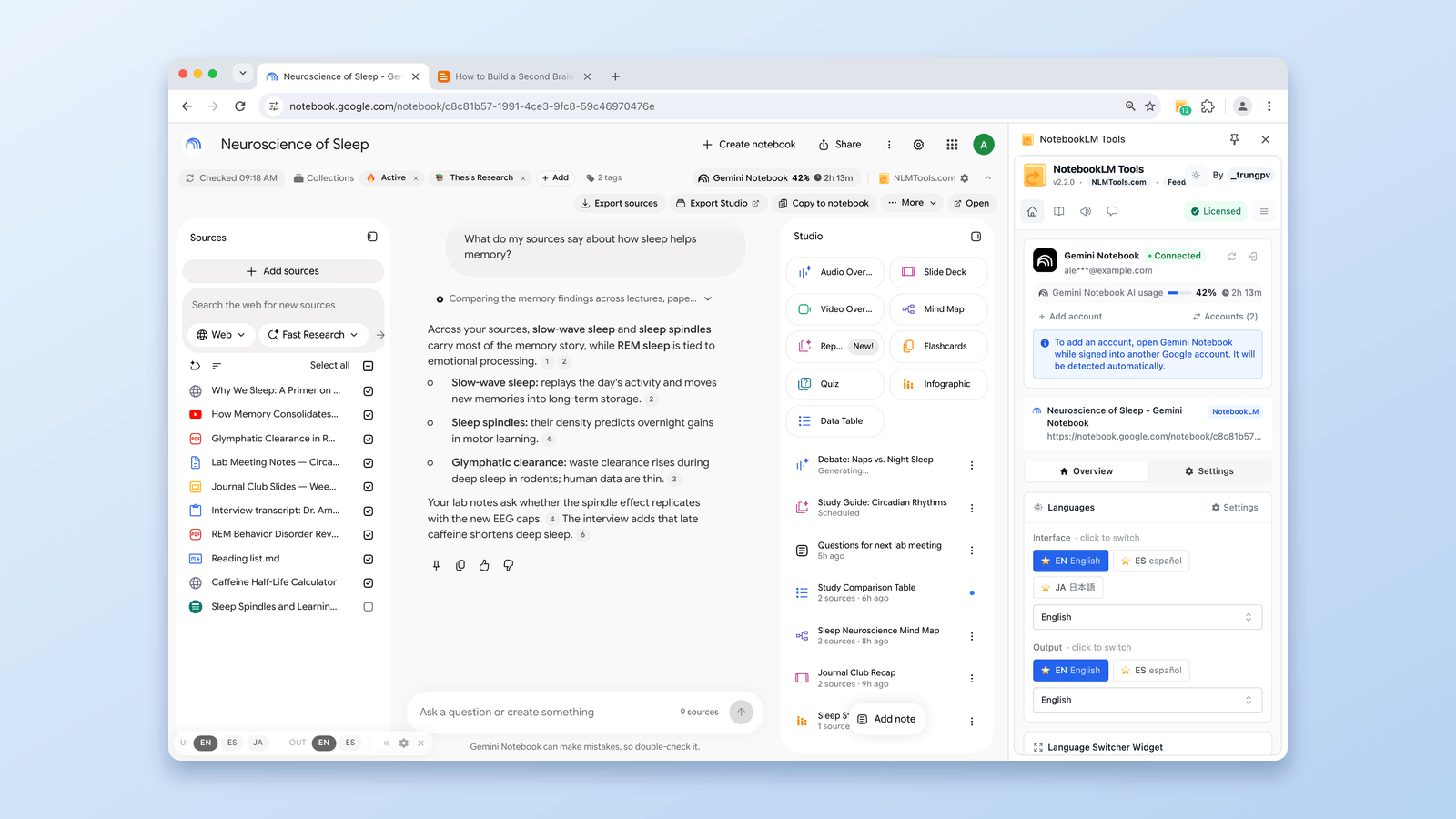
The 9 Best NotebookLM Chrome Extensions in 2026 (Compared)
Which NotebookLM Chrome extension should you install? Nine of the biggest tools compared by real user counts — from 500k-user importers to all-in-one toolkits.
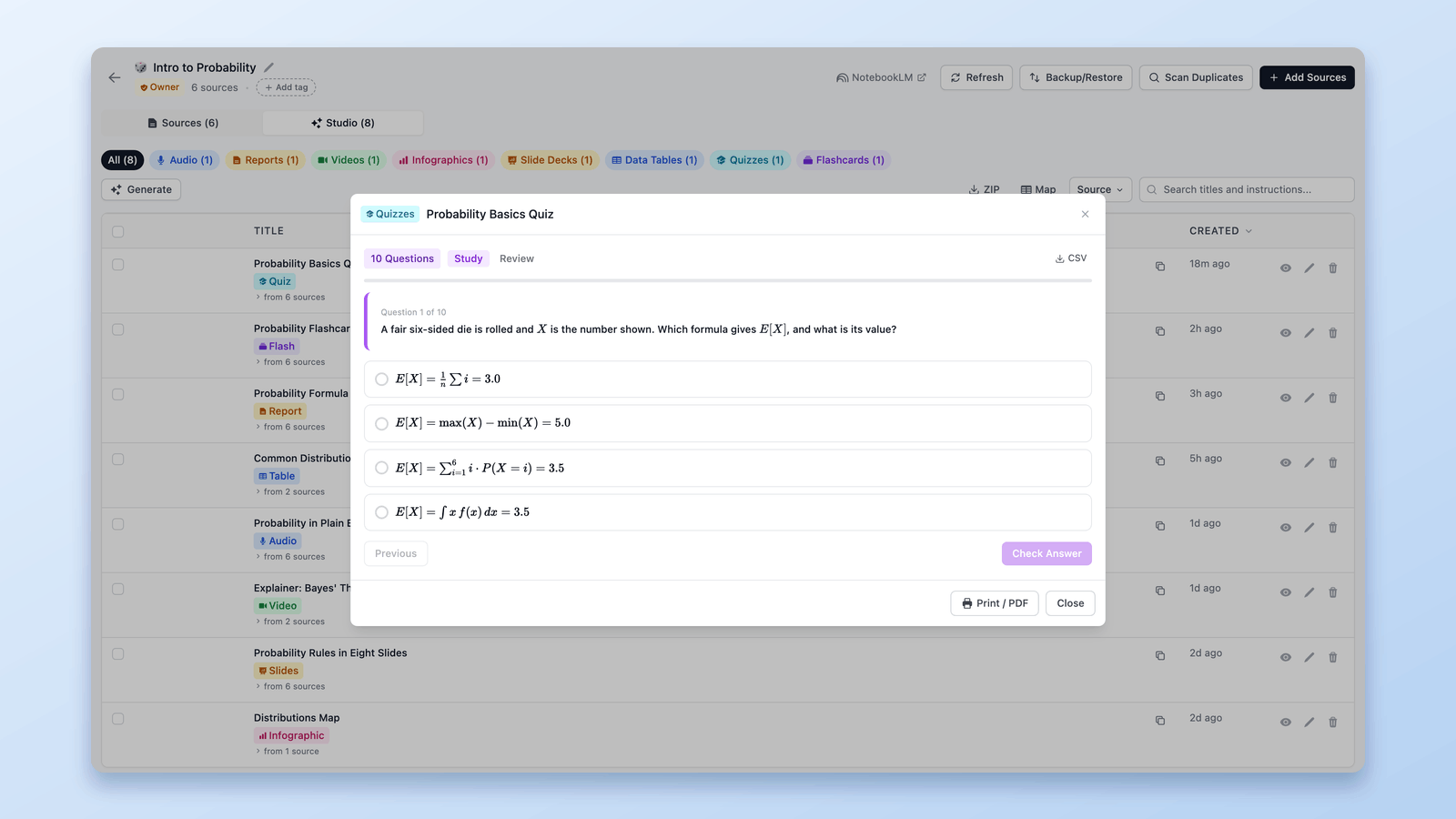
How to Export a NotebookLM Quiz (Spreadsheet, PDF, Answer Key)
Google documents no NotebookLM quiz export. The free NotebookLM Tools extension saves quizzes as CSV, prints them with an answer key, and sends flashcards to Anki.